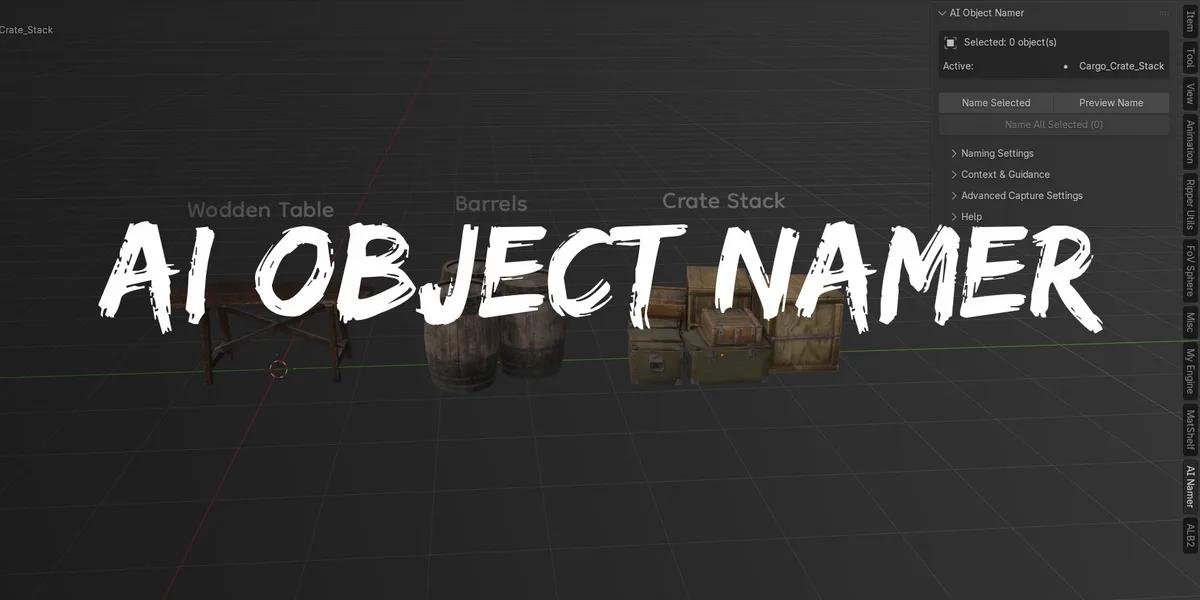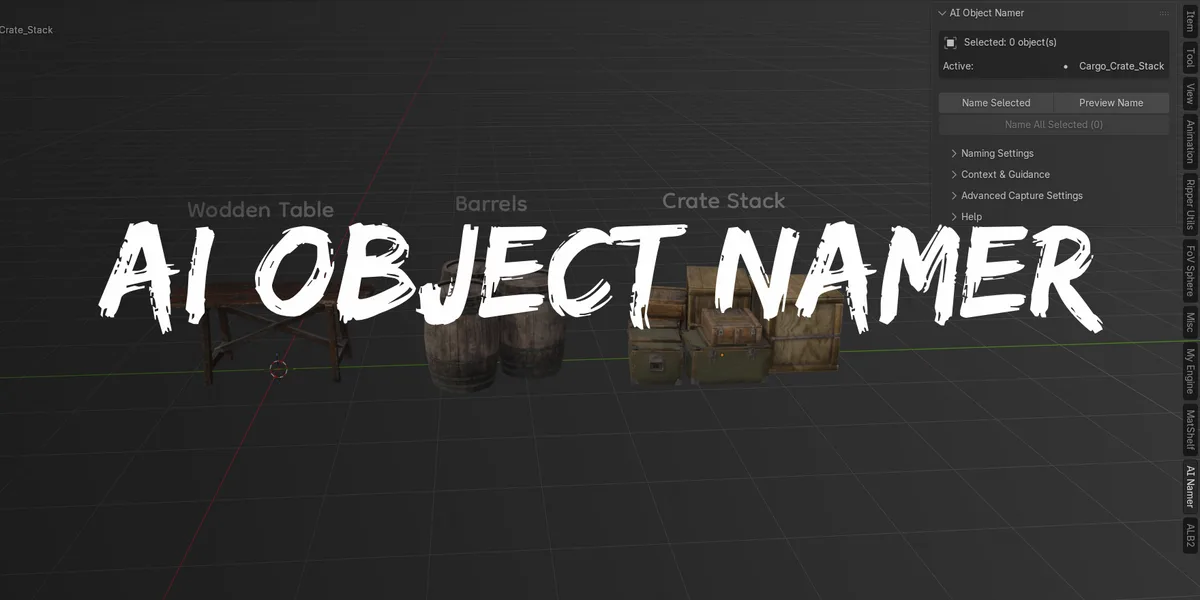
Ai Object Namer is a Blender add-on that uses a vision model running on your computer to give scene objects descriptive names. It renders each object once by itself and once in context, then shows both views to the model. That context can help distinguish objects that look similar in isolation, such as a door frame and a radiator.
How it names objects
You can run a naming pass on selected objects or limit it to objects that still have generic names. Add a scene hint, such as "school classroom," to help the model interpret what it sees. Choose English or Russian output, with names formatted as Office_Chair, OfficeChair, or Office Chair.
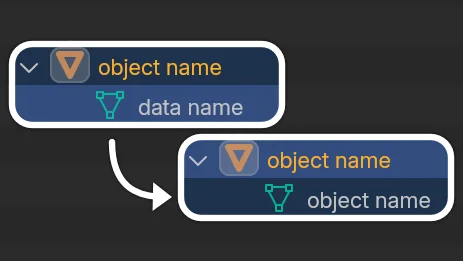
The add-on can also add a prefix such as SM_ to mesh names for game engines, organize objects into collections such as Furniture or Lighting, and keep mesh data names in sync. It leaves lights, cameras, and rigs without the mesh prefix, and it does not alter collections you created. Copies of the same object count as one for naming, so a scene with fifty copies of one chair does not require fifty separate requests.
The product description reports that its test on Blender's Classroom demo scene processed 290 objects in under three minutes on an RTX 3080 Ti. Treat that as the maker's example rather than a runtime guarantee for other scenes or computers. The Superhive product listing notes that smaller models can run on weaker graphics cards, with slower and less accurate results.
Local model setup
The add-on uses Ollama or LM Studio on your computer; Ollama is recommended. The product description says it communicates with the model over localhost, scenes stay on your computer, and an internet connection is needed only for initial setup. The add-on does not include the AI software or model, and it does not require an account or cloud service. With Ollama, it can download the recommended Qwen 3.5 9B model after you confirm; with LM Studio, download the model in that app.
The recommended model is about 7 GB, and a graphics card with 8 GB of video memory is suggested. The product details list Blender versions 4.2 to 5.1, while the description says Blender 4.2 or newer. Check the current listing if you use a version outside the details range.
Review and restore names
Each suggested name includes a confidence score. Use Select doubtful to find uncertain results, then Refine selected to ask the model to review them again. If the changes are not useful, Restore original names returns the original object names and collections.
What Pro adds
The listing describes Pro as an extension of the naming workflow for materials. It can inspect materials in scene context and create Cycles or EEVEE materials. The package includes 775 CC0 texture sets from Poly Haven, supports your own texture folders, and can build materials procedurally for surfaces such as glass, chrome, and water. Pro provides a review list with thumbnails and a dropdown to change materials on the largest surfaces. You can also select objects or faces, type a material description, and press Assign. Original materials can be restored. The add-on and texture library need about 1.3 GB of free disk space.
The product description's Pro example replaced 75 placeholder materials in about four minutes on an RTX 3080 Ti using Qwen 3.5 9B. It also notes that the model can guess incorrectly, particularly when a placeholder material has a flat color, so review the results before keeping them.