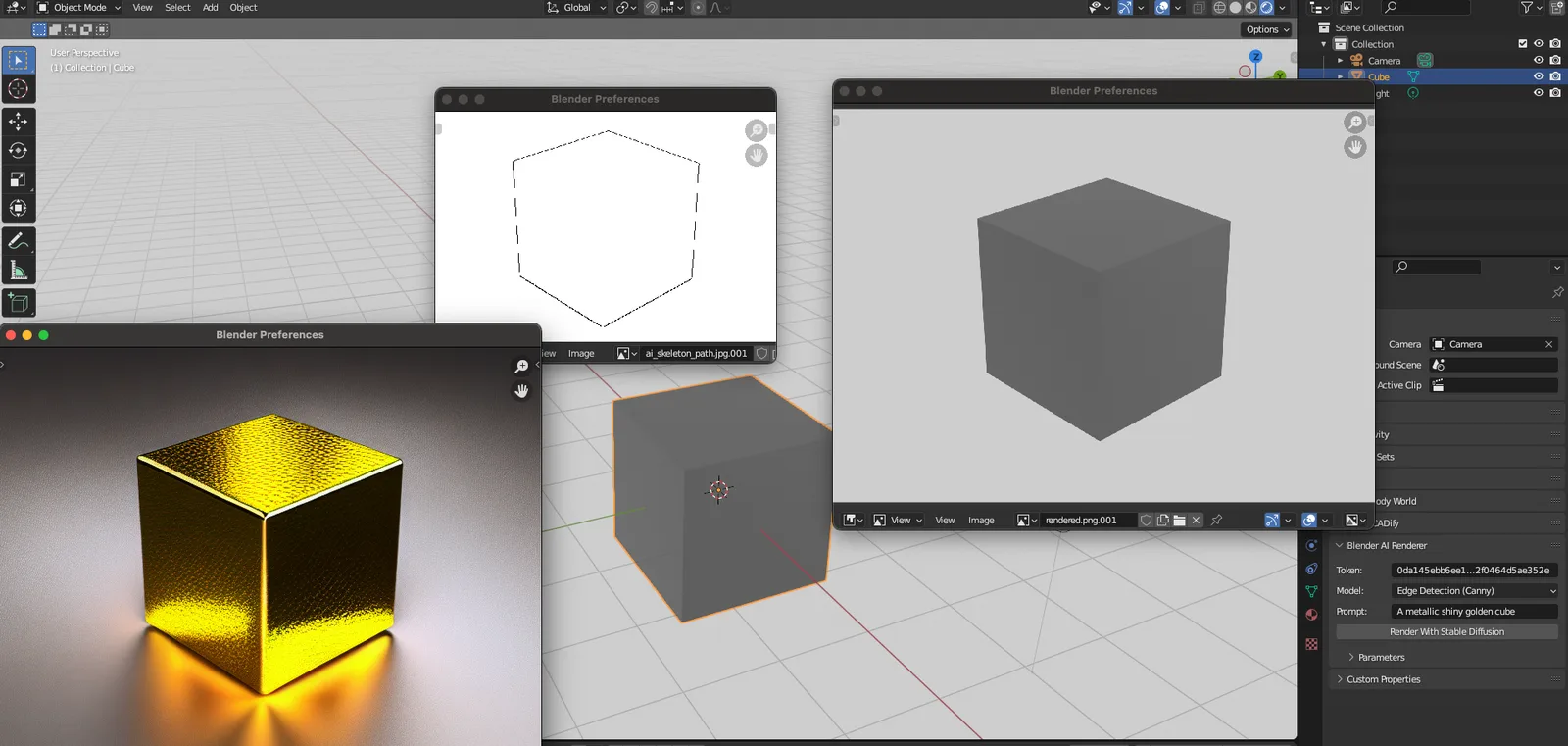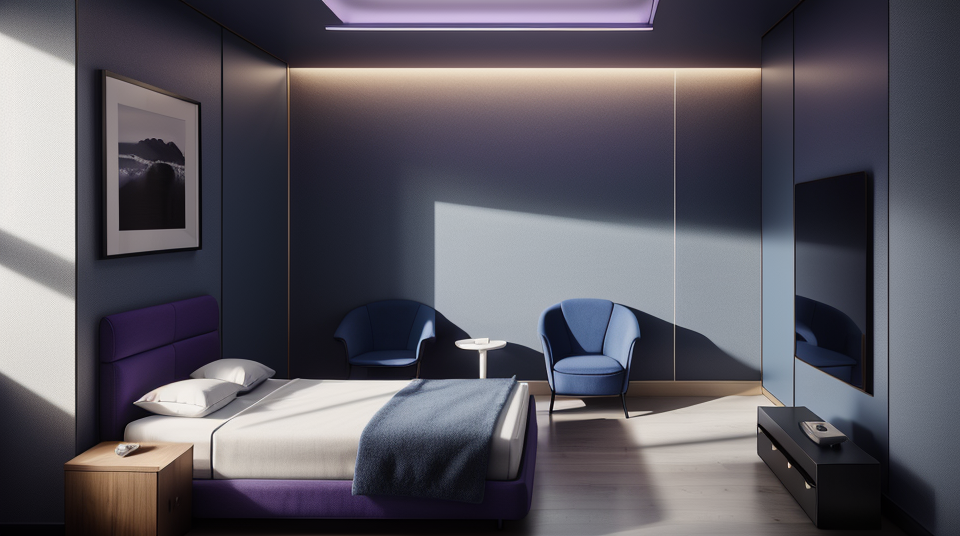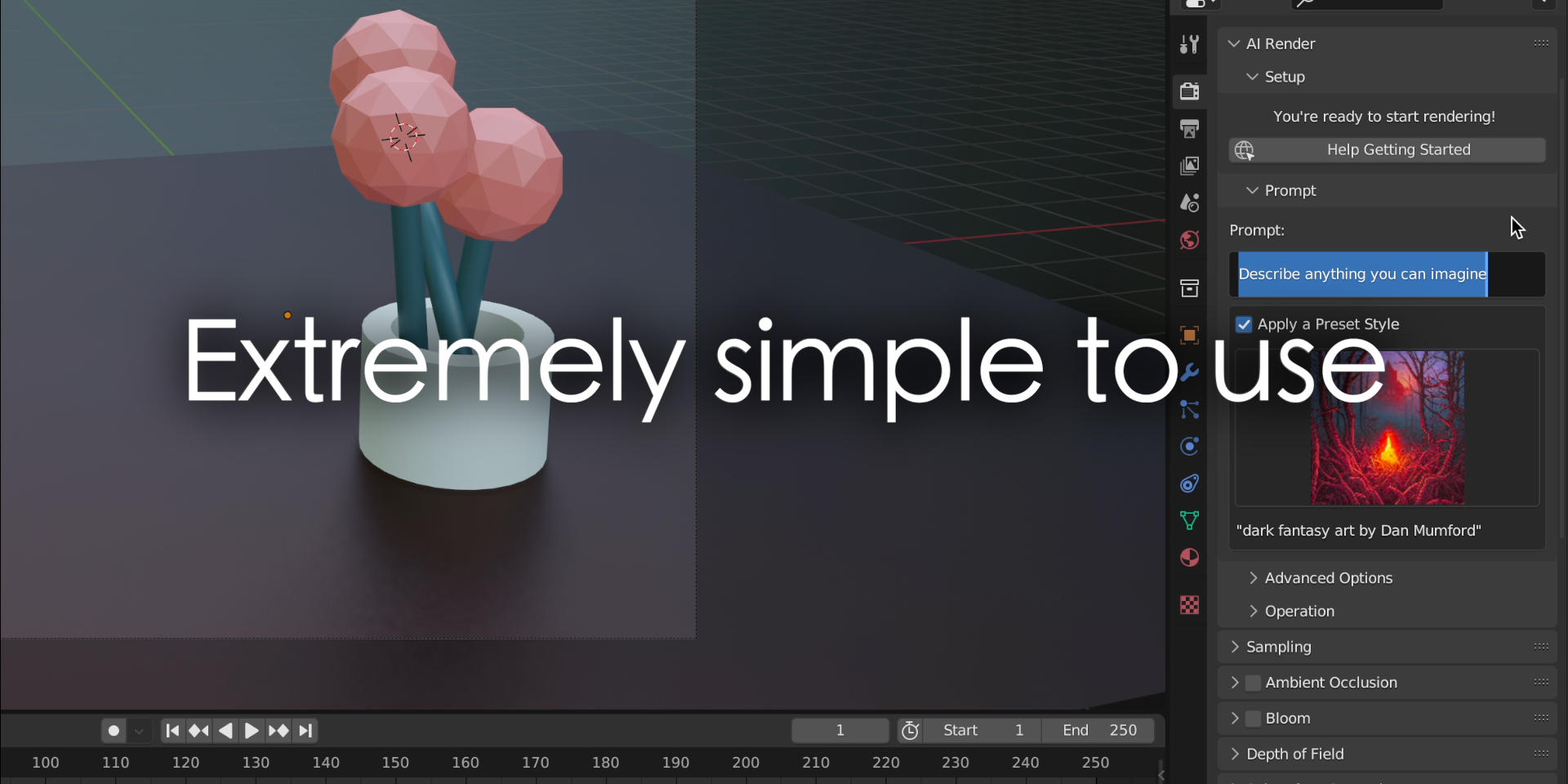
AI Render is a Blender add-on for generating an AI image from a text prompt and your scene. It connects Stable Diffusion image generation with a Blender workflow, with a cloud option through DreamStudio and a local option using the Automatic1111 Stable Diffusion Web UI.
Generate images from a prompt and scene
The Superhive product listing identifies Cycles and Eevee as render engines used. Artists can explore AI-generated variations while working with a Blender scene.
For help developing prompts, the developer links to a prompt engineering guide with ideas and suggestions.
Choose cloud or local Stable Diffusion
The cloud route uses a DreamStudio account, which the product page describes as free, and requires no code or local Stable Diffusion installation. The developer describes the initial setup as taking under a minute. Image generation runs in the cloud.
If you prefer not to create an account for the cloud service, AI Render also supports a local setup through the Automatic1111 Stable Diffusion Web UI. This option requires installing Stable Diffusion locally. The developer provides local installation instructions for that route.
Animate settings or process variations
AI Render supports animation using Blender's animation tools. You can animate Stable Diffusion settings and prompt text over a sequence. The same animation workflow can be used for batch processing, such as trying different prompts or settings in one run.
The developer's animation instructions and tips cover this workflow.
Supported Blender setup
The Superhive listing reports support for Blender versions 3.0 through 3.6 and names Cycles and Eevee as supported render engines. It also says AI Render works on Windows, Mac, and Linux. The listing does not establish compatibility with Blender releases newer than 3.6.
Who may find AI Render useful
AI Render may suit Blender artists who want to generate images from prompts and scenes, then vary prompts or settings through animation or batch processing.