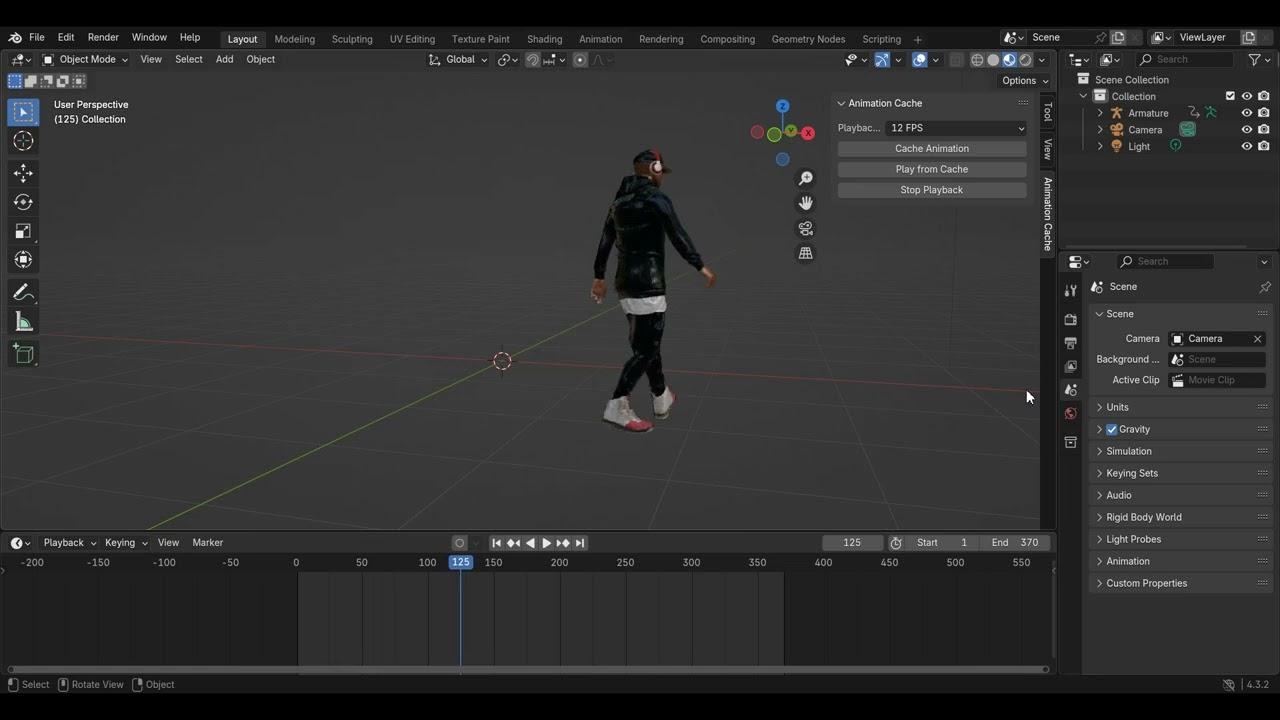
Alembic Loop Controller (Alc), usually shortened to ALC, is a Blender add-on from Shift4cube for working with Alembic (.abc) animation caches. It loops a selected section of a cache and gives you controls for playback speed and time offset. Its Randomize tool varies those settings across several objects, which can help break up repeated motion in a crowd.
Loop a section of an Alembic animation
ALC's Update Loop control detects the object's MeshSequenceCache modifier and adds a driver based on the Start Frame and Length settings. It also gives each object a unique cache pointer, so multiple objects can use the same .abc file while playing at different times.
- In Blender, go to Edit > Preferences > Add-ons, click Install, select the Alembic_Loop_Controller.zip file, then enable Animation: Alembic Loop Controller (ALC). The product FAQ says to install the zip without unzipping it first.
- Select an imported Alembic object that has a MeshSequenceCache modifier.
- In the 3D Viewport, open the N-Panel and choose the Alembic tab. In ALC Controller, set the Start Frame and Length, then click Update Loop.
Adjust playback speed and timing
The Speed control changes playback without re-exporting the cache: 1.00 is normal speed, 2.00 is double speed, and 0.50 is half speed. Time Offset shifts the animation in time; an offset of 5.0 starts playback five frames later. You can also hover over the Speed slider and press I to insert a keyframe, letting the playback speed change during the animation.
Vary timing across a group of objects
Select several Alembic objects and click Randomize. ALC assigns each selected object a random Time Offset within the loop length and a Speed variation of plus or minus 5%. The add-on can be used with bird cycles and other Alembic animation, including flags, walking characters, or crushing cans.
Disable or bake the loop
Disable Loop removes ALC's drivers and restores the Alembic file's default Hold or Play once behavior. Bake Keys converts the loop drivers into standard keyframes, which can help when sending a scene to a render farm or another computer without ALC installed. After baking, Speed and Time Offset can no longer be adjusted unless you undo the operation.
Version and compatibility notes
Shift4cube's listing identifies ALC as version 1.0 and labels its license MIT. Its Blender compatibility information differs across sections: the overview says 3.0, 4.0, and 5.0+, the FAQ names 3.0, 3.6 LTS, 4.0, and 4.2, plus 5.0+, while the Details field lists 4.0–5.0. Check the current product listing for support for your exact Blender release. See the seller's FAQ for additional usage notes.