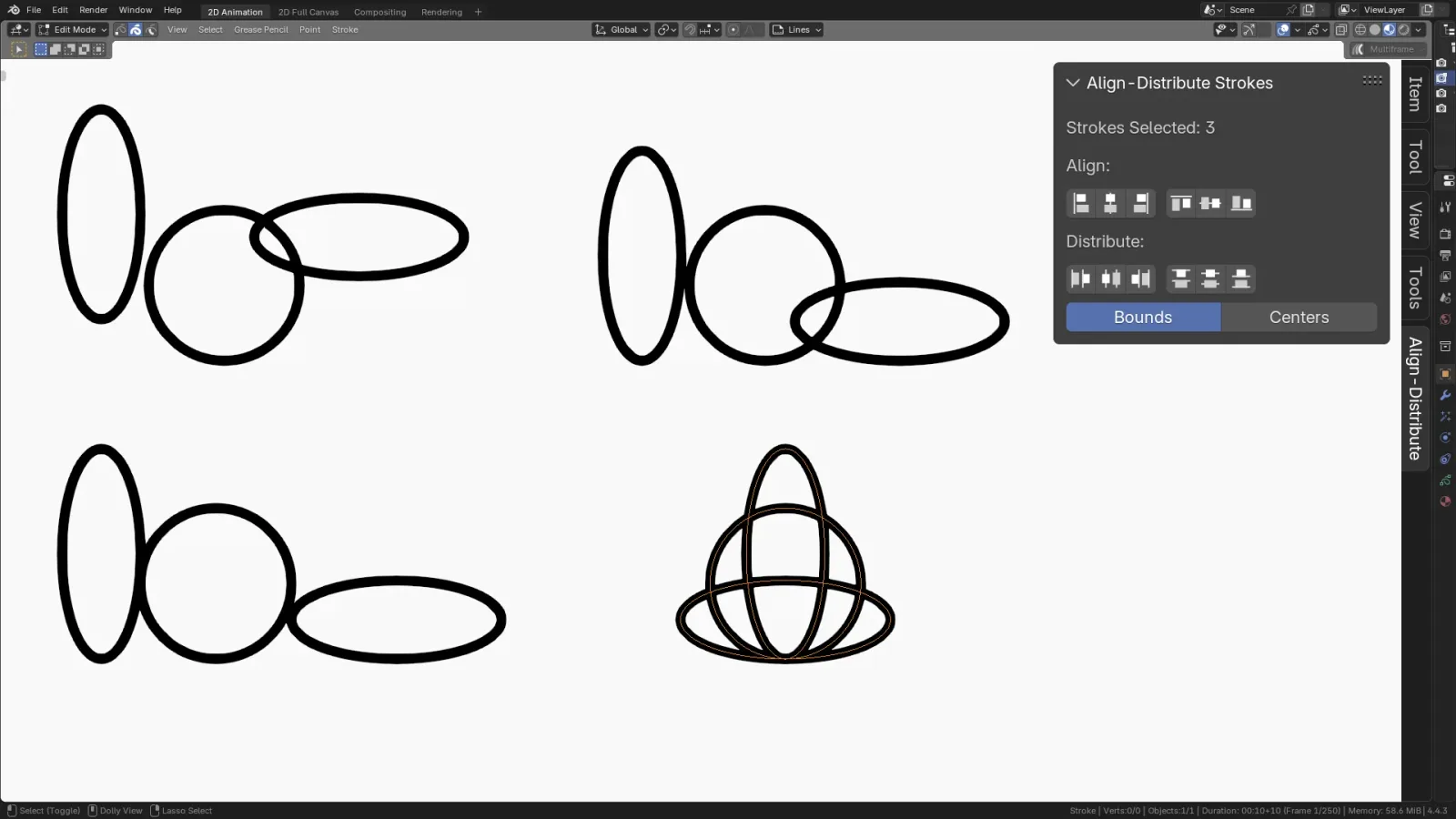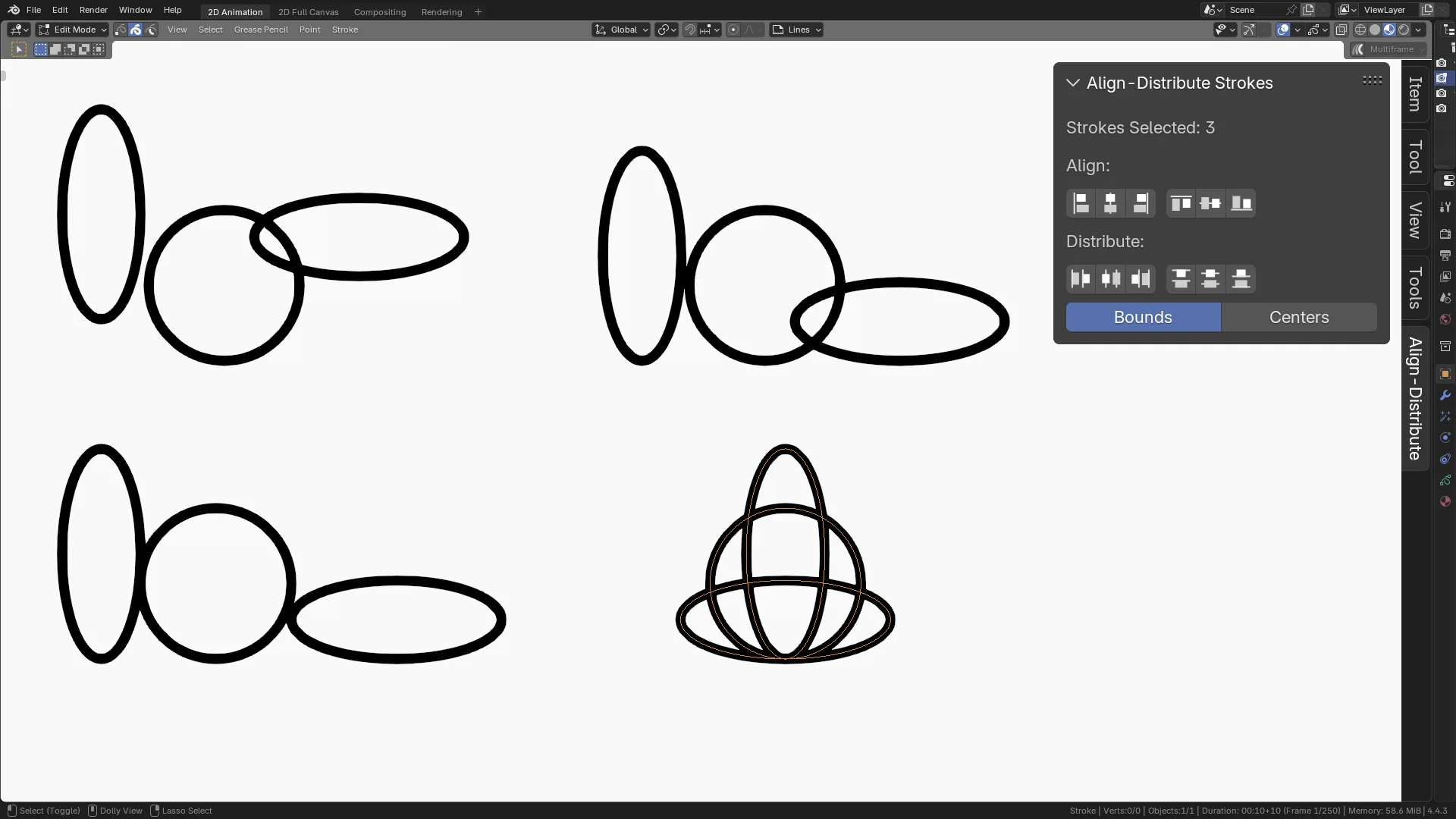
Align-Distribute Grease Pencil Strokes is a Blender add-on for positioning selected Grease Pencil strokes along the X or Z axis. It can align strokes by their minimum, center, or maximum points, or distribute them evenly using their centers or bounding boxes. The official Blender Extensions listing describes the available controls and requirements.
Align strokes by position
Alignment puts the selected strokes on a shared position along the chosen axis. Choose minimum, center, or maximum depending on which part of the strokes you want to line up. These options give you a way to organize marks in a drawing or animation without repositioning each stroke individually.
Distribute strokes by centers or bounds
Distribution arranges selected strokes with even spacing. The center option spaces strokes by their centers; the bounding-box option spaces them by their bounds. The tool is intended for Grease Pencil strokes on an active Grease Pencil object.
Find the controls in the 3D View
The add-on's tools are in the 3D View Sidebar under the “Align-Distribute” tab. Its panel displays the number of selected strokes and checks compatibility with the active Grease Pencil object
Version and installation
Version 2.1.0 affects only strokes on visible and unlocked layers; its release notes also report performance increases. The add-on was formerly named Distribute Grease Pencil Strokes. It requires Blender 4.4.0 or later, needs no special permissions, and is licensed under GNU GPL version 3.0 or later.
The extension listing provides drag-and-drop and download options. For installation from a downloaded package, follow Blender's Install from Disk instructions. Check the version history for release details.