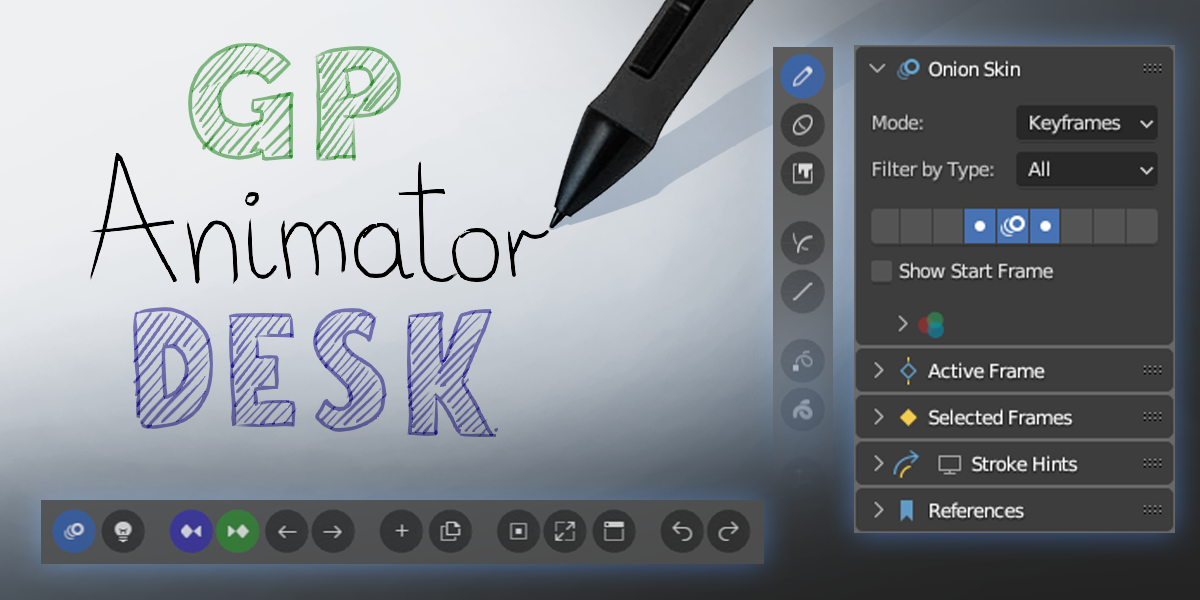
Gp Animator Desk is a Blender add-on built from panels and buttons for drawn Grease Pencil animation. Its version 2.0.0 feature list covers drawing, onion skinning, reference images, frame management and tool selection. It adds navigation and layout buttons to the 3D View, controls in Drawing Mode, and animation range and FPS buttons in the Dope Sheet. Calm Dude created the add-on with Kevin C. Burke (@blastframe).
Drawing and reference controls
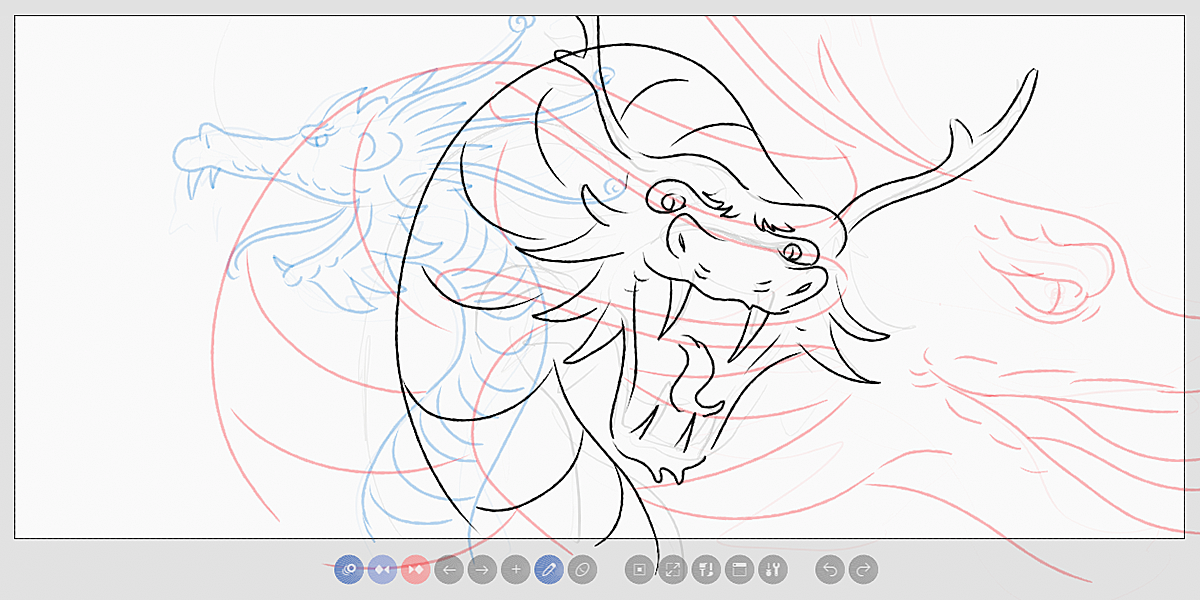
For onion skinning, the add-on includes a more traditional switcher and four color presets for quick changes. Its “Draw with Hints” display mode provides hints about the order and direction of drawn strokes, helping prepare keyframes for automatic inbetweens.
The Reference system is a panel for transforming and managing reference drawings without leaving Drawing Mode. It also handles imported image references and is described as useful for Shift'n'Trace. A separate Brush link panel can switch Brush and Layer automatically, bringing brush and layer selection into the drawing workflow.
Tool access and animation controls
Gp Animator Desk provides overlayed side buttons or a Toolbox panel for switching among commonly used tools without manually changing interaction modes. Users who prefer keyboard controls can assign direct hotkeys in the add-on preferences. The interface is customizable, so artists can arrange it around tablet and keyboard use.
Frame-management options include controls for setting the animation range and FPS at the bottom of the Dope Sheet. The add-on can also render only Grease Pencil frames to the output folder instead of rendering an animated sequence for the whole timeline.
Version and license
The Superhive product listing identifies version 2.0.0, marks the add-on as compatible with Blender Extensions, lists Blender 2.8 through 5.1, and gives the license as GPL. That range reflects the listing; check its current details for the exact Blender release you plan to use. The product page also links to documentation. For questions or suggestions, the creator points users to the Blender Artists discussion.