Align Me is a Blender add-on that positions a camera or light around an object, along the perimeter of an imaginary sphere. Velvum Inc describes it as a simple option for beginners who find it difficult to place a camera or light around a subject.
Position a camera or light around an object
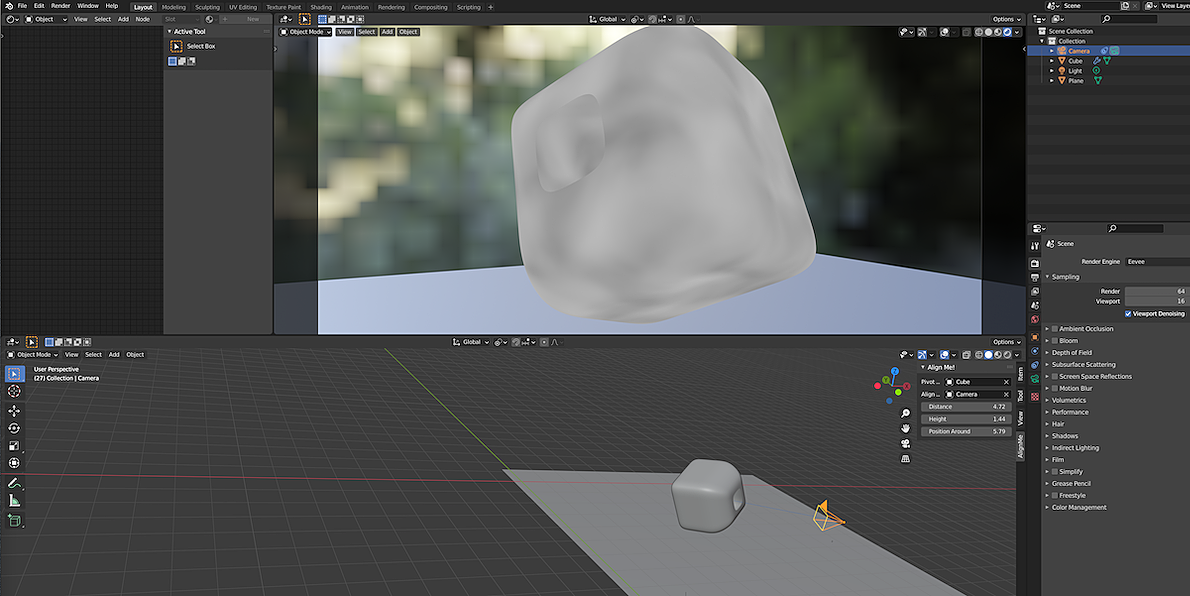
The add-on’s panel has five fields. Choose a mesh for Pivot Object and a camera or light for Align Object. Distance sets the sphere’s radius, and Height sets the position on the Z-axis. Position Around moves the camera or light around the object at the chosen distance and height. It also tracks the object so you can view it in the camera viewport.
Install and open the add-on
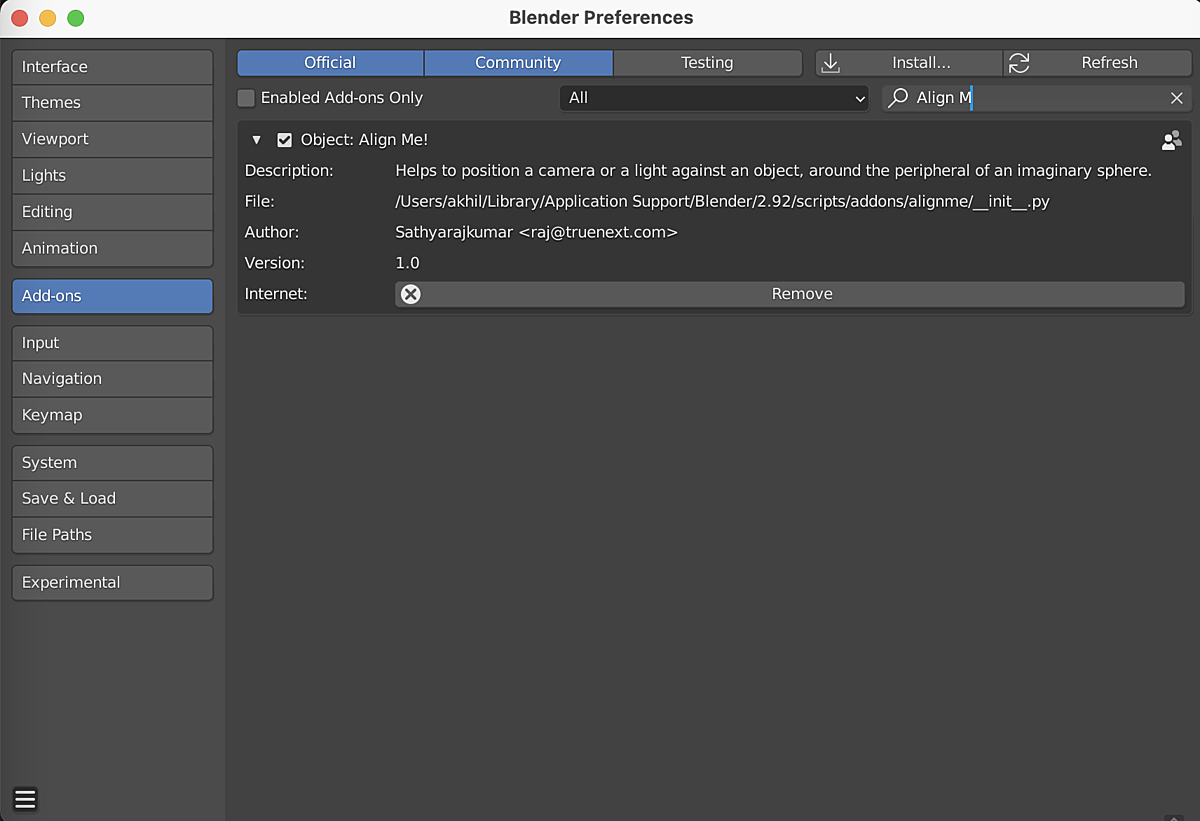
Install the add-on ZIP file through Blender’s Edit > Preferences > Add-ons > Install... menu. In the 3D View, press the N key to open the sidebar, then choose the Align Me! tab. For field-by-field instructions, see the Align Me documentation.
Compatibility and license
The product listing names Blender 2.8, 2.81, 2.82, 2.83, 2.9, 2.91, 2.92 and 2.93. It lists the license as MIT. Check the product listing for current details before installing.
Align Me may suit beginners who want direct camera or light placement controls. The product FAQ also links to a demonstration of light alignment.