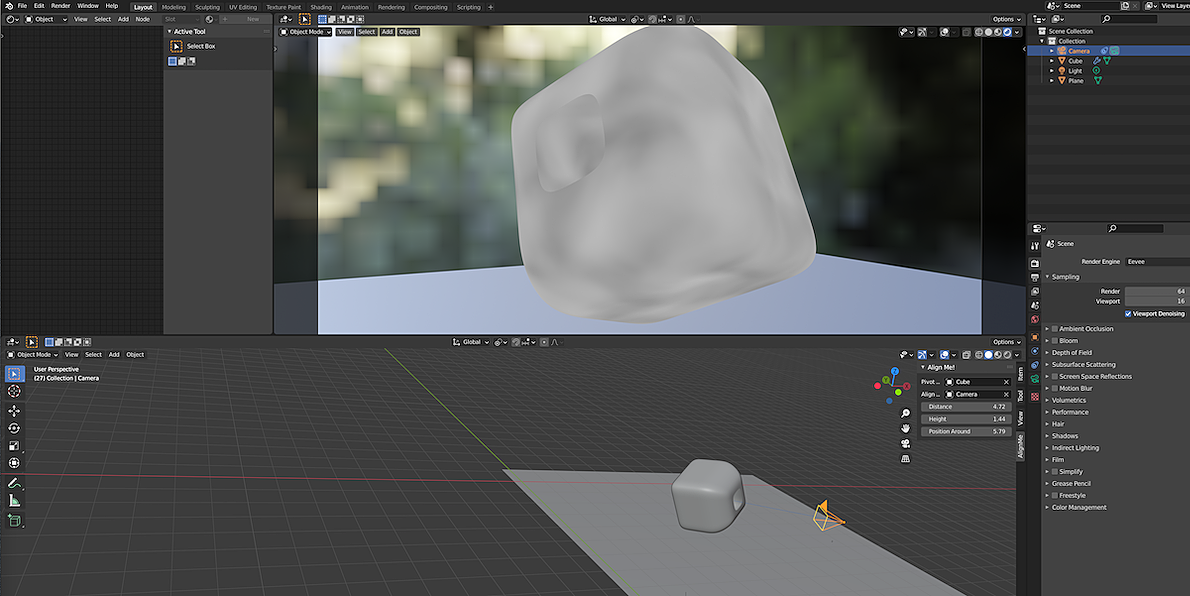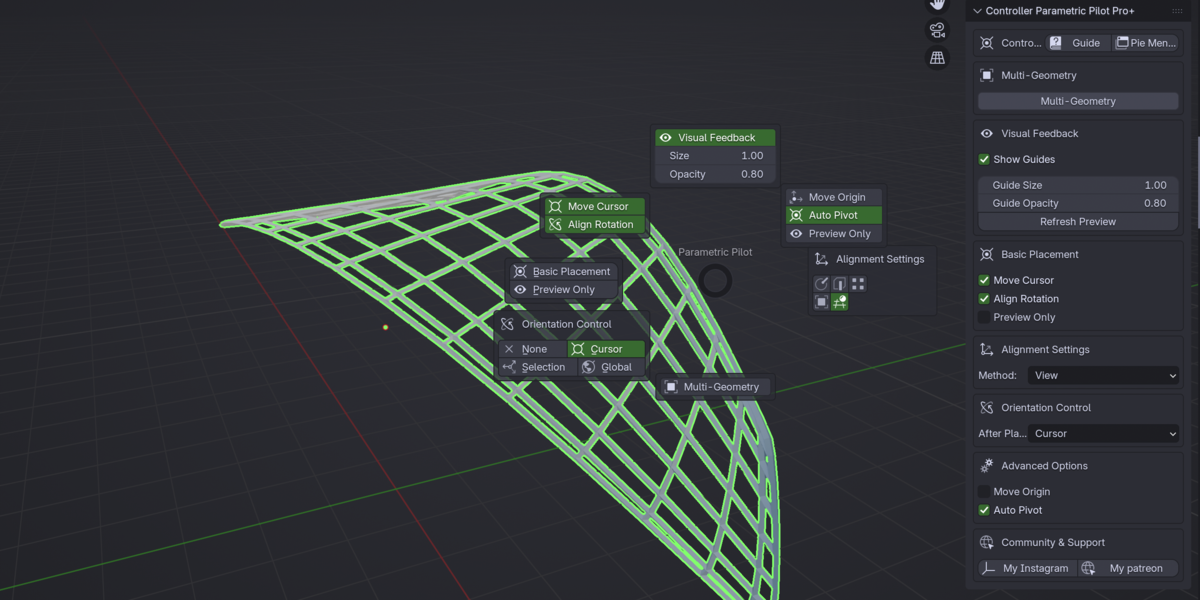
Sketchn Camera Controls is a Blender add-on for aligning the active camera to a vertex, edge or face in a scene. It is aimed at scene setup and staging, including shots of a logo or a straight-on view of a wall or picture, even when the surface is angled. The add-on also snaps the 3D Cursor and provides camera tilt controls.
Align the camera with a target
Place the 3D Cursor on a vertex, edge or face with Shift + Right Mouse. Then open the Camera Controls pie menu with Alt + Right Mouse and choose an alignment option. The documented numpad shortcuts go directly to the corresponding geometry:
Alt + Numpad .aligns to a vertex.Alt + Numpad /aligns to an edge.Alt + Numpad *aligns to a surface.
The shortcut documentation also lists front and right alignment variants for vertices, edges and surfaces, using additional Shift and Ctrl modifiers.
Camera and cursor controls
The documented camera-position shortcuts include front with Alt + Numpad 1 and behind with Ctrl + Alt + Numpad 1; side with Alt + Numpad 3 and side across with Ctrl + Alt + Numpad 3; and top with Alt + Numpad 7 and bottom with Ctrl + Alt + Numpad 7. Alt + Numpad 5 activates Camera (Canvas) Swivel.
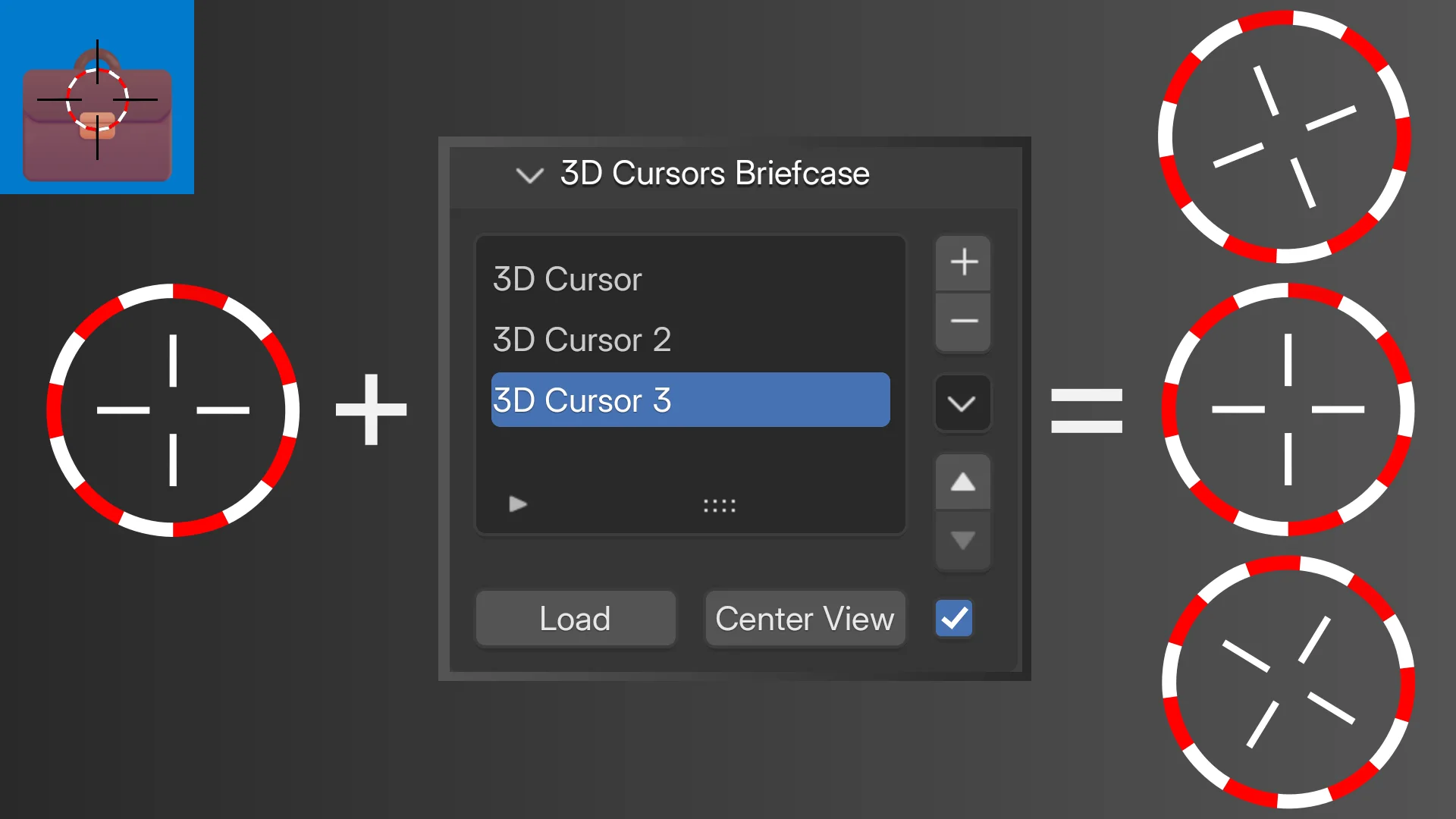
Cursor snapping can place the 3D Cursor on a vertex, at an edge center or at a face center. For camera tilt, the product description lists preset angles or a random rotation.
Version and license
The product listing identifies version 4.3.0a, Blender compatibility from 3.1 through 5.2, and a GPL license. It also says the controls are included with Sketch N' Carve and lists Sahin Ersoz as the creator. See the shortcut documentation for the complete key combinations and the product listing for its version and license details.