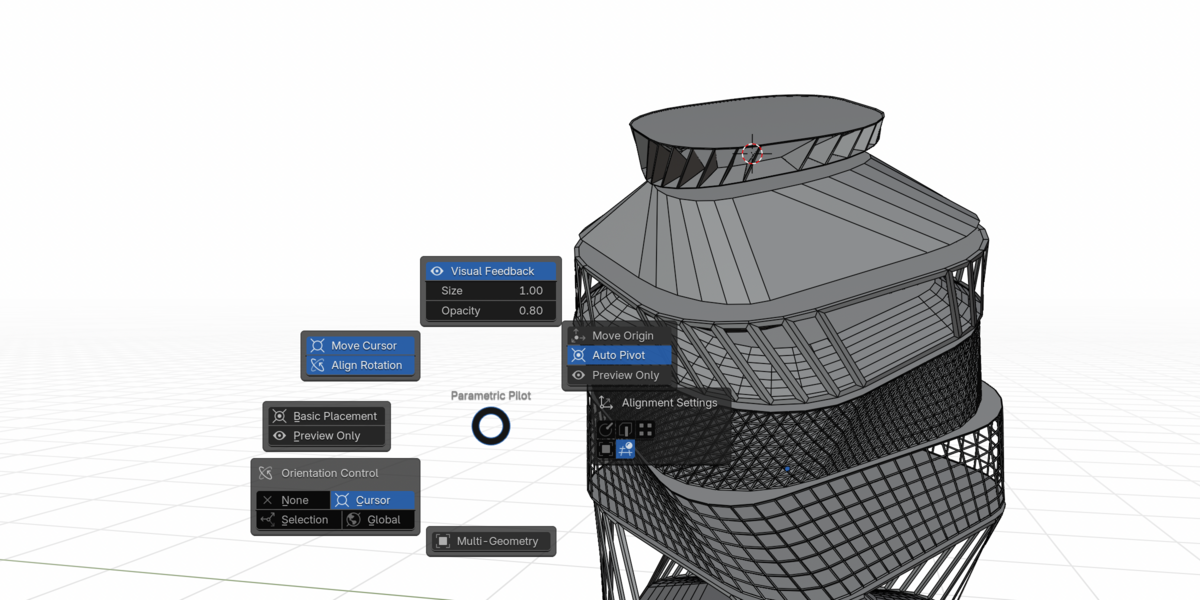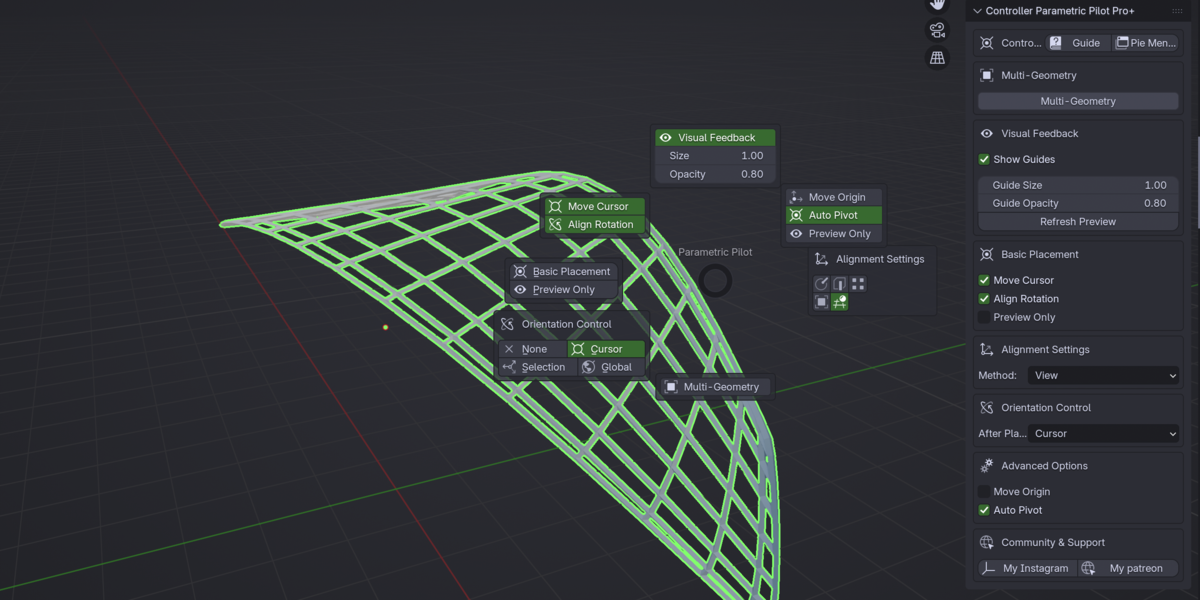
Parametric Pilot is a Blender add-on for placing pivots and controlling object orientation. It can move the 3D cursor to calculated positions, shift object origins, and work across multiple objects. The listing also describes support for curves and meshes.
Set a pivot and adjust placement
The placement system moves the 3D cursor to calculated positions, while origin controls move object origins. Preview Mode lets you inspect a result before applying it. For manual position adjustments, the add-on supports dragging and arrow-key fine-tuning.
Choose an alignment reference
Parametric Pilot includes five orientation methods. Each uses a different reference for alignment:
- Normal-based alignment for surfaces.
- Edge-based alignment that follows edge direction.
- Global Z alignment using the scene's Z axis.
- Object axes that match an object's orientation.
- View-based alignment that matches the current viewport.
This range can help when a modeling task calls for alignment to a surface or edge, or to the object, scene, or current view.
Work from the 3D View
The main panel is in the 3D View sidebar under the Parametric Pilot tab. A pie menu is available with Shift+S, and a quick-start guide is included in the add-on preferences. Interactive controls support real-time adjustments.
Visual guides show XYZ axes and orientation circles. Their size and opacity can be adjusted, and the product listing says the guides use GPU rendering. The interface lists English, Spanish, Russian, and Chinese translations.
Who might use it
The listed use cases include precision modeling, fast object alignment, rigging and control systems, camera or light placement, and learning about 3D transformations. The combination of cursor placement, origin controls, preview, and several alignment references may suit workflows that need precise positioning in the viewport.
The Superhive product listing names Arq. Gustavo García as author and identifies version 1.0.1 and an MIT license. Check the listing for current release details.