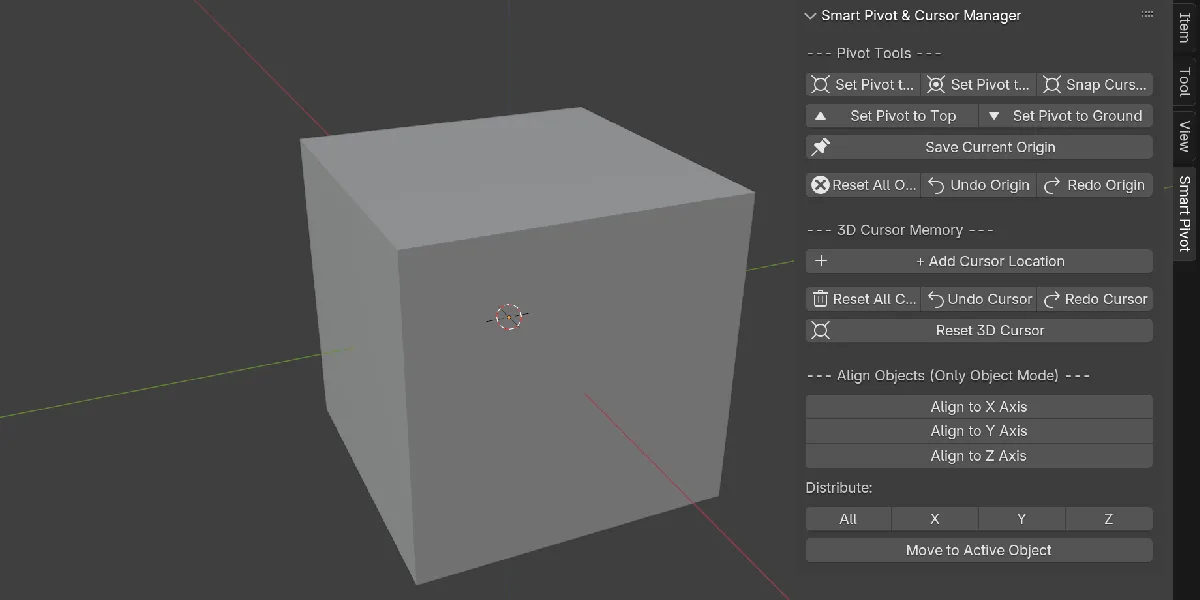
Smart Pivot & Cursor Manager Pro groups pivot, origin and 3D Cursor controls in Blender’s 3D View N-panel. It includes visual placement, saved locations, axis-specific movement, object alignment and distribution. These tools suit modeling and rigging work that returns to the same transform points.
Place pivots and the 3D Cursor visually
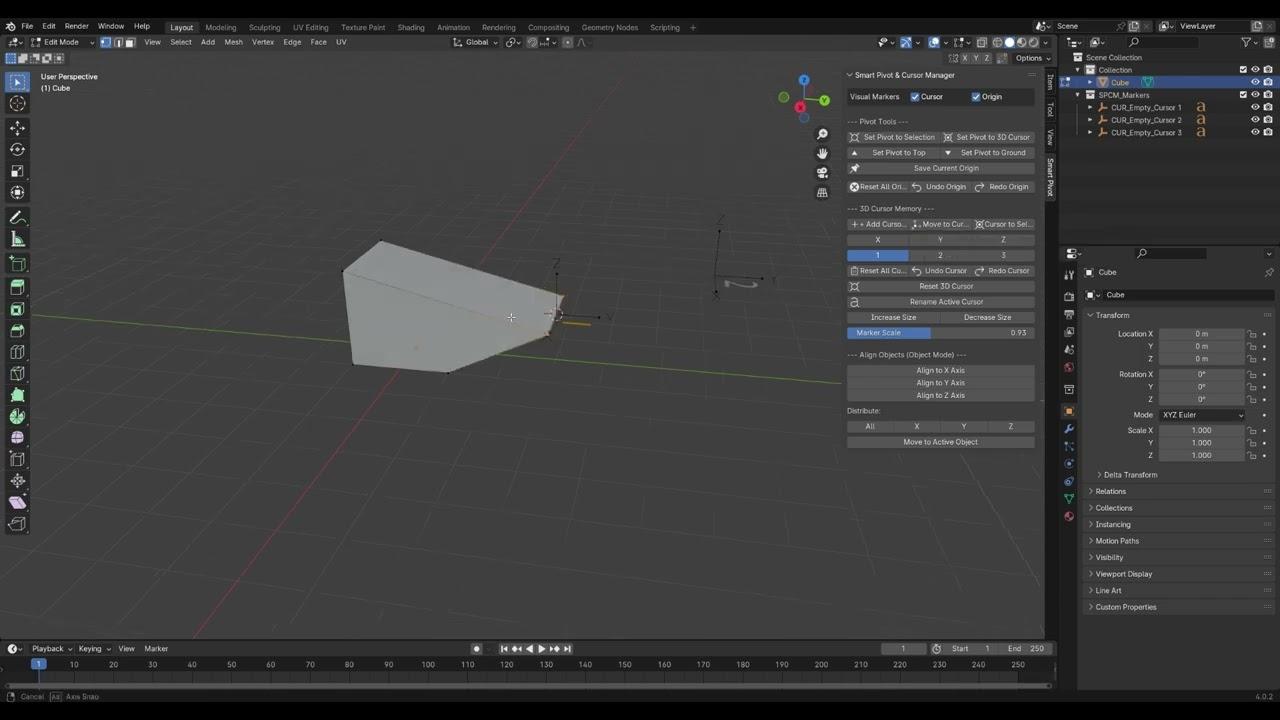
Set a pivot to the selection, the 3D Cursor, an object’s top or its ground point. For a custom position, use a preview arrow handle in the viewport, then move or rotate it with Blender’s standard controls and snapping. Press Enter to apply the position or Esc to cancel. The add-on displays instructions while preview mode is active and returns to the previous object and editing context afterward. Pivot placement supports Mesh and Curve workflows where applicable.
Save and identify locations
Save multiple Origin and 3D Cursor positions in the scene, then recall, rename or delete individual presets. You can also clear a list and undo or redo list changes. Saved locations appear as labeled viewport markers: the active marker is orange and inactive markers are gray. Cursor and Origin markers have separate visibility controls, and their size can be adjusted. Cursor rotation is stored on Blender 2.93 and newer.
Move, align and distribute selections
Move selected objects or editable elements to the 3D Cursor on all axes or match only its X, Y or Z coordinate while preserving the other two. Cursor-based movement supports Object Mode, Mesh Edit Mode and Armature Edit Mode. Other controls move the Cursor to the selection center or reset it to the world origin.
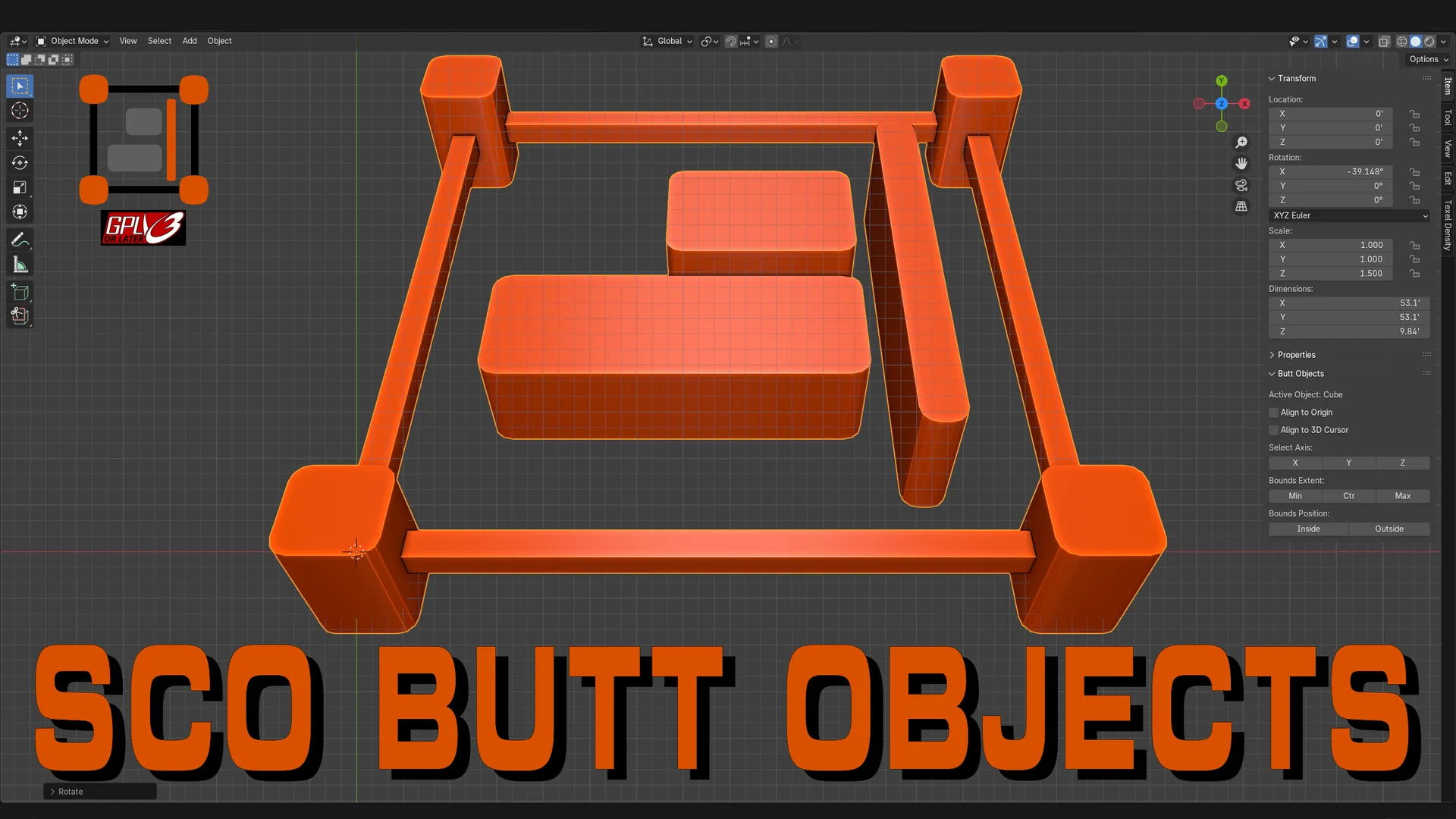
For object layout, align selected objects along X, Y or Z, distribute them evenly across all axes or one axis, or move them to the active object’s position. Axis-based distribution sorts objects by their position on that axis before spacing them, so the result does not depend on selection order.
Find the tools and check compatibility
Open the 3D Viewport sidebar with N and choose the Smart Pivot tab. The panel groups Pivot Tools, Origin Memory, 3D Cursor Memory, Visual Markers, alignment and distribution. The Superhive listing’s Blender Version field lists 2.83–5.2; check the product listing for compatibility with the release you plan to install. The documentation and FAQ describe the controls and installation steps.