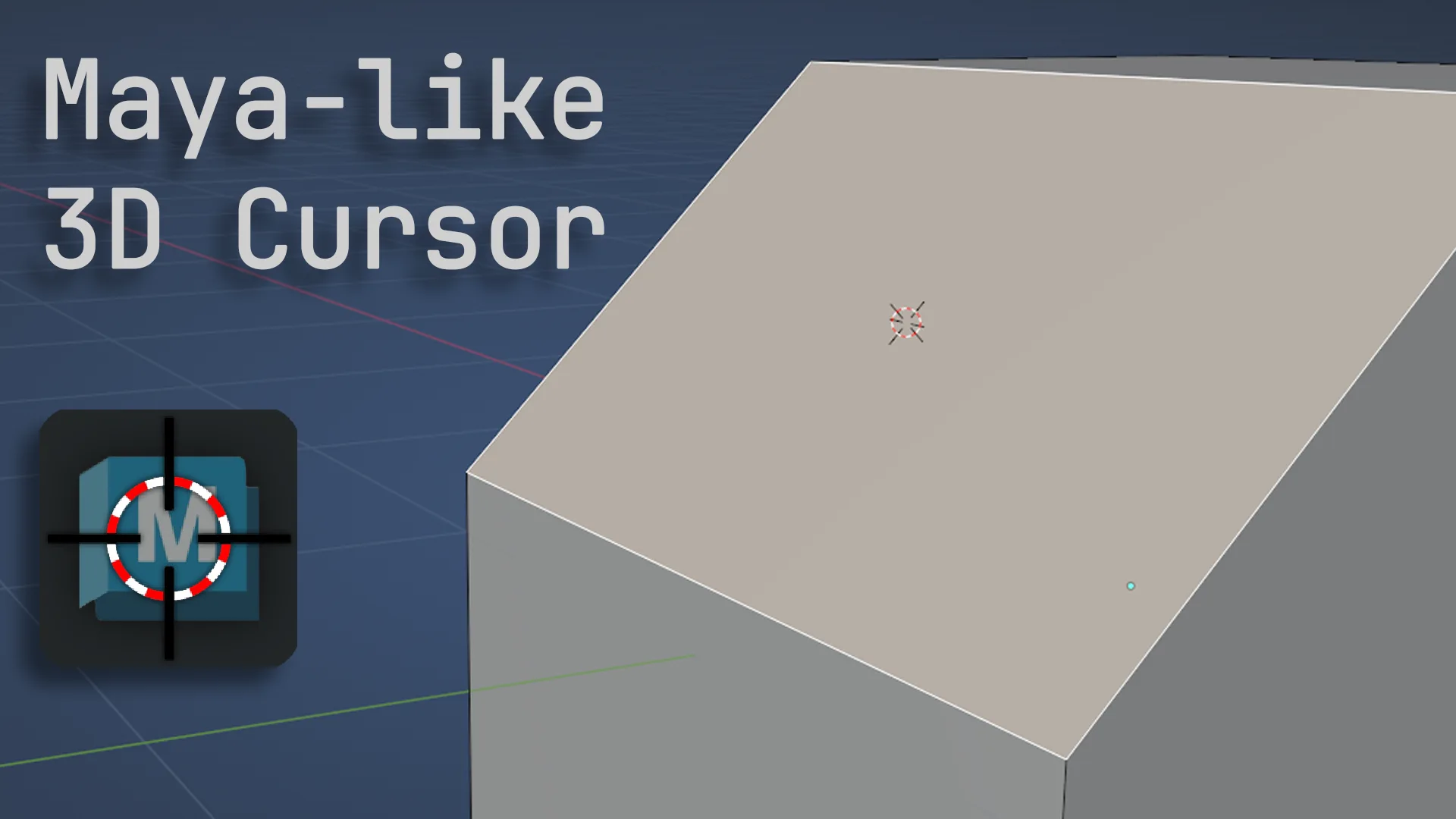
Three d Cursor Snap is a Blender add-on for positioning the 3D cursor on mesh geometry. Blender's Extensions catalog describes it as a gizmo-like way to snap the cursor to a vertex, edge, or face. View the Blender Extensions listing.
Move the cursor with a drag
The listing on AnyPlugins describes the control as holding Shift + RMB while dragging. It says the add-on works in both Object Mode and Edit Mode, so you can place the cursor against mesh features from either mode.
Compatibility and license
Blender's extension catalog lists version 1.2.0 with Blender 4.2.0 as the minimum version. The add-on is published under the GNU General Public License v3.0 or later. Check the extension page for current release details, and see the developer's GitHub repository for source code and issue reporting.
Install the add-on
Download the package from the Blender Extensions listing and follow Blender's Install from Disk instructions.