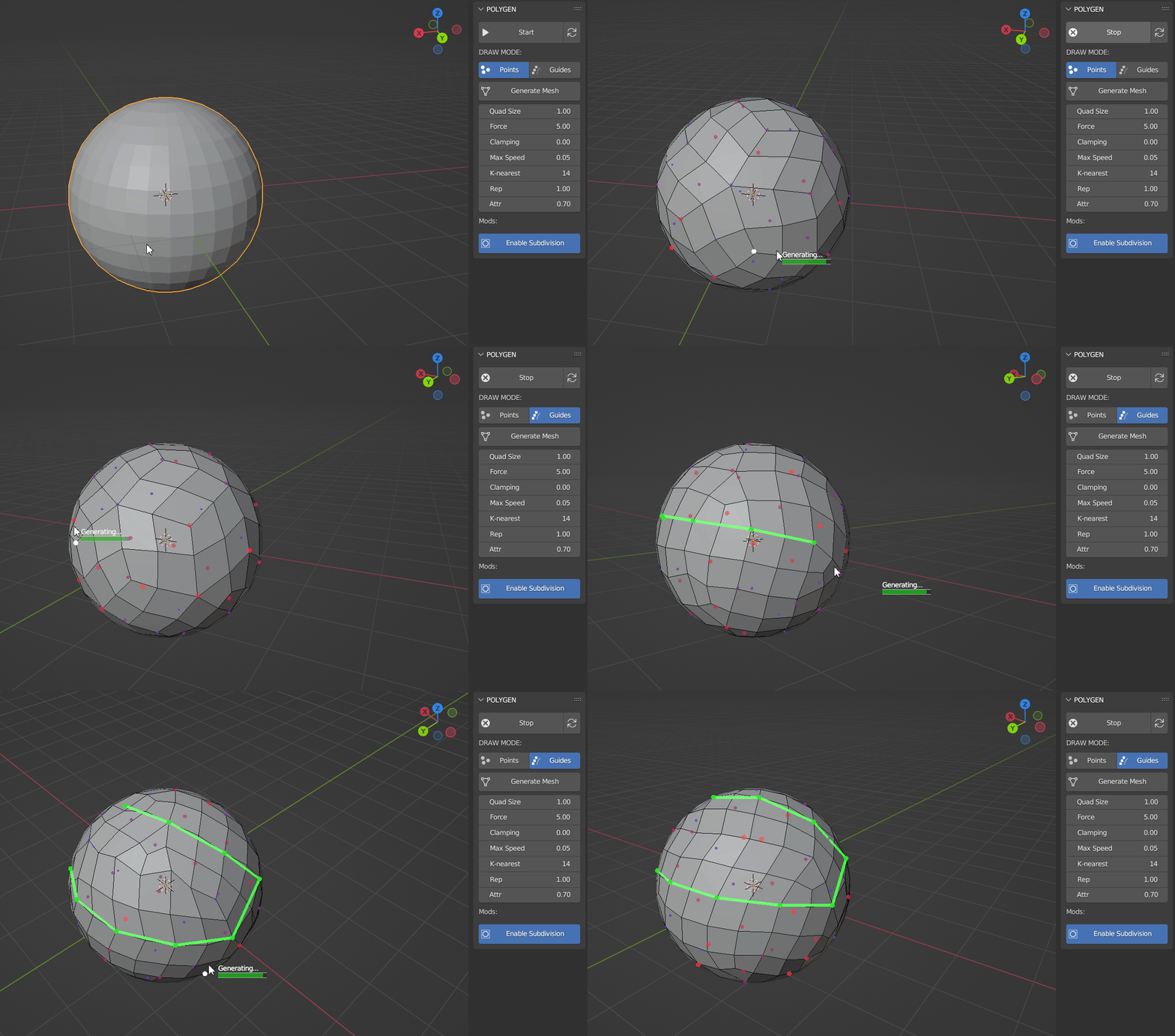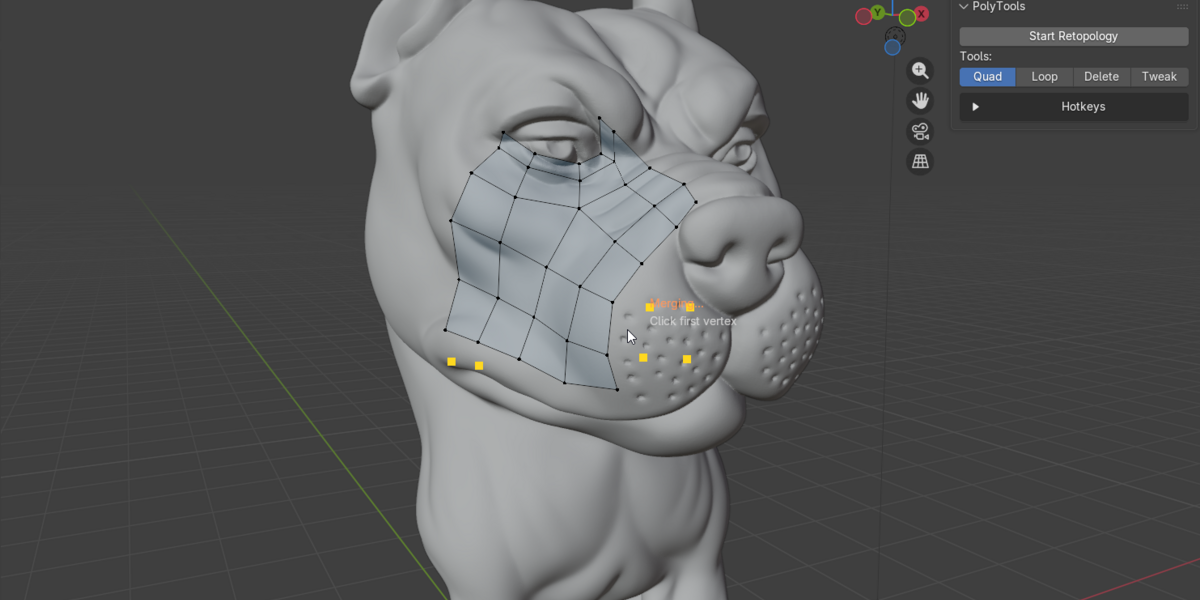
Polygen is a Blender add-on for retopology and remeshing. It uses a point-based simulation to scatter and connect agents across a surface, then builds a mesh of customizable quads and triangles from their positions. You can place points yourself or draw guide paths to influence the layout. Polygen can help refine high-poly sculpts, optimize game assets, and create smooth organic forms.
Set up and start a simulation
- Download the add-on ZIP, then go to Edit > Preferences > Add-ons > Install from disk in Blender, select the file, and enable PolyGen. See the PolyGen documentation for the installation and simulation steps.
- Select the mesh you want to use as the target surface in Object Mode.
- In the 3D Viewport, open the Simulation tab, find the PolyGen panel, and click Start.
Guide the topology
In Points mode, click or hold the left mouse button on the surface to add moving agents. In Guides mode, hold and drag to draw static paths that influence the mesh layout. Hold Ctrl and click Points or Guides in the pop-up bar near the cursor to switch modes. The sidebar settings define Quad Size, the target distance between agents; Max Speed, their velocity limit; and K-nearest, the number of neighbors used for meshing. Repulsion and Attraction balance push and pull forces, while Clamping restricts agent movement range.
Generate and refine the mesh
Press Enter or click Generate Mesh to create a mesh from the agents. After generation, Mesh_Patch appears in the scene, shrinkwrapped to the target surface by an added shrinkwrap modifier. When enabled, Auto-Generate updates the mesh continuously as agents settle; Enable Subdivision adds a Subdivision Surface modifier for a smoother result. Review the generated topology in the scene before using it in a later modeling step.
During the simulation, the right mouse button removes the hovered point. H toggles the help overlay, Z undoes the last action, and Esc stops the simulation. Reset clears all agents; the documentation warns that it removes everything.
Version notes
The Superhive product page identifies the release as version 0.2 and says its update fixed a RuntimeError involving the invoke callback. The supplied compatibility listings disagree: Superhive lists Blender 5.1, while the AnyPlugins record lists Blender 4.4 and says its facts were verified in July 2026. Check the current product information or confirm with AlbertoFX before installing for a specific Blender release.