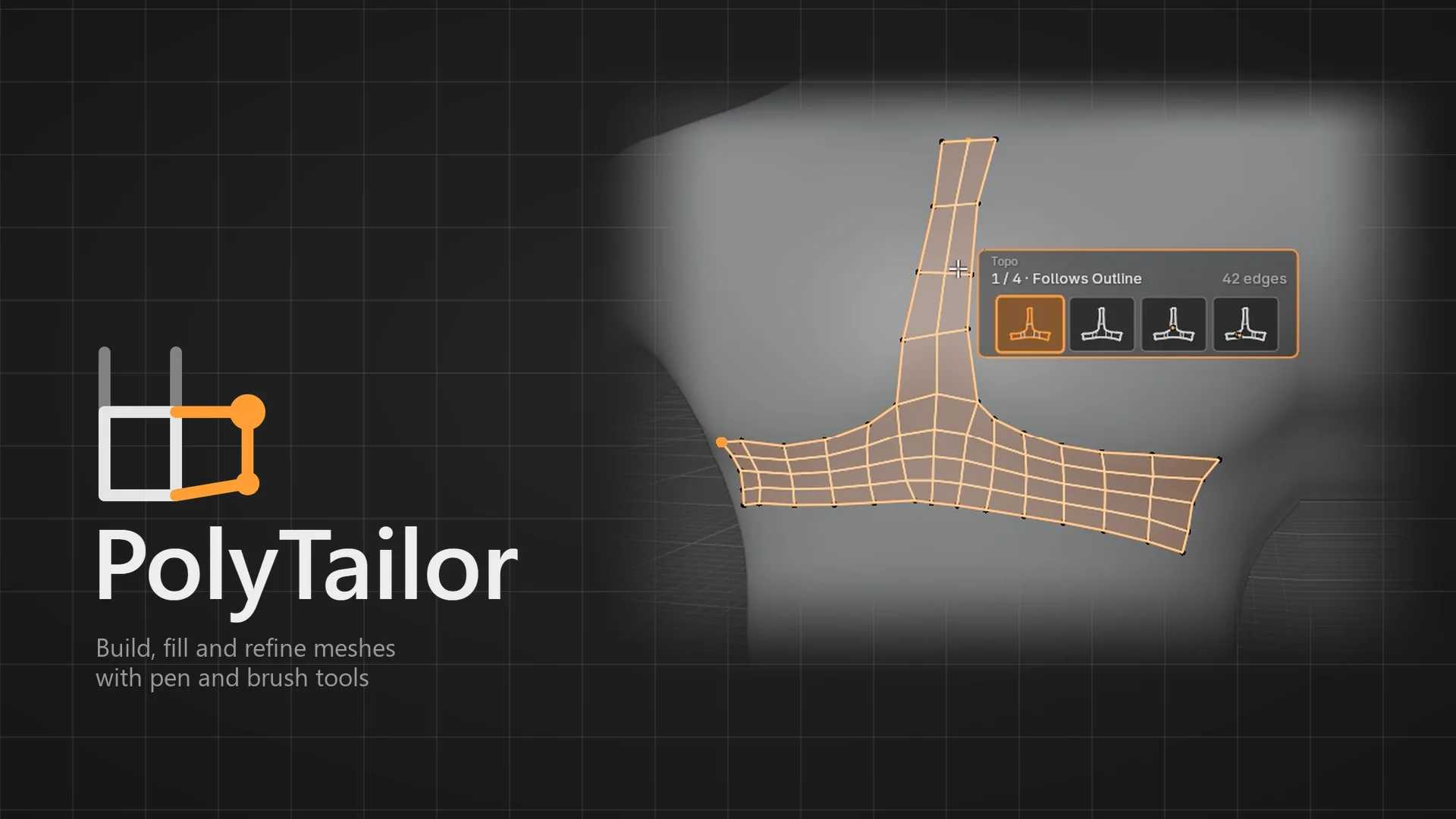
PolyTailor is a retopology and mesh-building add-on for Blender's Mesh Edit Mode. Its W wheel groups Build, Fill, Relax and Tweak tools for creating and refining quad geometry while editing a mesh. The project README describes the main tools and their controls.
Build and fill quad geometry
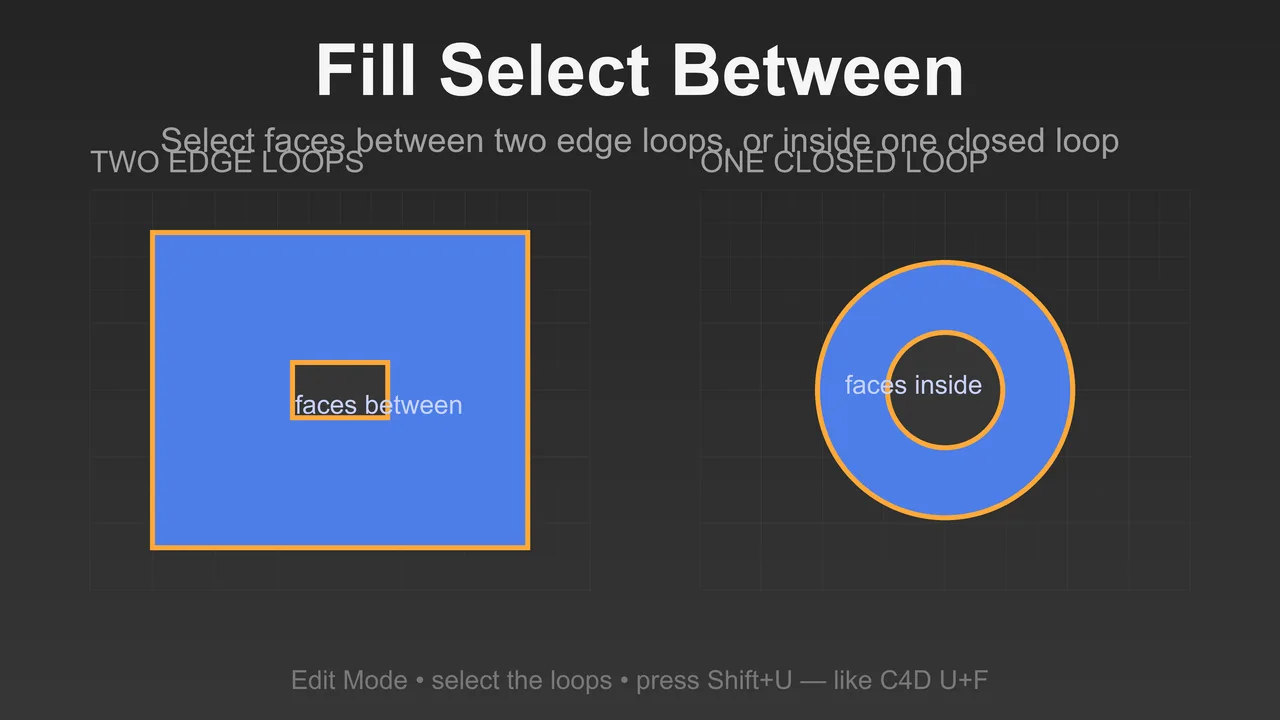
With Build, hold Ctrl to preview geometry, Ctrl-click to add it, and drag to move it. Ctrl-drag can draw a curve stroke or sweep a quad strip. Fill previews a region when Ctrl is held over its outline; Ctrl+Wheel cycles through layouts, and Ctrl-click adds the selected fill. In version 1.2.0, Fill follows the surrounding curvature on curved surfaces; a bare outline with no faces around it fills as before.
Refine the mesh
Relax evens out the mesh beneath the brush, while Tweak pushes vertices under it. These local tools can help adjust topology after adding faces, without leaving Mesh Edit Mode.
Version and compatibility
Version 1.2.0 adds a Topology Highlight section to the W wheel for marking poles, triangles and N-gons. The section is off by default and appears only while a PolyTailor tool is active. The same release renames "3D" mode to "Normal" and makes new scenes start in Topo. Version 1.1.1 fixed Fill's background search: it starts with Blender's Python settings, so it keeps working when another Python version is installed. The Blender Extensions listing sets Blender 4.5.0 as the minimum and names Freedomwalk as the maintainer. The project README describes installation through Edit > Preferences > Get Extensions, where you can search for PolyTailor. The listing specifies GPL-3.0-or-later and notes file access for defaults, the icon cache and a debug log.