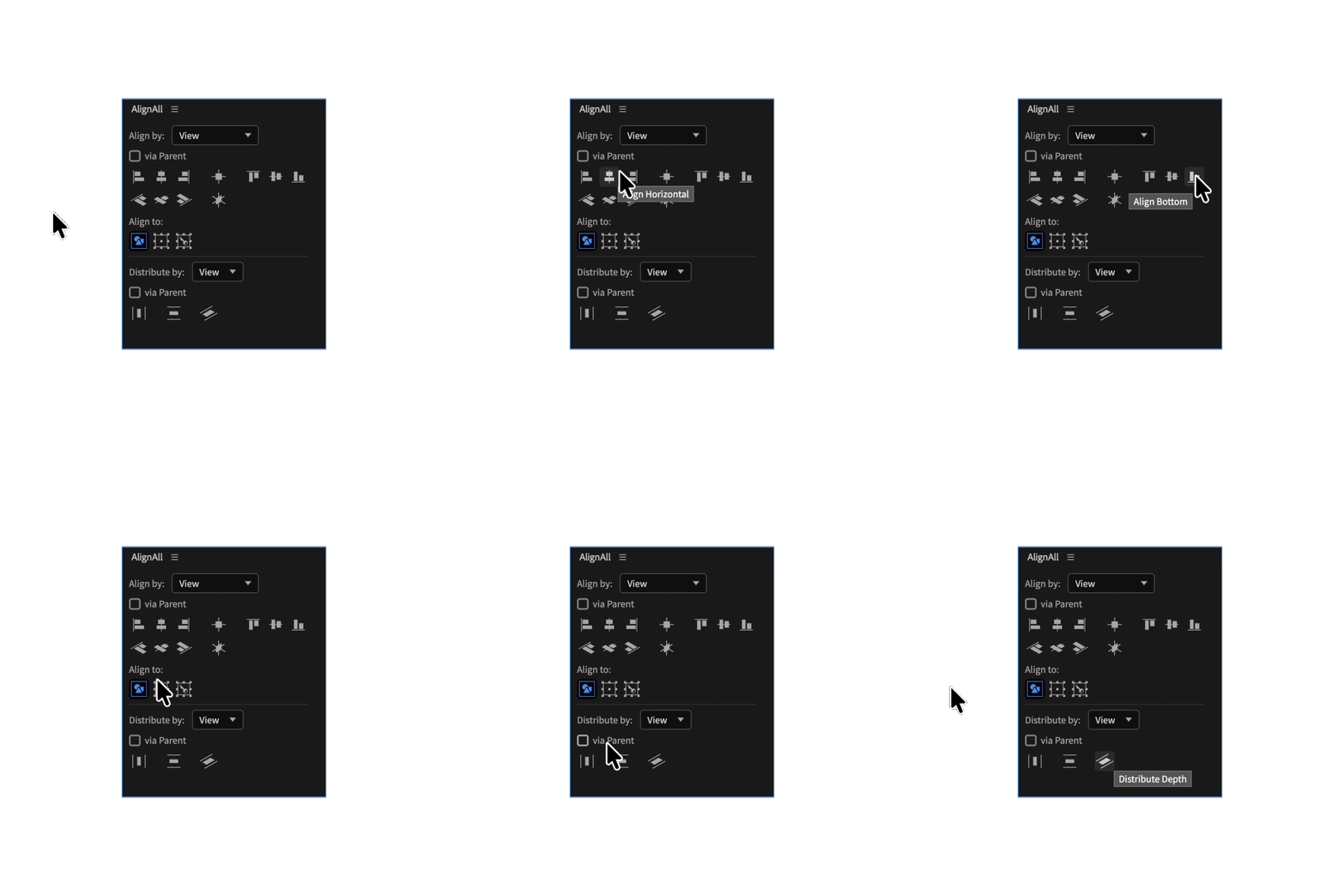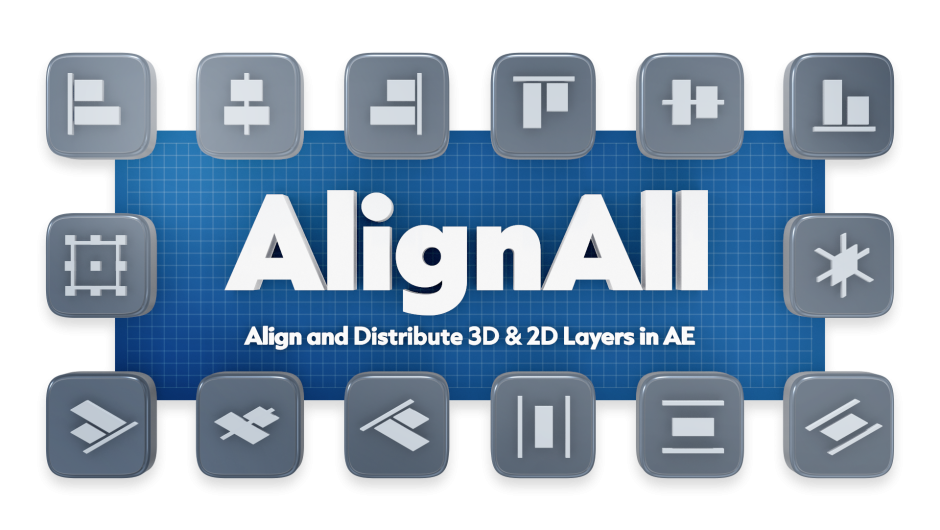
AlignAll is an After Effects panel for aligning and distributing 2D and 3D layers. It handles tasks the native Align panel does not cover, including aligning 3D layers, using a key object, spacing layers of different sizes evenly, and working with layers parented to rotated layers.
Choose what alignment follows
Align layers to the composition, the selection, or the key object, which is the last selected layer. Right-click the Comp icon to align to the composition edge, action-safe edge, or title-safe edge. AlignAll supports 2D layers; standard 3D shapes, solids, images, text, and precompositions; extruded text and shapes; and parametric meshes.
Work in the right coordinate space
Align and distribute by camera view or world coordinates. With a rotated camera, view mode moves layers parallel to the camera view plane, while world mode uses world coordinates. View via World aligns according to the camera view but moves layers through their world coordinates. Via Parent uses the rotation of a shared ancestor when all selected layers have one in their parent chain.
For depth alignment, place layers at the back, middle, or front relative to the selection or key object. When aligning by view, Scale Compensate adjusts each layer's depth, scale, and x/y values so it appears the same in the view. Distribution can create even gaps between layers of different sizes or use a set distance anchored to the key object. The 1.1.2 release notes say layers that start after the first frame and change size over time are aligned correctly at the playhead.
Compatibility and license
The product listing names After Effects 2024, 2025, and 2026 as compatible. Its EULA grants use of one copy on one computer; additional users or copies require appropriate licenses.