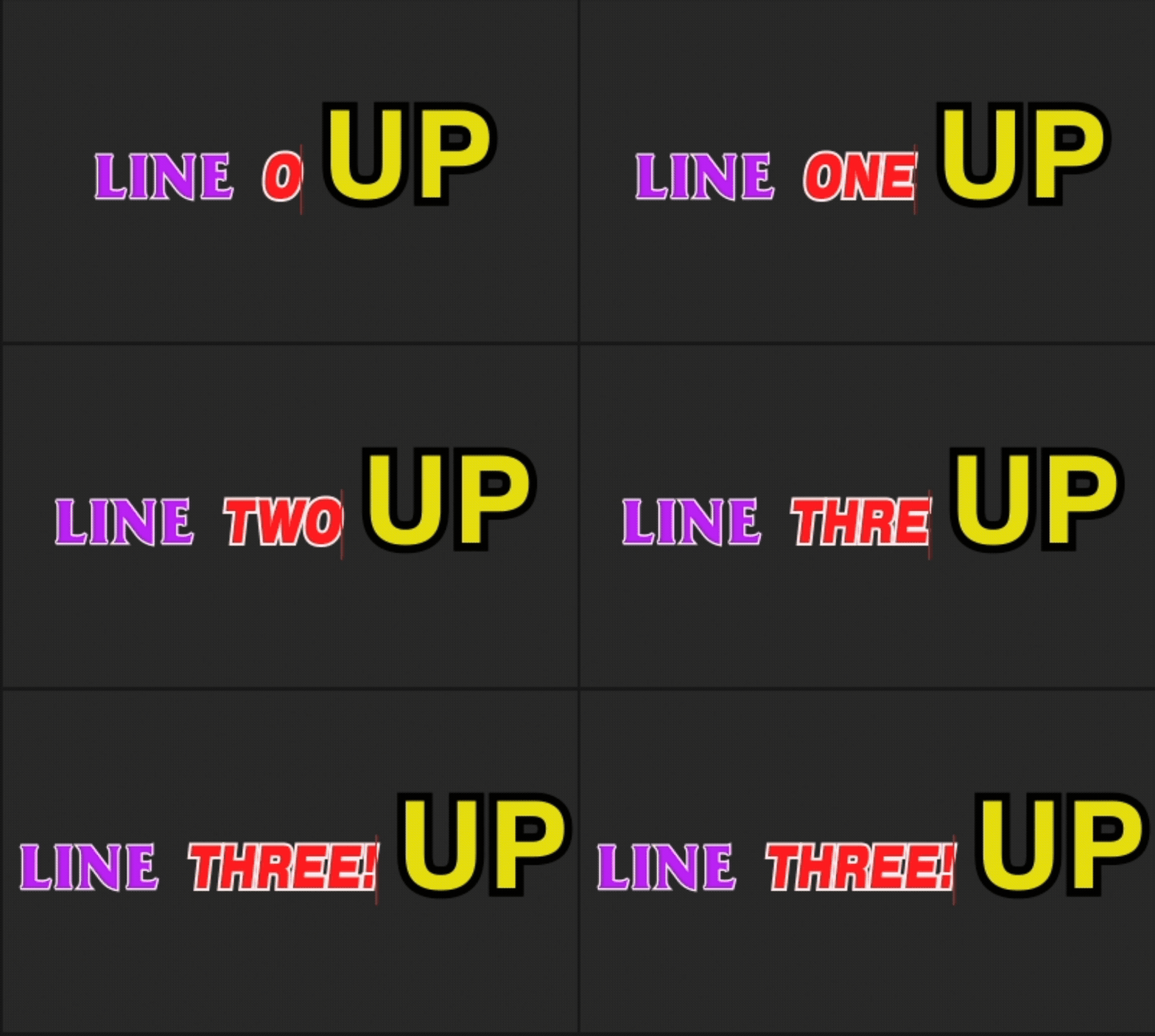
Line Em Up arranges selected text layers horizontally or vertically in After Effects, with options to align or auto-center the group. It applies expressions so layer positions can adjust when text or scale changes. Non-text layers can also respond to scale and group-spacing adjustments.
Set up a responsive layer group
Select layers in the order they should appear, choose a direction or auto-center, then apply Line Em Up. Use the controls to adjust spacing across the group or between individual layers. Text layers reposition when their text, font size, or scale changes, and hiding a text layer updates the layout. The tool supports paragraphs with any justification and includes an initial text alignment option.
This workflow suits motion designers building titles or labels that editors may change through MOGRTs or Essential Graphics. It can also help keep a group arranged during custom resize animations.
Compatibility and licensing
The product listing names After Effects 2020 through 2025 as compatible. Line Em Up's EULA, updated October 21, 2025, grants one copy and requires an appropriate license for each additional user or copy. The License Type FAQ, dated November 5, 2026, says a Single User License generally covers up to two computers or user accounts when they are not used at the same time. For teams, its guidance requires one Single User License per user, or enough floating licenses for simultaneous users. For Line Em Up, the EULA bars installing or using it on more than one computer; the FAQ's two-computer allowance applies only where a product's terms do not say otherwise. Floating licenses require the Floating License Server on the same network; remote users need VPN access to that network.