Match Position helps with layer setup in After Effects scenes. It can match position and orientation across different parent structures, connect 2D screen-space values to 3D positions, and distribute layers between selected endpoints. The download also includes a Cinema 4D version.
Match layers while keeping parent control
Select two layers and run Match Position to place the source layer in the target layer's 3D space, matching its position and orientation. The product listing describes this workflow for character rigging and 3D environments. It retains control over existing parents, while ALT-clicking the match button adds parenting when you want it. By comparison, SHIFT+Pickwhip automatically parents the layer, inherits the target's scale, and can replace an existing parent.
Link 2D elements to 3D positions
Match Position can link 2D screen-space values to 3D position coordinates. This is useful for infographic labels and icons that should keep a consistent size relative to 3D layers as the camera moves, or for 2D effects whose coordinates need to follow a 3D layer.
For a one-node camera, select the camera and a 3D layer, then click Link Position. The camera's Focus Distance will follow that layer.
Create nulls and distribute layers
Create nulls at selected layers with one click. Each null is set to 2D or 3D to match the selection. ALT-click to parent the null to the selected layer; SHIFT+ALT-click to make the null a parent of the selected layer.
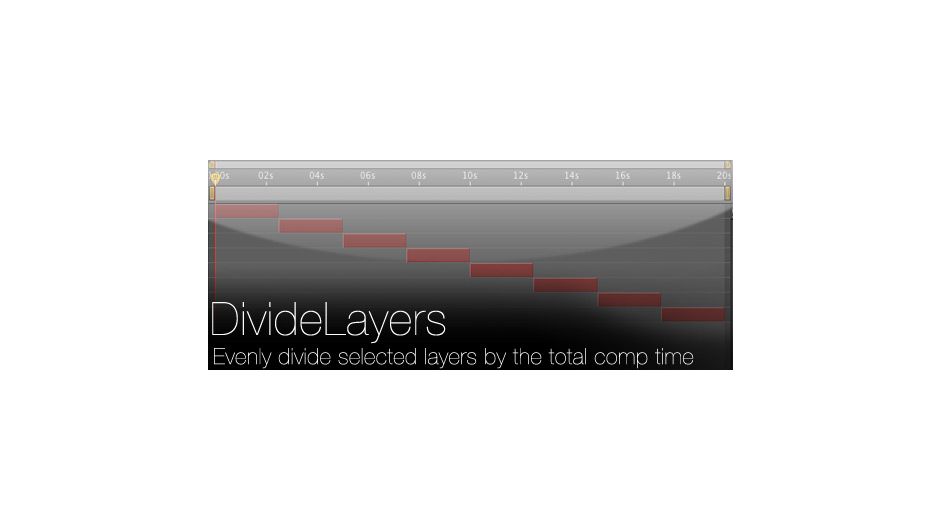
To distribute layers, select at least three. The middle selections are placed between the first and last. With exactly three selected, ALT-click to set the middle layer's position as a percentage of the distance between the endpoints. The distribution tool also works with cameras, lights, and 2D layer selections.
Compatibility and licensing
The product listing names After Effects CC, CC 2014, CC 2015, CC 2015.3, CC 2017, CC 2018, CC 2019, and versions 2020 through 2026. Listed Cinema 4D versions are R19, R20, R21, S22, R23, S24, R25, and S26.
The product EULA grants one copy for use on one computer at a time and permits one archival copy on a storage medium other than a hard drive. It requires an appropriate license for multiple users or copies. Check the license selector before checkout: the product page displays a Floating License Server required notice, while aescripts' general license FAQ says floating licenses require that network server and Single User Licenses do not.