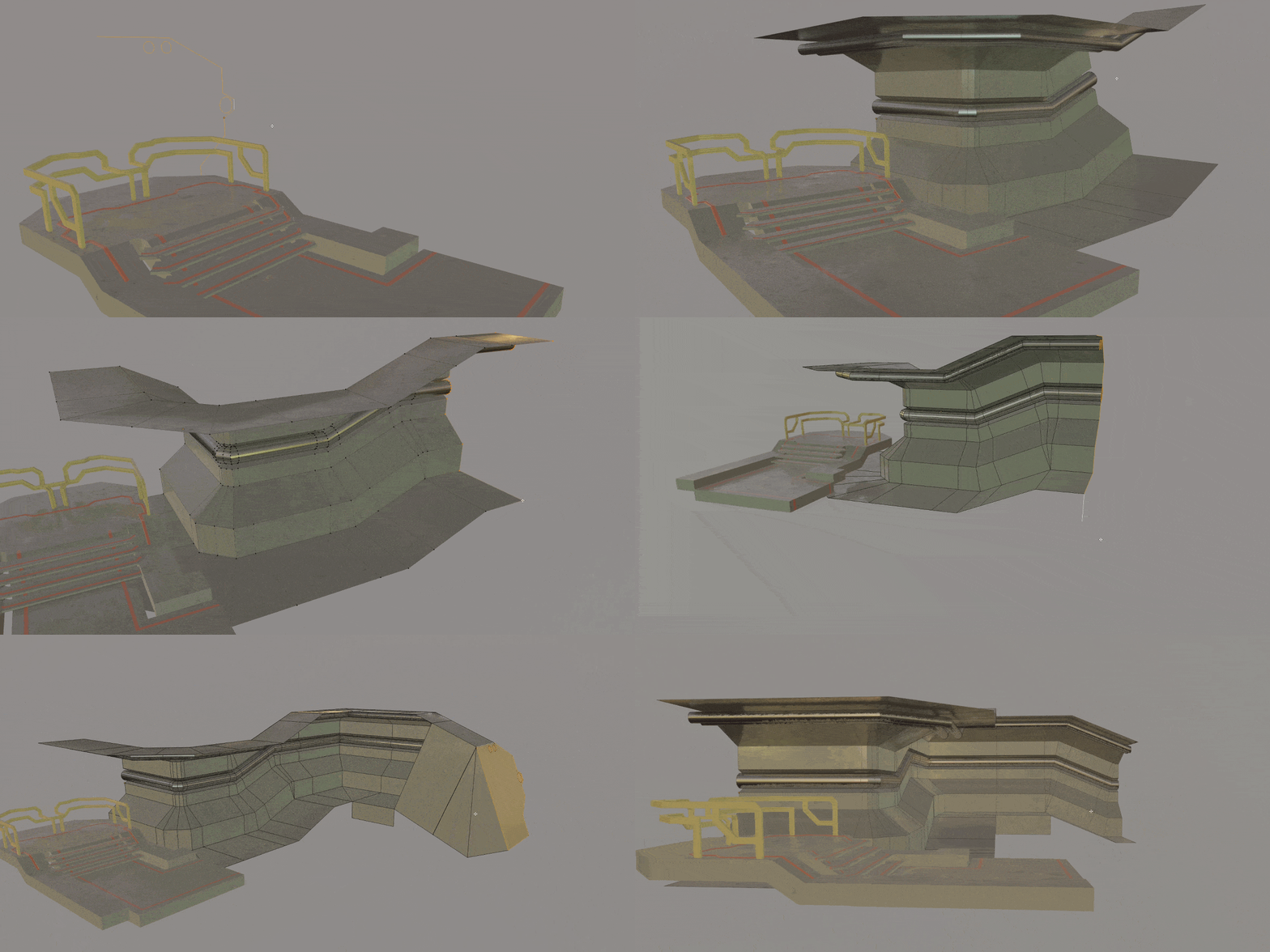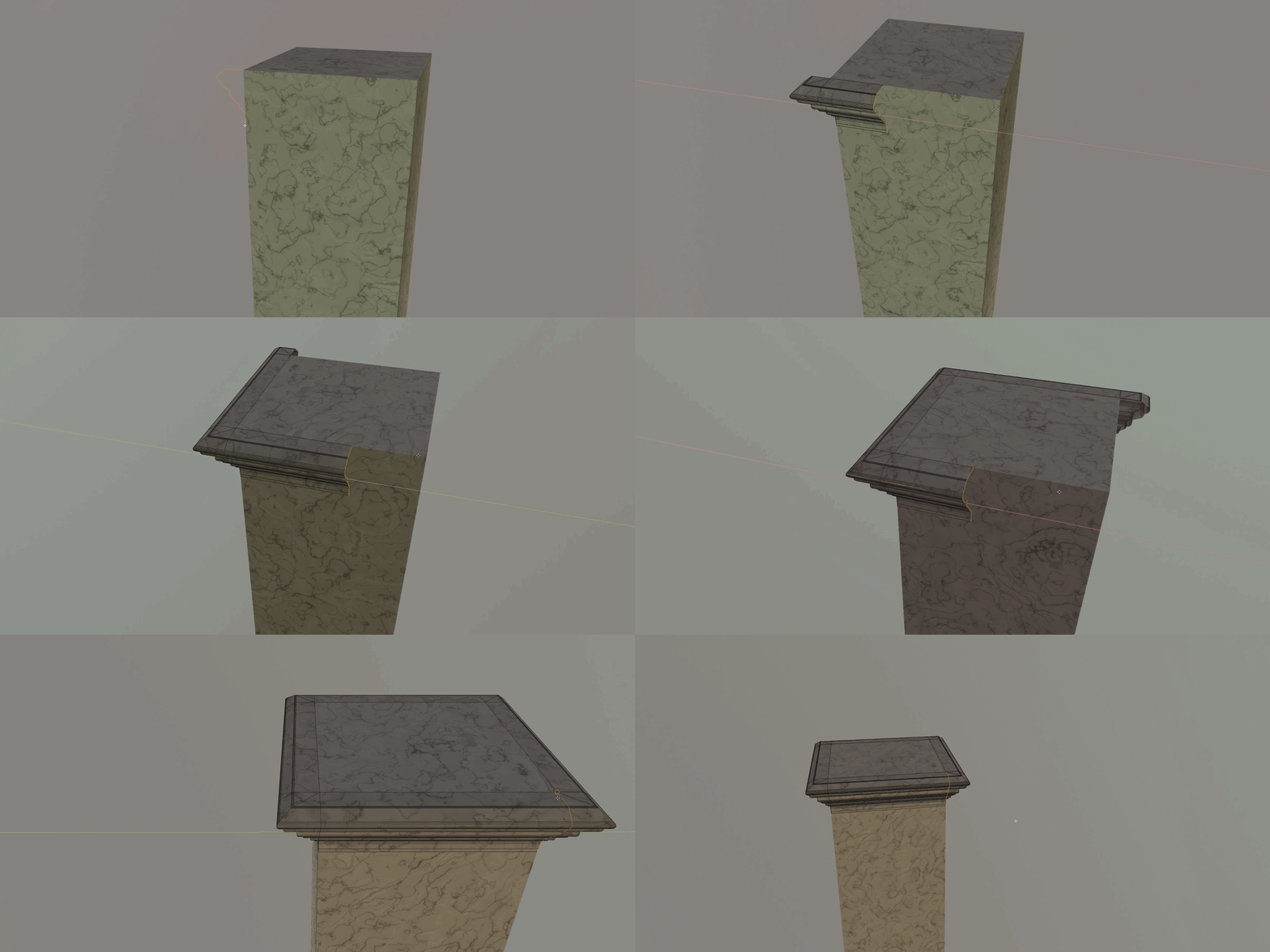
Angle Tool is a Blender modeling add-on for creating corner geometry from a selected mesh cross-section. In Edit Mode, it turns and extends the selected geometry around an Active Edge, which acts as the hinge.
Use an active edge as a hinge
- Select the vertices, faces or edges that form the cross-section.
- Switch to Edge Mode and select one Active Edge as the rotation pivot.
- Run Angle Tool to turn and extend the selection into a corner.
You can run the command from Blender's Search menu, the Face menu or the Toolshelf. The Angle Tool documentation also explains how to assign a keyboard shortcut.
Adjust the operation
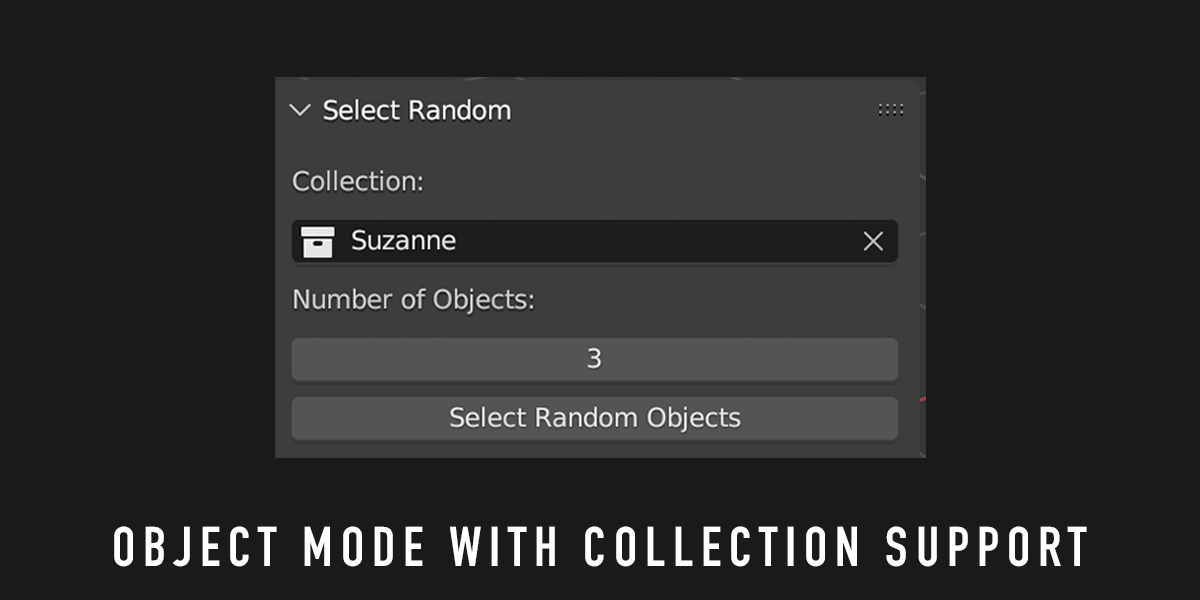
Alongside its default Angle Mode, the add-on includes Curve Mode and Extend Mode. Numeric Input lets you enter values with the keyboard while the tool is running. The Toolbar gizmo includes a Curve Mode toggle and a Segments slider; the Redo Last panel also provides a segment-count setting; the version 1.18 release note warned that the count did not match the result at that time: entering 16 produced 18 segments, and entering 32 produced 34. A heads-up display in the 3D View shows information and instructions during the operation.
An active vertex can also be used as the rotation reference. In that case, the view direction determines the rotation, which the release notes describe as useful for flat geometry.
Check the pivot and object scale
If the mesh has no suitable edge for a pivot, the documentation suggests extruding a vertex at the desired angle to make a temporary edge. Use that as the Active Edge, then delete the vertex and floating edge when the operation is done.
The documentation attributes uneven or squashed results to the object's non-uniform scale ratio and recommends making the scale uniform and applying it to the object's data for a more even result. It says the issue would be fixed in a later version, but the version 1.35 release notes do not confirm that it was.
Version and license details
The Superhive product listing shows version 1.35, released November 26, 2023, Blender compatibility from 3.4 to 4.4, and a GPL license. Its 1.35 release note describes a quick fix for UI elements affected by the deprecation of Blender's bgl module. Check the developer listing for compatibility details if you use a Blender version outside the listed range.