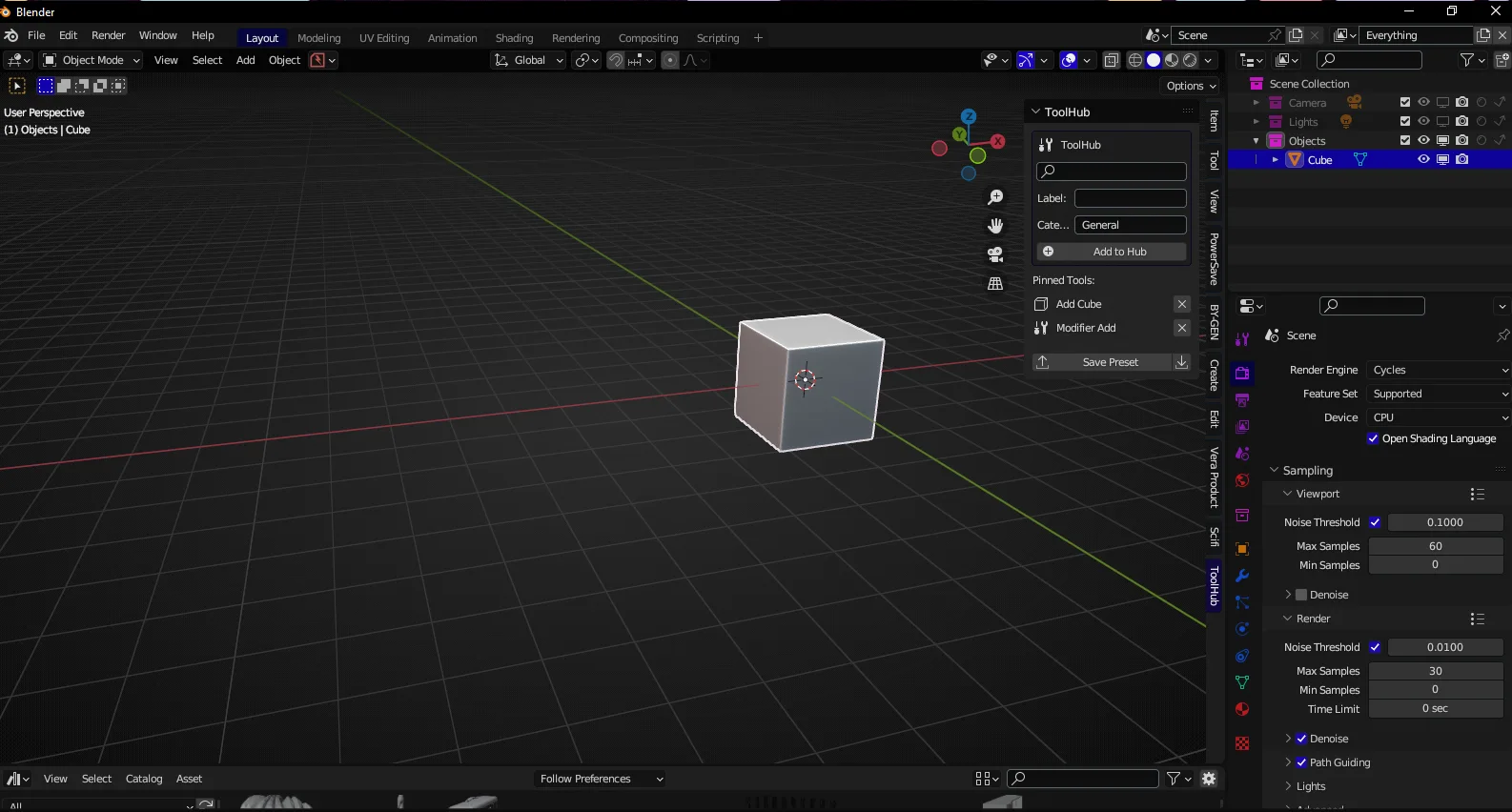
Totally Random Plus is EnnJinn’s Blender bundle of Select Random+ and Set Random+. It combines random selection for objects and mesh elements with controls for random transforms in object and edit modes. The add-ons extend Blender’s built-in random selection and transform utilities with options such as vertex group and collection limits.
Random selection with Select Random+
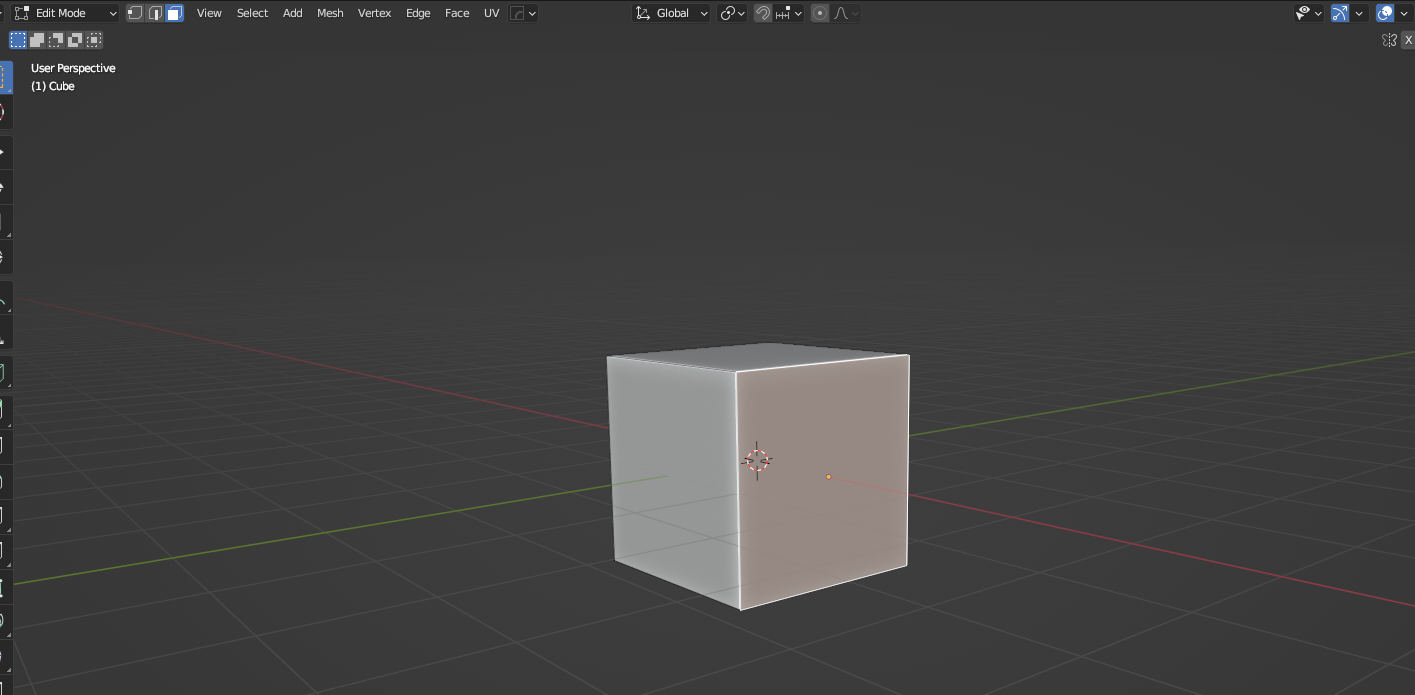
In Edit Mode, Select Random+ can select vertices, edges, or faces, with a separate slider for each element type. A vertex group can limit the selection to its assigned vertices, which is useful when you want random changes confined to part of a mesh.
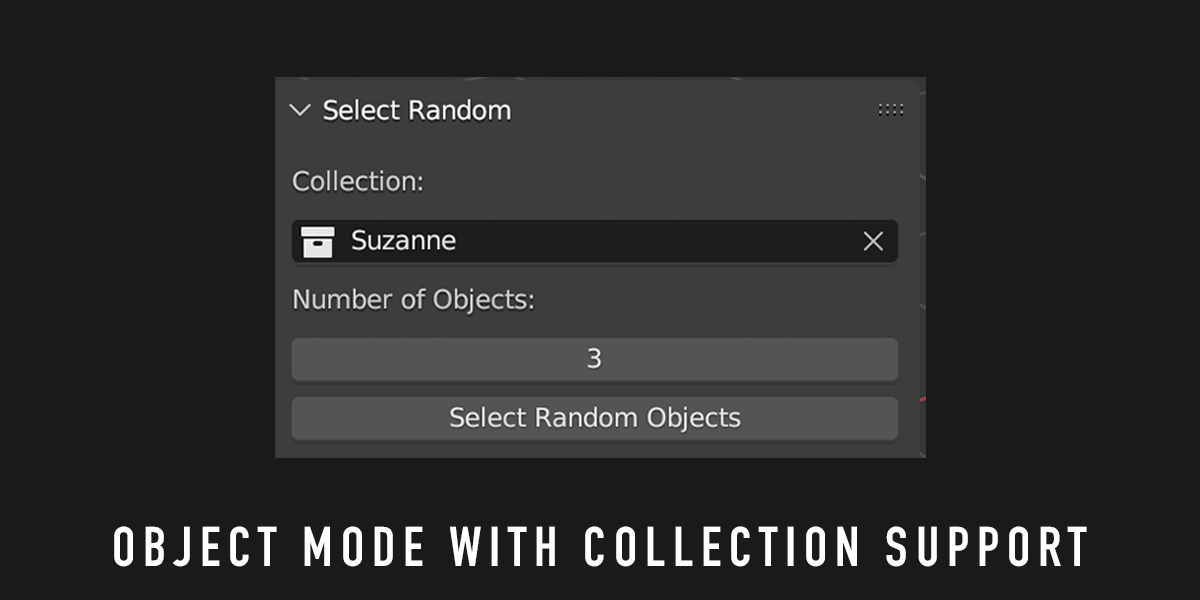
In Object Mode, you can select a specific number of objects instead of setting a percentage. A collection can limit the selection to its objects, so you do not need to hide other objects first. The controls appear in Blender’s sidebar under the Tool section.
Random transforms with Set Random+
In Object Mode, Set Random+ has two operations. The reset operation, shown as an asterisk, assigns each selected object a random transform value within the chosen range. The increment operation, shown as a plus sign, adds a random amount within that range to each object’s existing value. The controls cover location, rotation, and scale on the X, Y, and Z axes.
Set Random+ also works on selected vertices, edges, or faces in Edit Mode. The asterisk operation gives each selected element its own random value. The plus operation applies one shared random value across the selection. You can apply a single row at a time or run all the transform rows together.
Where the bundle fits
The two add-ons cover different parts of a modeling workflow: Select Random+ determines which objects or mesh elements to select, while Set Random+ changes their transforms. The bundle may suit Blender users who need controlled variation across a scene or mesh and want those selection and transform controls available in Edit Mode.
Price and license details
The supplied listings differ: Superhive’s product page describes a discounted bundle and lists the GPL license, while the supplied Any Plugins listing labels it free. Check the seller’s page for current price and license details before buying.