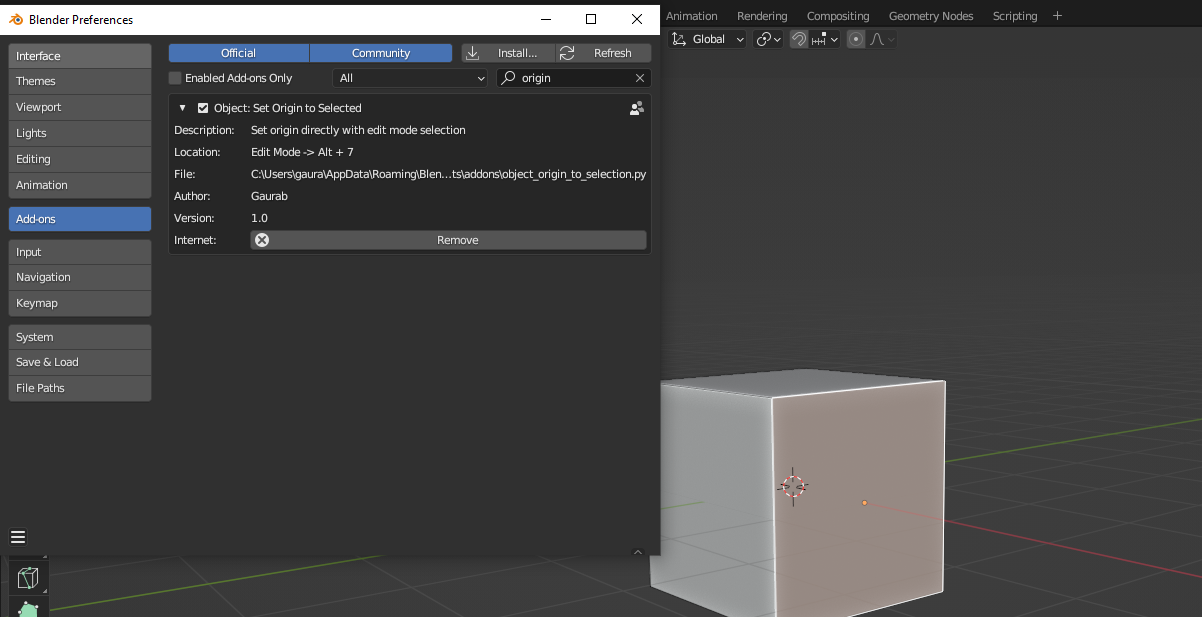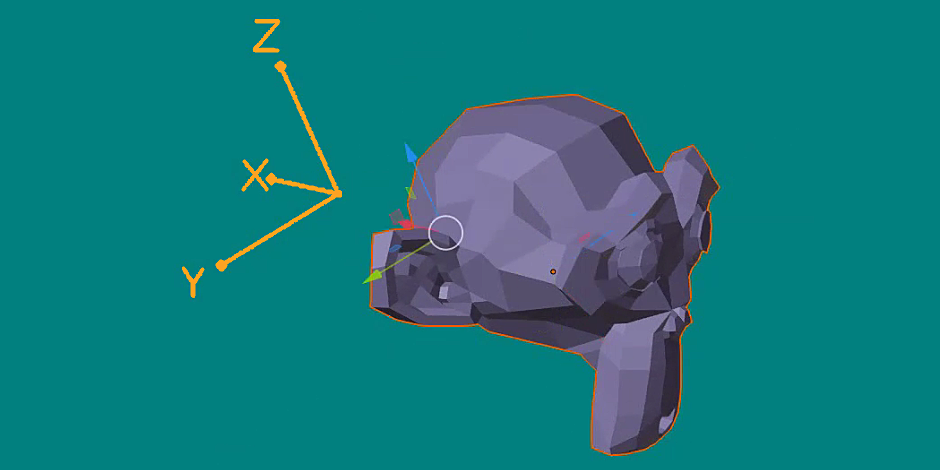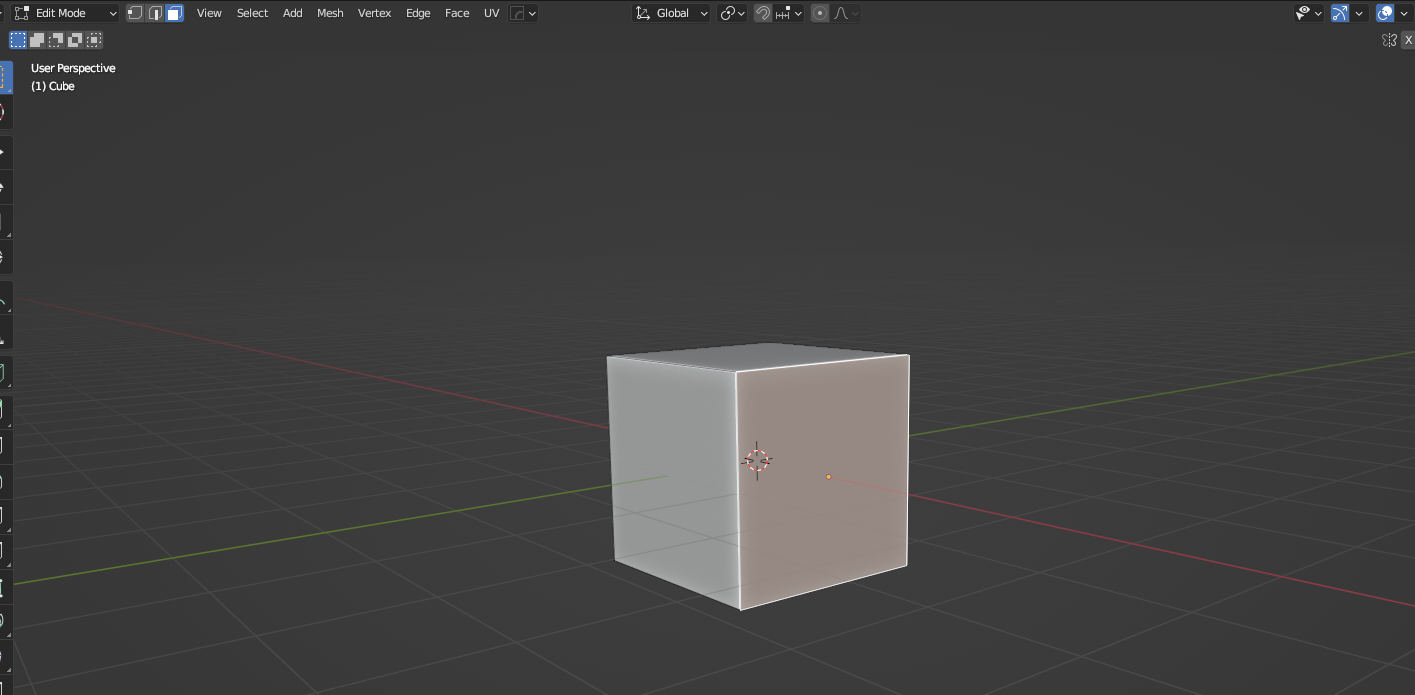
Origin Setter is a Blender add-on for moving an object's origin to a selected vertex, edge, or face. Select a mesh object, switch to Edit Mode, choose the mesh element, then press Alt+7.
Move the origin from a mesh selection
This suits modeling tasks where you want to place the origin at a specific part of the mesh.
- Select a mesh object.
- Switch to Edit Mode.
- Select the vertex, edge, or face for the origin position.
- Press Alt+7.
Install Origin Setter
Download the add-on's ZIP file. In Blender's user preferences, open the Add-ons tab, click Install, and choose the ZIP file. Enable the add-on by checking the box next to its name.
Listed Blender versions and license
The product listing names Blender 3.0, 3.1, 3.2, 3.3, 3.4, and 3.5, and identifies the license as GPL. The listing does not name later Blender versions, so check the current product page for compatibility details before installing on a newer release.
View the Origin Setter listing on Superhive for the product details and demo.