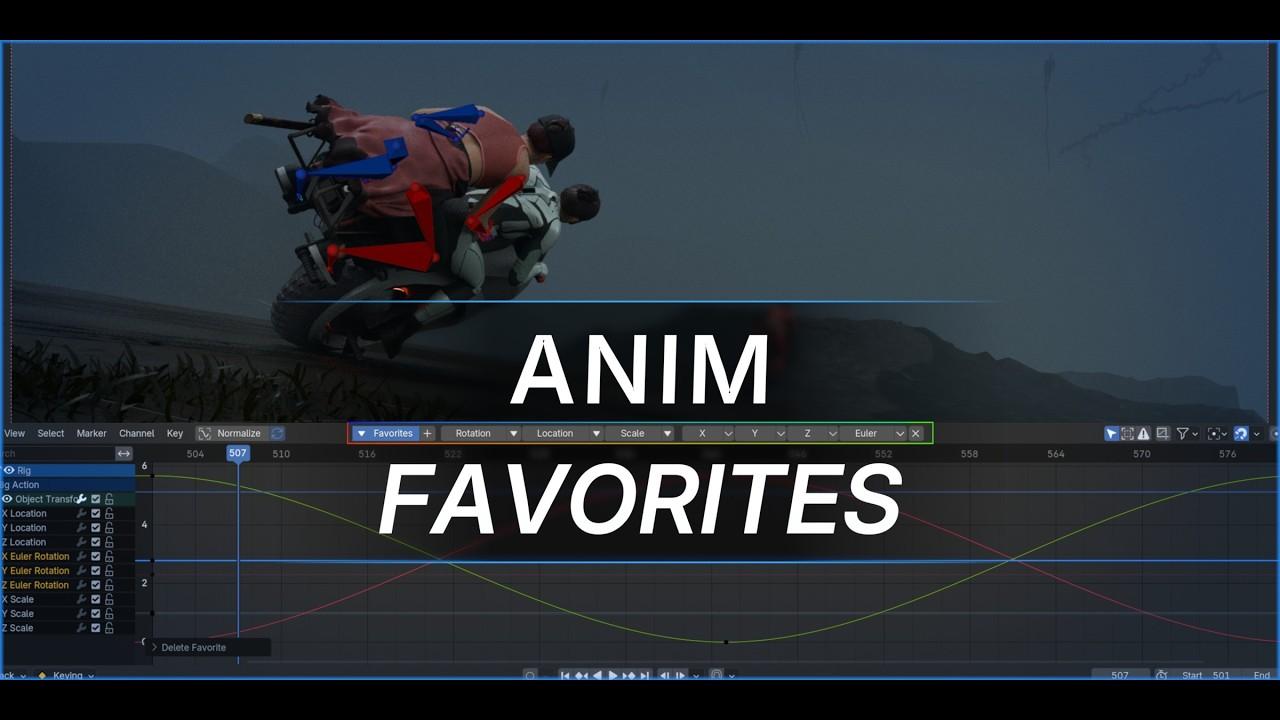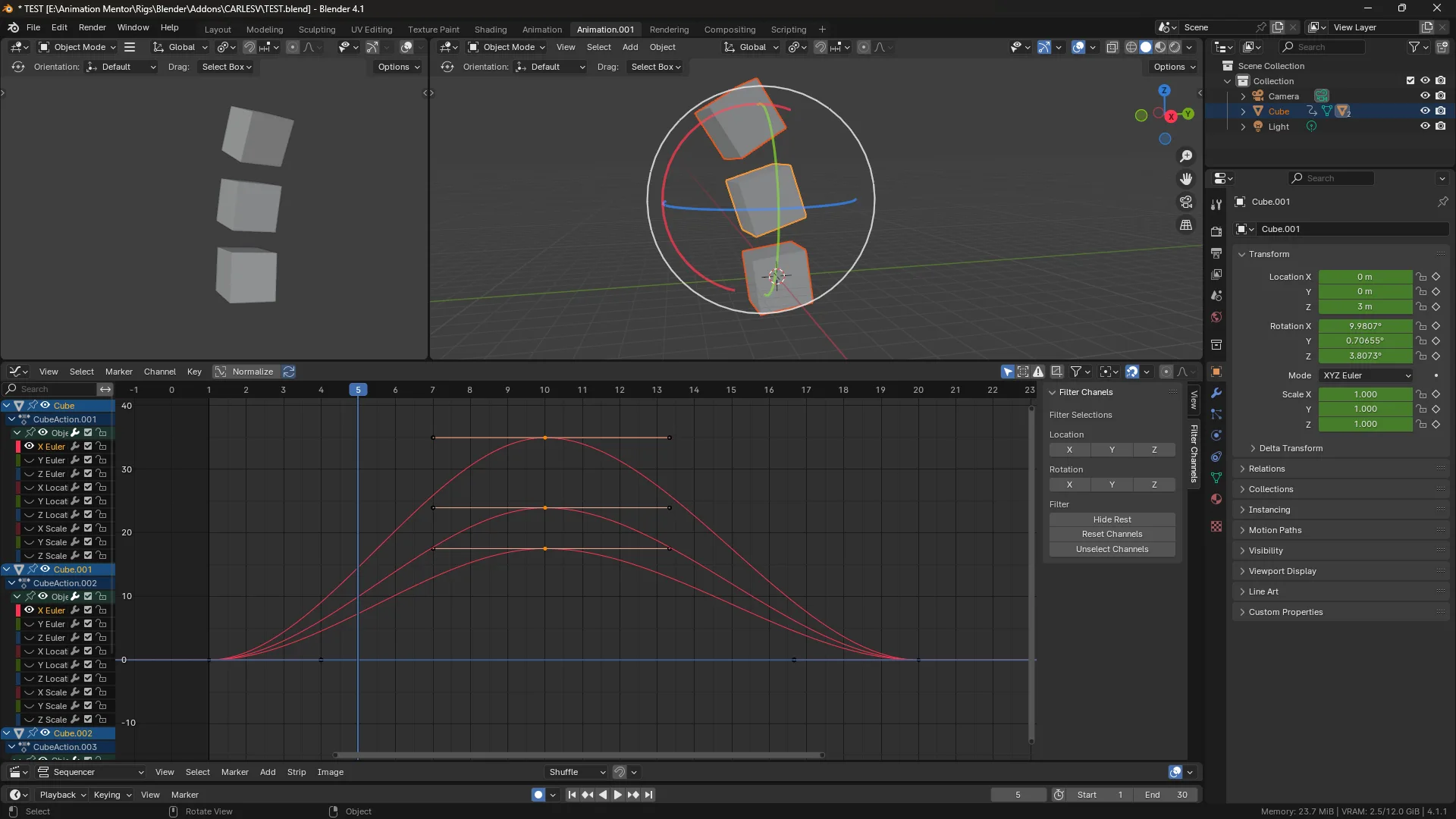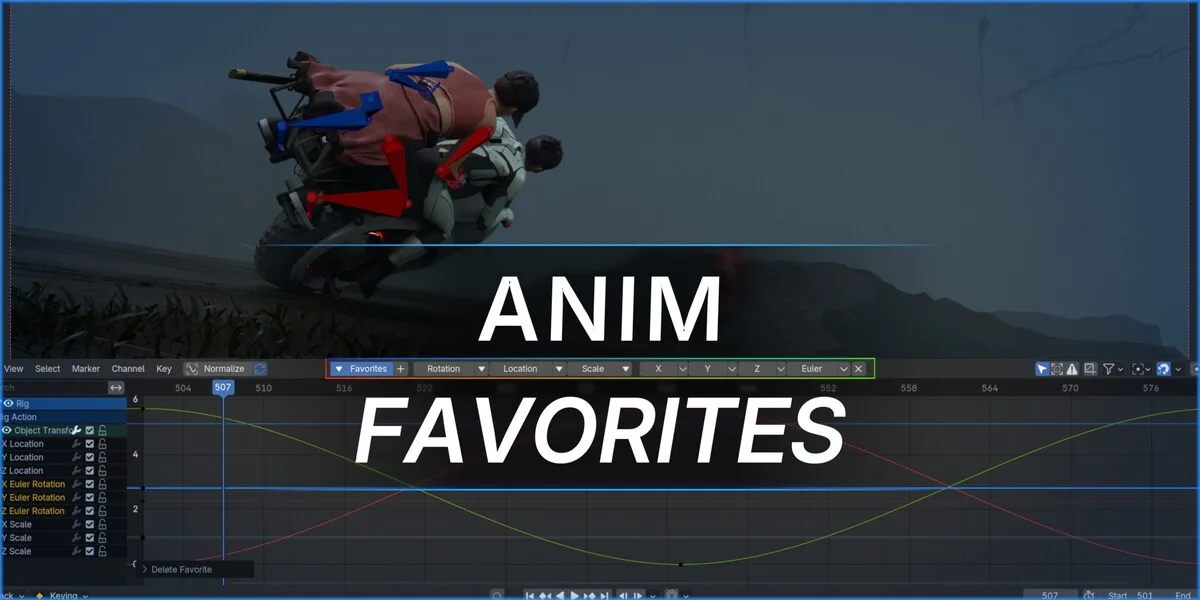
Anim Favorites is a Blender add-on by G42 Studios that saves filter text as clickable favorites in the Graph Editor and Dope Sheet headers. You can recall a filter while animating instead of typing the same keywords again. The Superhive listing marks it as Blender Extension Compatible and lists Blender 4.2 to 5.0; check the listing for current compatibility before installing.
Save and reuse filters in the editor
Enter filter text in the Graph Editor or Dope Sheet search field, then click the plus button in the Anim Favorites header controls. The add-on saves it as a local favorite for the current project. An empty search field cannot be saved, and duplicate favorite names are prevented.
Clicking a favorite applies it to the active editor. A standard click replaces the current filter text. The documentation also describes these modifier-click actions:
Shift+ click appends the favorite text to the current filter.Ctrl+ click replaces the filter text and enables Invert Filter.Alt+ click runs Hide & Isolate in the Graph Editor. It reveals hidden channels, clears the selection, applies the filter, selects matching channels, clears the filter text, and hides the unselected channels.Ctrl+Alt+ click runs the inverse isolation mode, hiding matching channels instead.
The two isolation modes are available only in the Graph Editor. Regular favorite application and the extend and invert actions work in both supported editors.
Choose local or global favorites
Local favorites are saved in the Scene of the current .blend file, so they stay with that project. Global favorites are kept in Add-on Preferences and persisted in a global_favorites.json file inside the add-on directory, making them available across Blender projects. You can promote a local favorite to global or make a global favorite local. If names conflict, the global favorite takes precedence.
What the add-on changes
Anim Favorites manages filter text, channel visibility, and selection. It does not create, delete, or edit keyframes, drivers, or F-Curves, and it does not modify rigs or replace Blender's filtering system. It saves and applies filters you already use.
Installation
The installation instructions say to download the add-on ZIP, open Blender's Edit > Preferences > Add-ons, choose Install from Disk, select the ZIP, and enable Anim Favorites. Its Favorites control then appears in the Graph Editor and Dope Sheet headers.