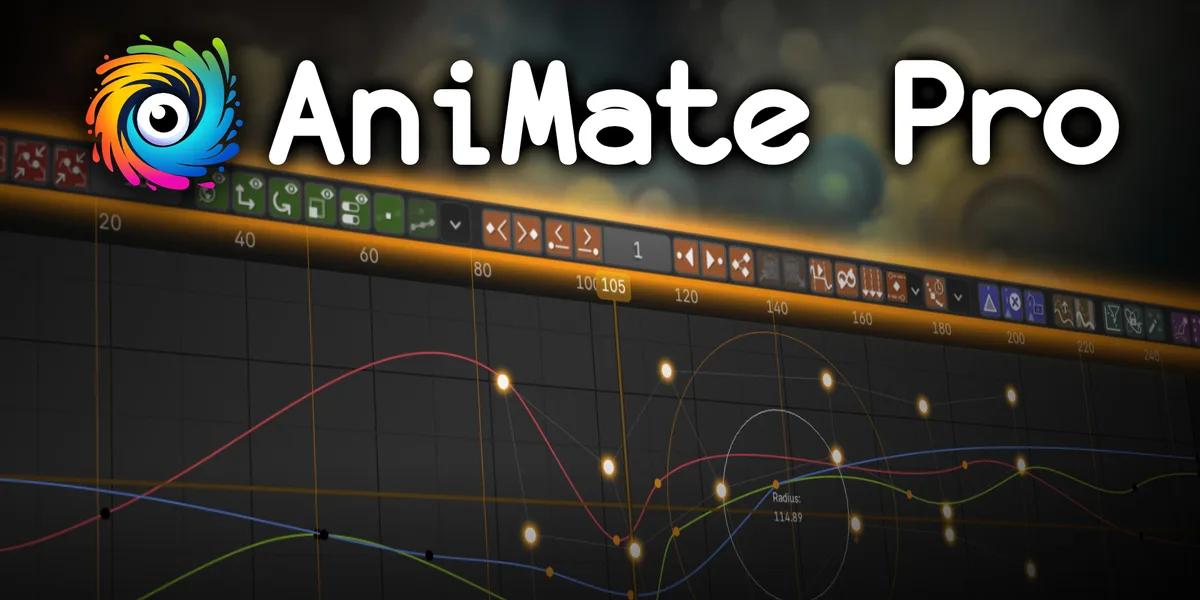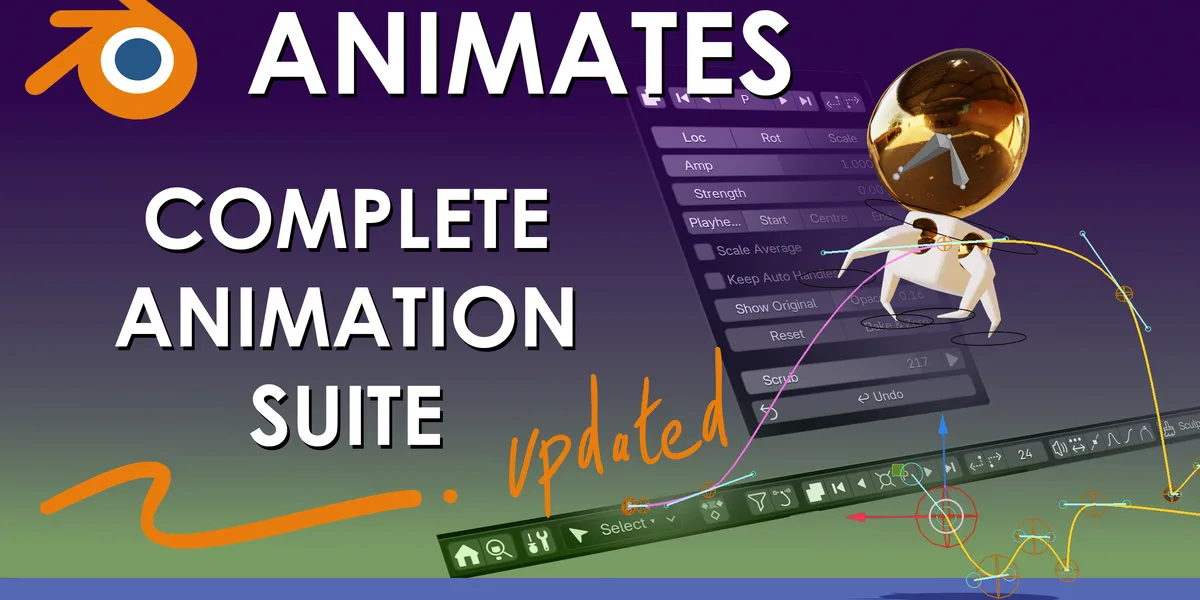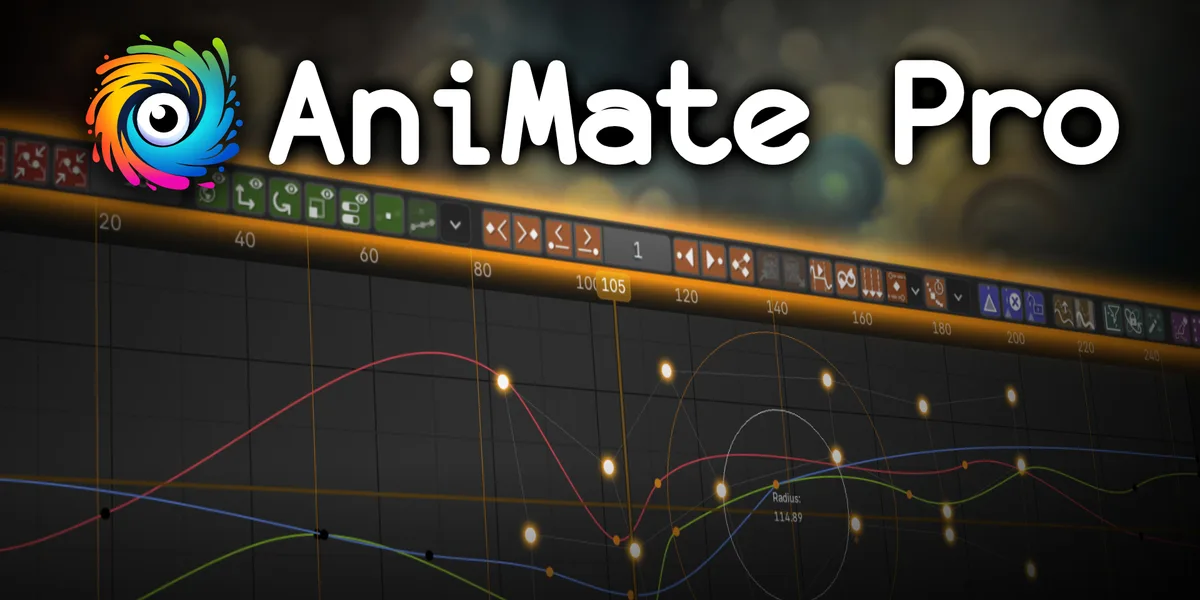
Animate Pro - Core is a Blender add-on for editing animation keyframes and curves. Its tools include timeline scrubbing, Graph Editor controls, timing adjustments, pose propagation and cleanup tools. The developer describes it as bringing features familiar to Maya and AnimBot users into Blender. See the Superhive product listing for current product details.
The listing names Blender 4.1 through 5.2, marks the add-on as Blender Extension Compatible and identifies its license as GPL. It also describes the product as early access and warns that some features may produce errors. Check the product documentation and listing for details before installing.
Edit and reshape keyframes
Anim Lattice lets you manipulate selected keyframes in the Graph Editor inside a bounding box. Its proportional scaling supports retiming keys or changing their values in bulk. Anim Sculpt works directly over keyframes with proportional editing: Tweak moves keys, Smooth adjusts their positions relative to neighboring keys, and Average moves them toward zero or the average of the selected keys. The product page describes Anim Sculpt as useful for motion capture data. Separate cleanup tools can clear keyframes on locked transforms, optionally remove repeated values on flat curves, and apply an Euler local filter only to selected keys.
Other Graph Editor controls can lock vertical or horizontal movement while dragging, so you can change a key’s value without changing its frame, or vice versa. Selection tools can isolate location, rotation, scale or other curves for the active object or bone.
Scrub and retime animation
Timeline Scrubbing uses a configurable key, set to Space by default. Holding it opens a modal scrubbing action in the viewport, so you can move through the timeline without moving the mouse to the playhead. The setting can work as a hold or a toggle, and can require the left mouse button.
Anim Time Warper changes key timing with Pins, Bars and Easings. Pins mark frames, with Bars and Easings between them. Drag a Pin to adjust timing between segments, a Bar to preserve a segment’s length, or an Easing to increase key density toward a Pin. Anim Nudge shifts selected keys by a configurable number of frames, while Anim Re-timer converts animation between frame rates and removes resulting subframes.
Anim Slicer inserts keyframes while preserving animation curves. You can choose a range and add keys on full frames, markers or a regular frame interval, among other criteria. The tool can also clear other frames within the selected range, depending on the chosen settings.
Adjust poses, loops and animation timing
Anim Offset proportionally offsets transforms for a whole animation or selected parts. Anim Poser can paste a copied pose into a chosen range or propagate values from the leftmost or rightmost selected keyframe. Anim Looper makes curves cyclical and can copy the first frame to the last, the last to the first, or leave the endpoints unchanged.
Anim Shifter moves an animation by a positive or negative number of frames, for the scene or selected objects and curves, with an option to add hold frames at the ends. Realtime Motion Paths update in the viewport as you change curves, the active object or a bone.
Editor setup and early access
The add-on includes customizable top bars for the Graph Editor and Dope Sheet. You can choose which elements appear in each editor, set their order and select among four button themes, including themes for light Blender interfaces. Preferences are available under Preferences > AniMatePro: Timeline Tools > Configuration.
Because the product is in early access, its feature set may change and some tools may error. The product page says users can report bugs and request features during development. Review the current listing and documentation if you depend on a particular tool or Blender version in production.