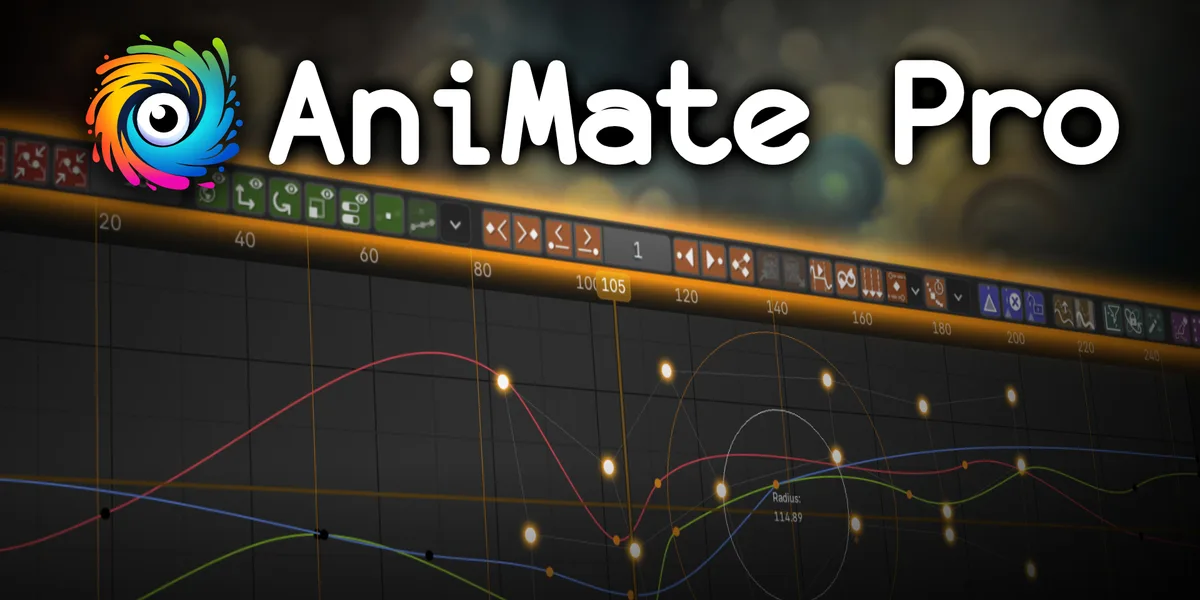
Animates Suite is a Blender add-on with tools for selecting and adjusting keyframes, building poses, shaping motion arcs, retiming animation and working around rig constraints. Its features cover tasks from blocking to polish, with controls for both viewport motion paths and animation curves.
Edit motion paths in the viewport
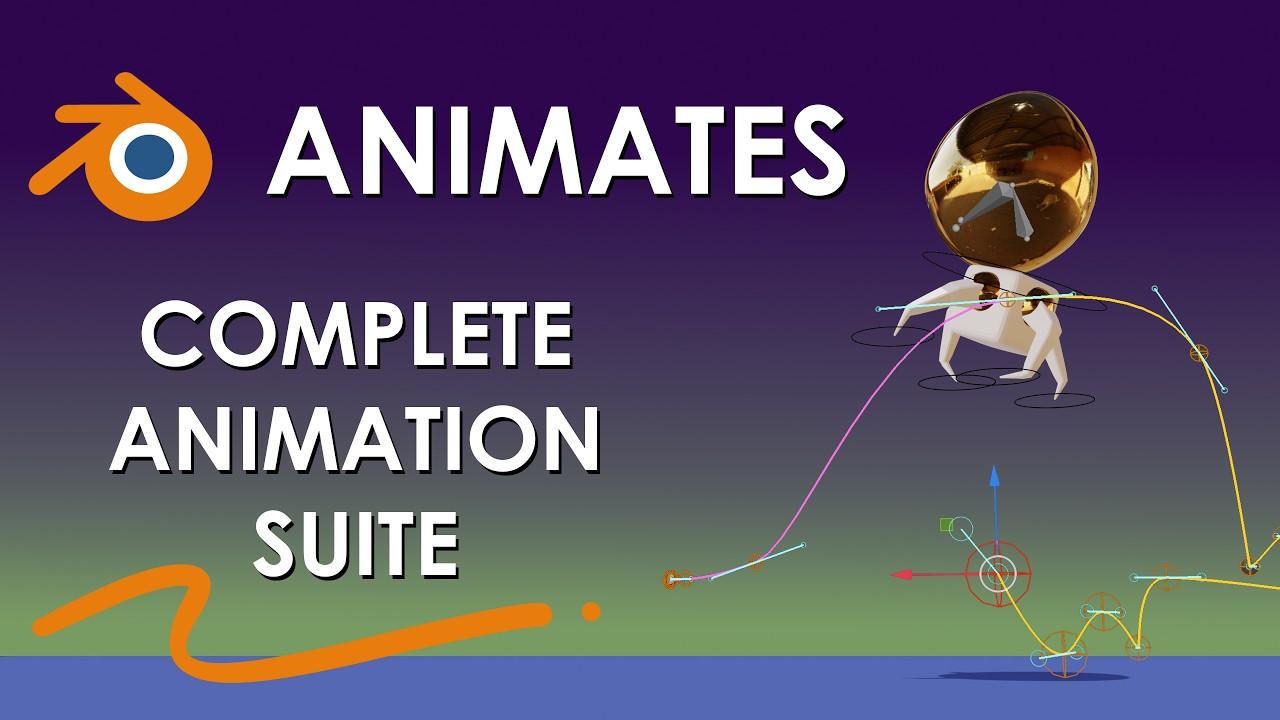
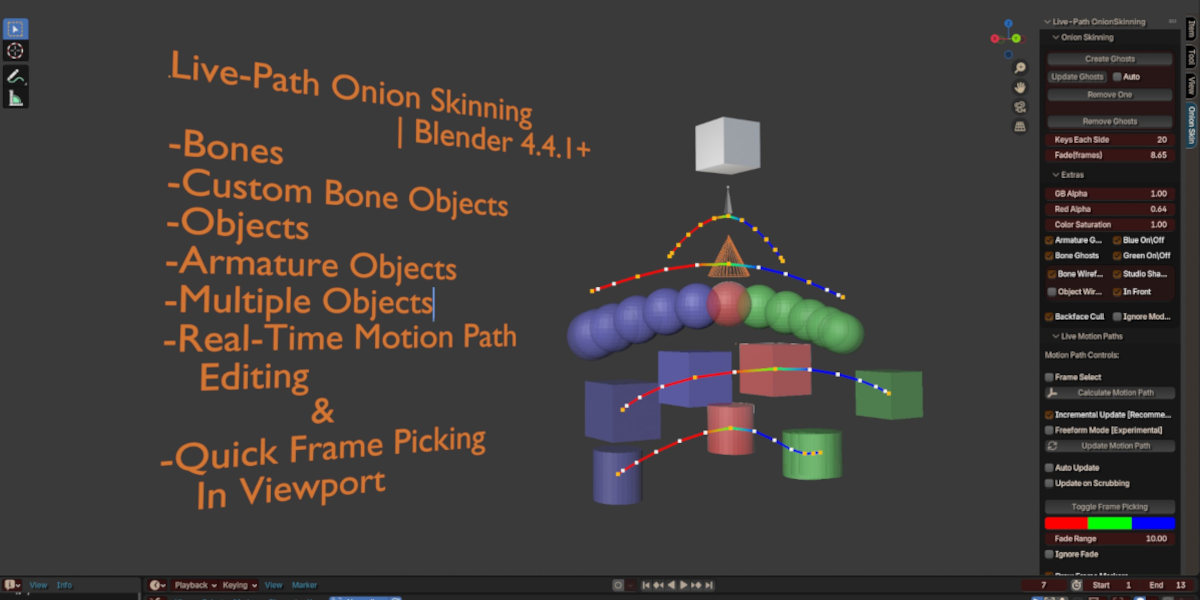
Arc Buster turns motion paths into editable 3D controls. It works with FK and IK, objects and cameras. Animators can move keys and Bezier handles in the viewport, then rotate or scale handles to reshape the trajectory. Live Graph Link connects Graph Editor changes to the displayed arc. Keep Timing helps preserve established motion on the path while timing and spacing change. Sculpt tools can nudge, ripple, smooth or reshape motion across the arc.
Build breakdowns and adjust key values
Breakdowner creates weighted in-betweens for location, rotation and scale. Its previous, middle and next controls preview poses, and a slider can push a result beyond the surrounding poses. The documentation describes its use with bones and objects, including multiple objects at once. Key Amp raises or lowers F-Curve values while preserving timing, with channel controls to focus the adjustment.
Retime keys and inspect poses
Retimer scales the timing of selected keys from a chosen reference point. Holding Shift smooths the slider operation, and Snap to Frames moves selected keys to the nearest frame. Bake & Zero commits the change and resets the slider. Retimer works in the Graph Editor, Dope Sheet and Timeline.
Onion skins show poses before and after the current frame. Settings include frame range, opacity falloff, display style and whether to show only keyed frames. The documentation describes ranges of up to 200 frames in either direction, and says bones and objects can be onion skinned. Key Colours assigns colors to keys to distinguish blocking, breakdown and polish passes, though the Superhive listing says the tool is unavailable in Blender 5.0.
Handle pivots, contacts and constraints
Lock to World holds a control in world space while the rest of a rig moves, which can help keep a foot, hand or prop contact planted during body motion. Temp Pivot creates a temporary transform pivot at a chosen point so animation can rotate around it without rebuilding the rig. Pick Up & Release creates constraint hand-offs for picking up, releasing or transferring props and controls while preserving their visible position at the transition.
Compatibility and installation
Superhive identifies Animates Suite as a Blender add-on; its technical specs list Blender 4.2 through 5.0+, while the Details row lists 4.2 through 5.0. AnyPlugins lists Animates Suite as free, but Superhive's current product listing shows paid options and identifies the license as GPL. Check the product listing for current availability and terms.
For installation, keep the downloaded add-on folder zipped and drag it into the Blender window, then confirm the prompt. The documentation also gives Edit > Preferences > Install from Disk as an installation route. See the Animates Suite documentation for the tool controls and setup details.