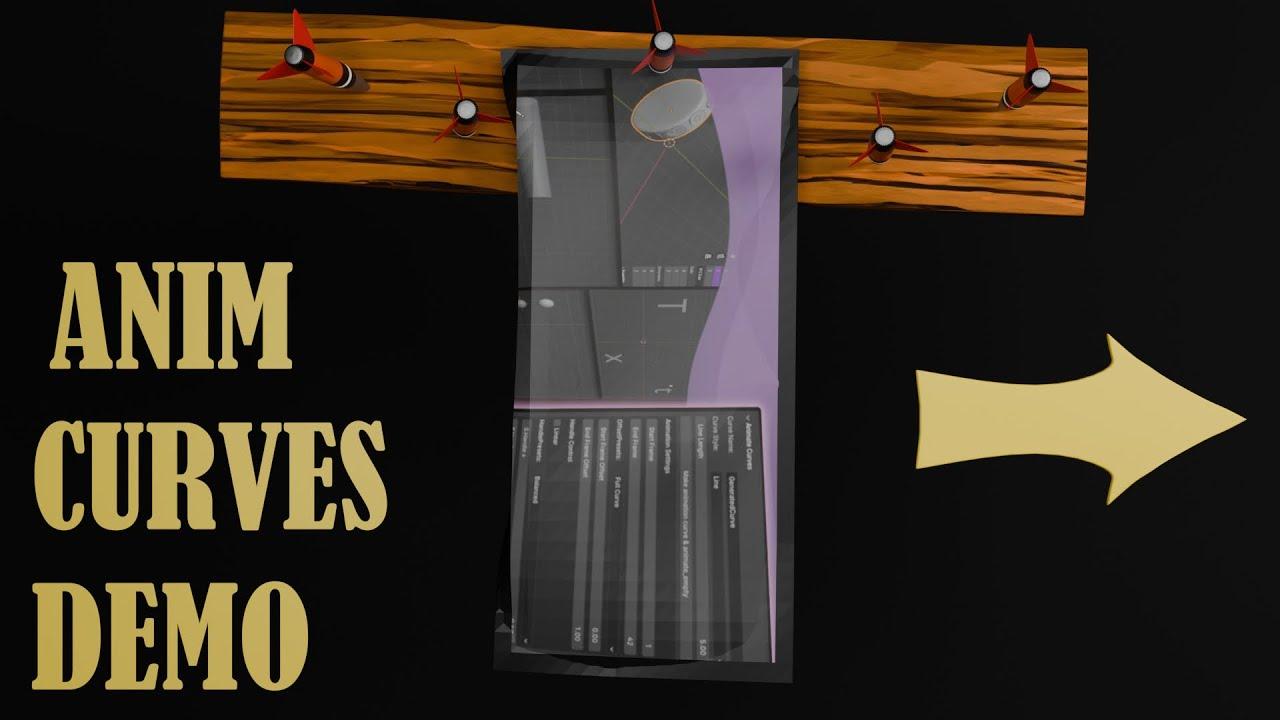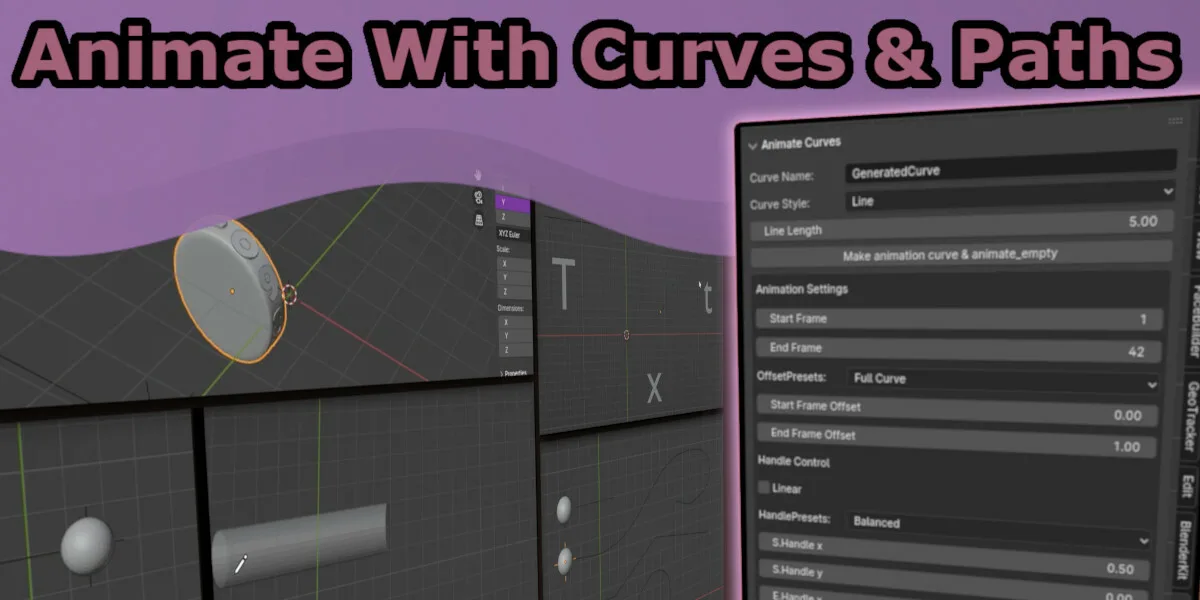
Animate With Curves And Paths is a Blender add-on from thingsbydesign for setting up object motion along a curve. It creates a curve and an automatically animated empty. The add-on offers curve and animation templates that you can adjust after setup.
How curve animation works
The product listing describes creating a template and animating an object in three clicks. A one-button action can parent an object to the empty. You can choose whether the object follows the curve or stays in place.
The empty's animation uses a Follow Path constraint and offset factor. That gives you a starting setup for moving an object along a path, with controls you can change afterward.
Curve and motion templates
Curve shape presets include Line, Circle, Spiral, Wave, and Wave with drop-off. Animation presets include Balanced, Fast to slow, and Slow to fast. These provide starting shapes and timing patterns; the curve and animation can be customized after creation.
Edit the path and animation
You can change animation keyframes, curve length, and curve points. Created curves can be moved, extruded, or reshaped, and an object's motion can be changed from the end of the curve to the start or reversed. Animations can also be removed, duplicated, or used on existing curves. Many adjustments are available without opening Blender's graph editor.
Installation and Blender compatibility
The listing names Blender 4.0, 4.1, 4.2, and 4.3. For the listed Blender 4.0 and 4.1 releases, its notes direct users to install the ZIP through Preferences and Add-ons. For Blender 4.2 and 4.3, the notes describe installing the extension from disk through Preferences and Get Extensions. The same instructions mention 4.3 and up, so check the current product listing for compatibility with later Blender releases and the latest installation files.
The listing identifies the add-on as GPL licensed. It also includes documentation and a demo video on the product page.