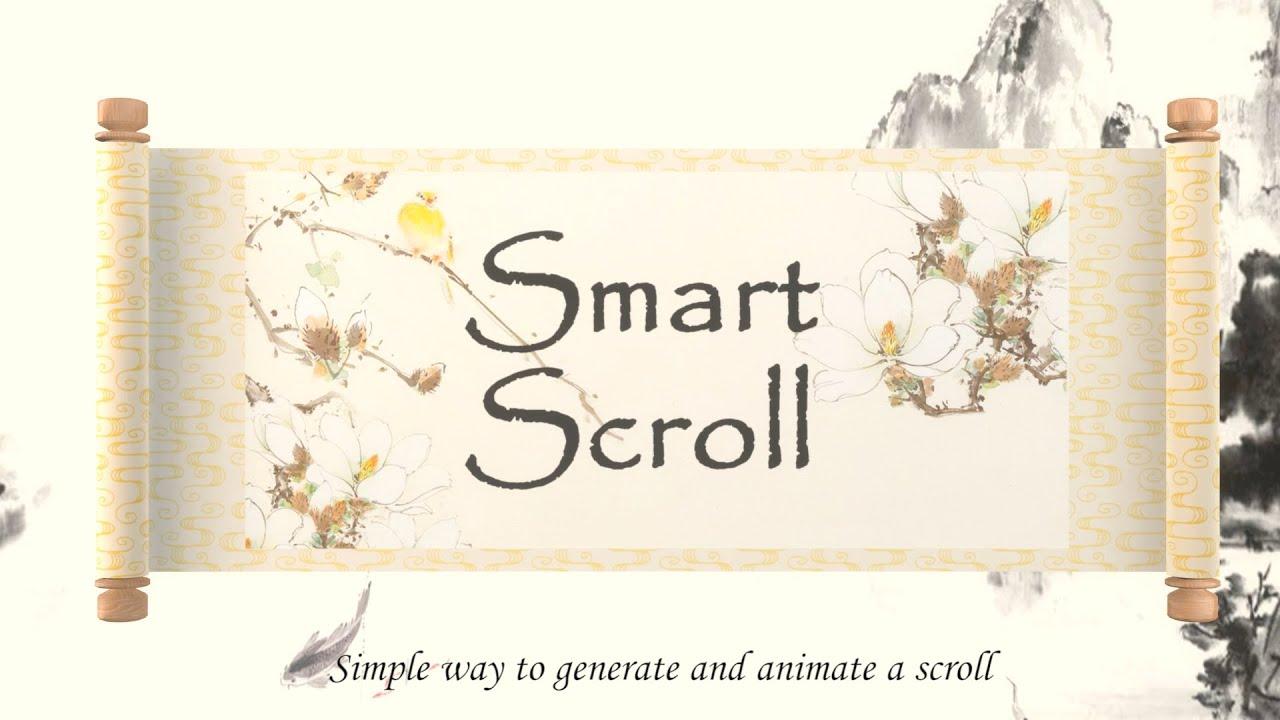
Smart Scroll is a Blender add-on by Shuhan for animating rolling scroll models. Draw a curve to use as the path, then adjust spiral parameters and the curve’s direction and tilt from the panel.
Controls for scroll motion
From the panel, you can switch between moving the scroll body and moving the stalk. The stalk rotates with the scroll pivots, so you do not need to insert keyframes individually for that motion. If a model has one stalk, Smart Scroll can copy it to create a double-pivot scroll. Changing the Scroll Body lets you return to a previous scroll.
Prepare the model
- Add enough loop cuts for the model to roll in the intended direction.
- Set the model’s rotation to the desired direction and apply its transforms before using the add-on.
- The product listing warns that using the stalk in path animation can cause severe deformation.
Blender versions and license
The product listing states that Smart Scroll requires Blender 3.1 or newer and names versions 3.1 through 3.6, plus 4.0 through 4.4. Check the listing for compatibility with releases outside that range. The listed license is GPL.