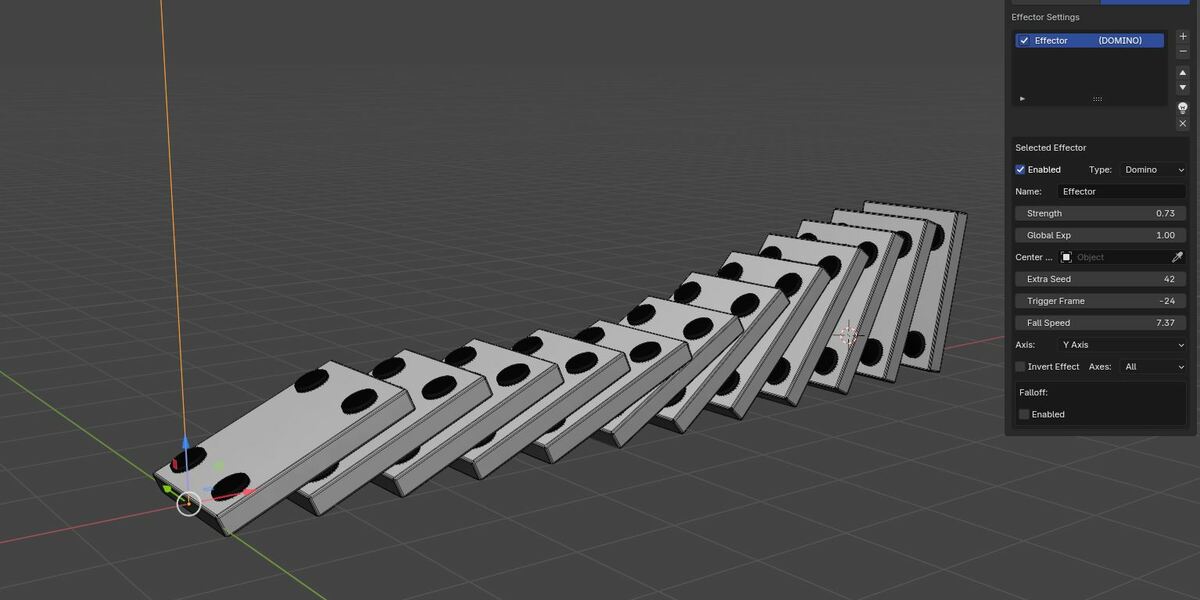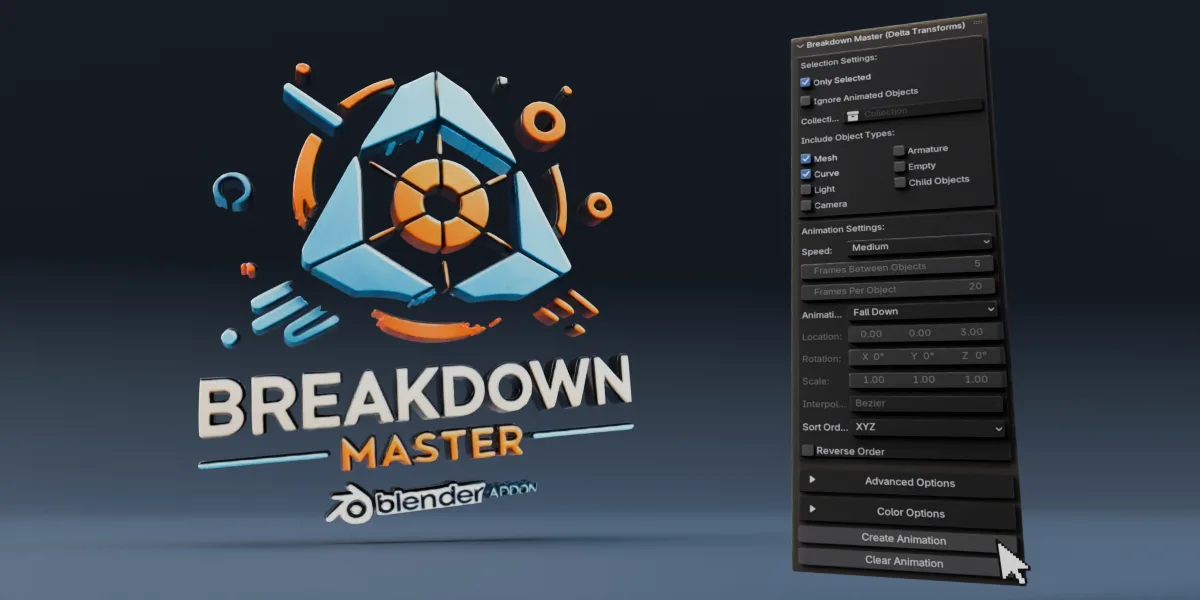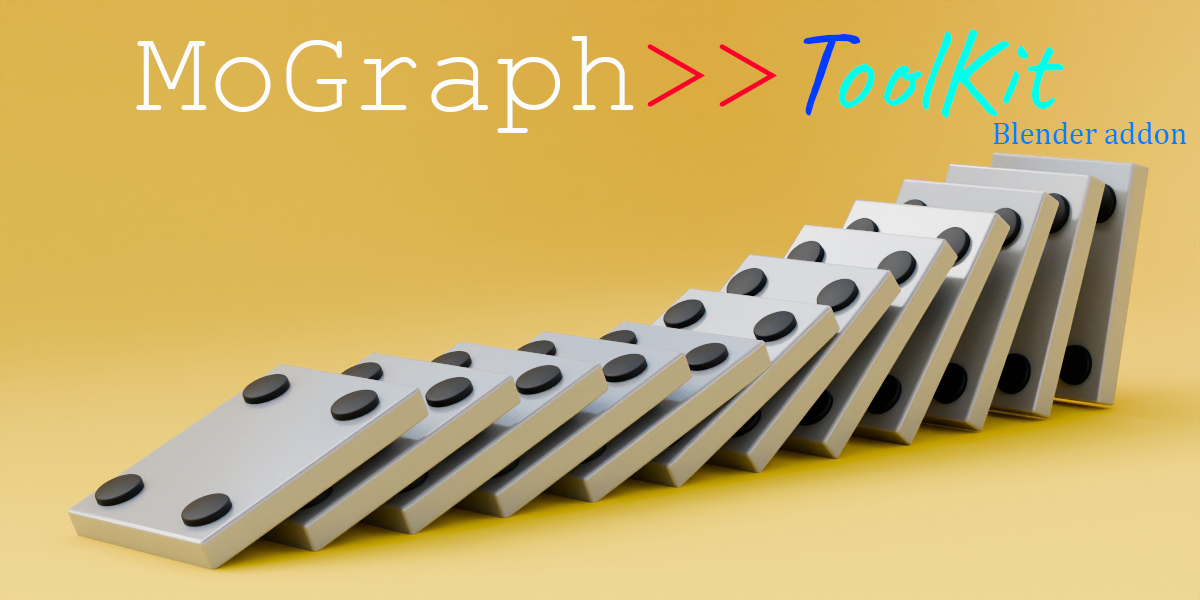
Mograph Toolkit is a Blender add-on for distributing objects and shaping their motion. Its cloners arrange objects in grids, spirals, radial patterns or across surfaces. Effectors can bend, ripple, swirl or morph objects, with physics-inspired controls or flow fields for directing motion over time.
3D artists and motion designers can use Mograph Toolkit in Blender to arrange architectural elements, create abstract motion graphics or fine-tune product showcases.
Distribute objects with cloners
Cloners provide several ways to arrange objects: use a grid for a regular pattern, a spiral or radial layout for forms around a center, or distribute objects along a surface.
After choosing a distribution, you can use the toolkit’s controls to define pivots, add random variation or mirror the result for symmetry.
Shape motion with effectors
Effectors add movement to object arrangements by bending, rippling, swirling or morphing them. Physics-inspired controls or flow fields add realism, and effectors direct motion over time.
This combination can suit work where an arrangement needs to change as part of an animation, such as abstract motion graphics or a product showcase.
Adjust a setup as you work
Mograph Toolkit uses a non-destructive setup. You can adjust parameters, switch objects or change distribution settings and see live results. That lets you try a different arrangement or effect without rebuilding the setup from scratch.
For example, you could begin with a grid of objects, change the distribution, then adjust pivots or add variation while keeping the setup editable. You can make these changes at any time.
Compatibility and license
The product listing names Blender 4.0, 4.1, 4.2 and 4.3 as compatible versions, and identifies the license as GPL. Check Luwizart’s current product listing for compatibility details before using the add-on with another Blender version.