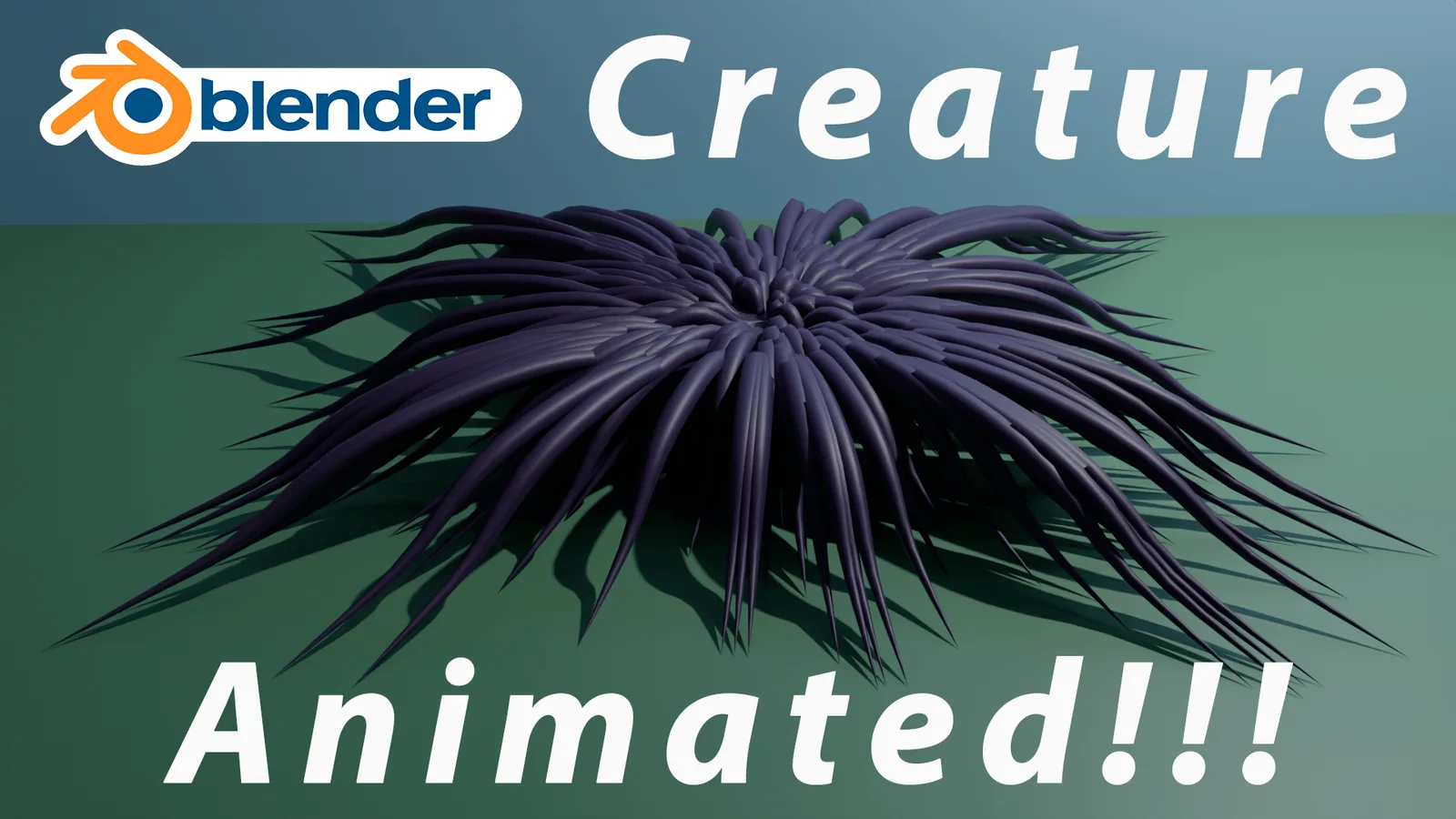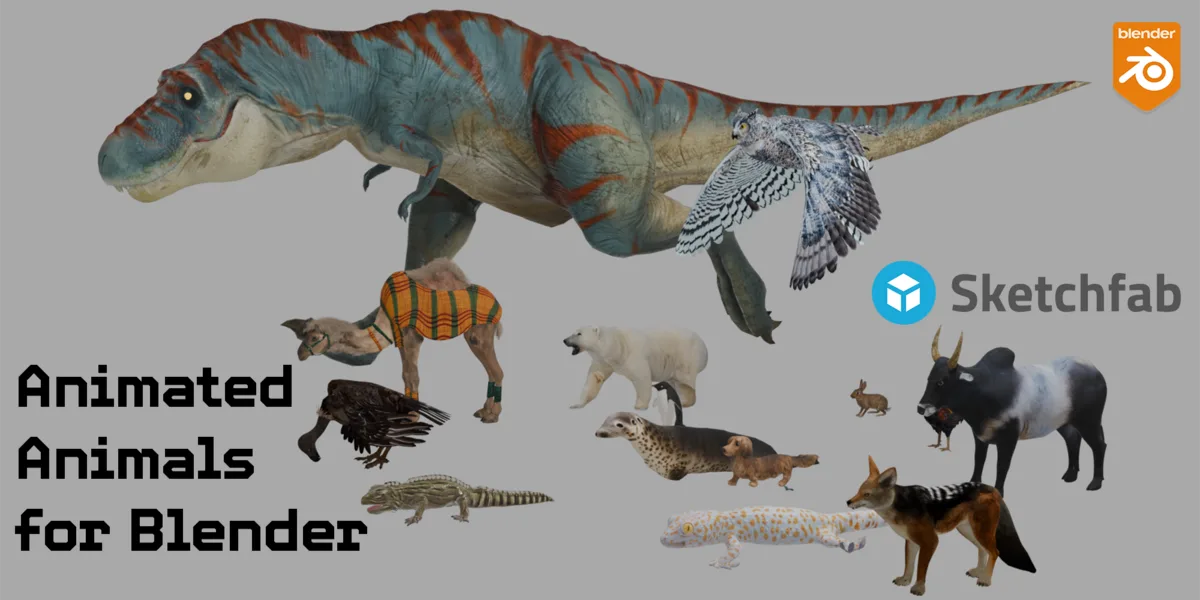
Animated Animals For Blender Add-On lets you browse and place more than 900 animated animal models in Blender. The models come from curated Sketchfab playlists. Each has at least one animation, and many include a full animation set. Before importing a model, you can check its vertex count, animation count, license and other details.
Animal categories
The library groups animals into 13 categories:
- African animals
- Birds
- Cartoon and stylized animals
- Desert animals
- Domestic animals
- Fantasy creatures
- Farm animals
- Forest and mountain animals
- Insects
- Jungle animals
- Polar animals
- Prehistoric animals and dinosaurs
- Water animals and fish
Install and import animals
The listing specifies Blender 4.2 through 5.0 and marks the add-on as Blender Extension compatible. Its documentation describes this installation and import workflow:
- In Blender preferences, open the add-on tab, click the down arrow in the upper-right corner and choose “Install from disk.” Select the add-on ZIP file, then click “Install from disk.”
- Enter a Sketchfab API key in the add-on preferences, choose a cache directory and save the preferences.
- Open the Animals tab in the 3D View sidebar, choose a category and select a model to view its details.
- Choose “Import Converted GLB/glTF.” The model is placed at the 3D cursor in a new collection named for the model and its creator.
The documentation notes that some models may require you to delete an icosphere after import.
Animation, rendering and license
The listing names Cycles and Eevee as supported render engines. The add-on is released under the GPL, while each Sketchfab model has its own license shown in its details. Review the individual model’s terms before using it in a project.
Product information and instructions
See the product listing for compatibility and product details. The documentation covers installation and importing, and the FAQ explains how to loop an animation.