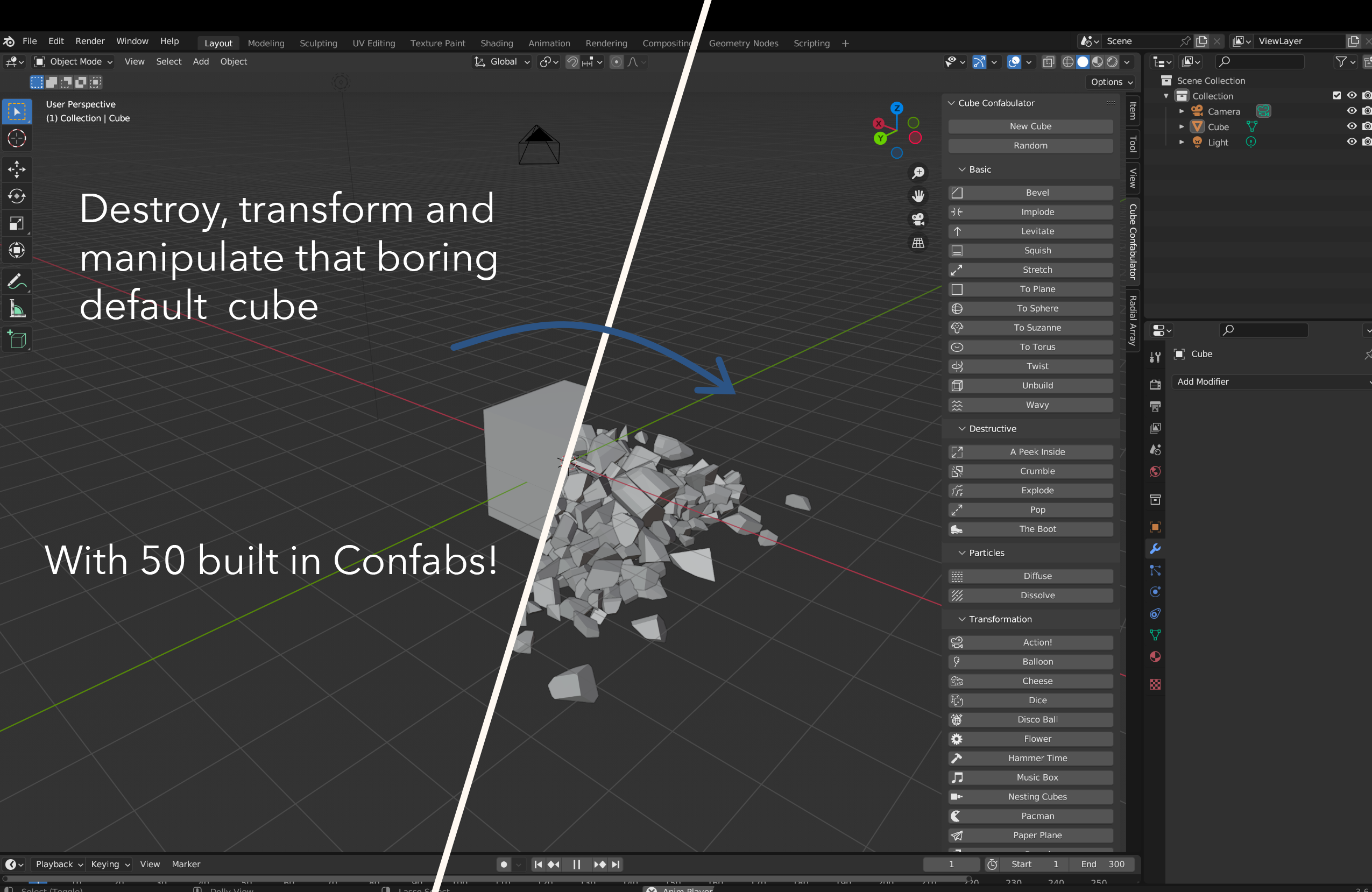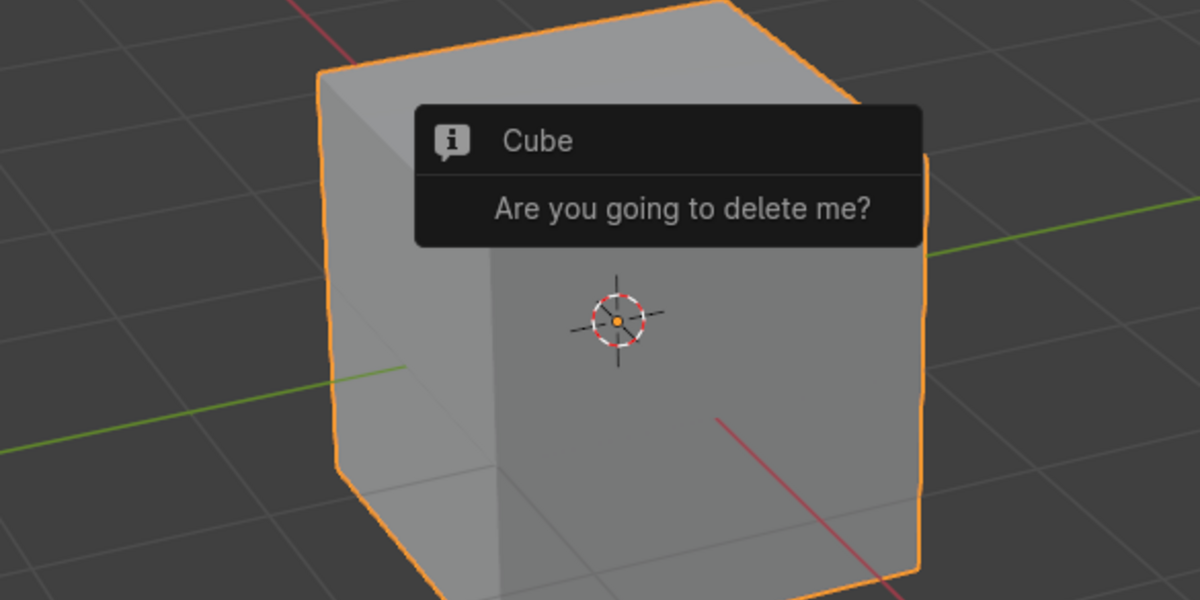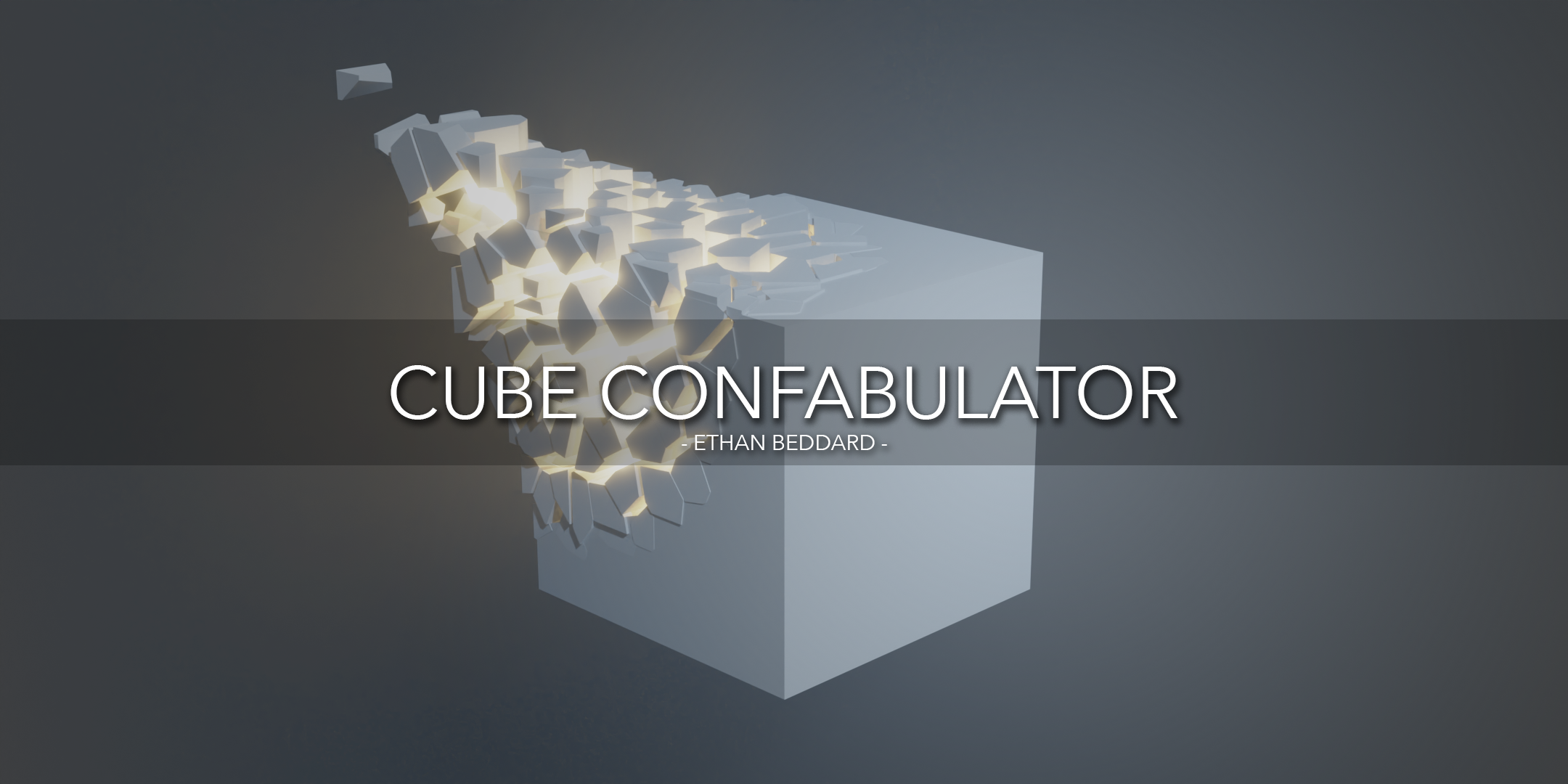
Cube Confabulator is a Blender add-on with 50 Confabs for deleting, transforming, or manipulating the default cube. It also lets you create and save custom Confabs. Two built-in Confabs use fluid simulations.
Built-in Confabs and download sizes
The built-in Confabs appear as buttons in the Cube Confabulator panel. The 314 MB base download includes pre-baked caches for the two fluid simulation Confabs. The 50 MB version omits those caches; after installation, you can bake the simulations from the panel settings. The product listing describes the available files and features.
Scene requirements and setup
A Confab needs an object named Cube with its default transforms: position and rotation at (0, 0, 0), and scale at (1, 1, 1). The add-on checks these conditions and reports a message if they are not met.
The documentation says to install the downloaded CubeConfabulator.zip as an add-on without unzipping it. Then open a 3D Viewport, press n to show the sidebar, and choose the Cube Confabulator panel.
Create a custom Confab
To make one, prepare the objects and animation you want to save, set the animation's final frame, give the Confab a unique name, and decide whether a clean cube should be added after it runs. Select all the objects to include, then choose Convert selected to Confab. When run, a custom Confab removes the default cube, imports its saved objects, plays the animation to the chosen frame, and removes those imported objects. It can add a clean cube at the end.
The documentation recommends putting HIDE in the names of objects that should remain hidden, and baking rigid-body simulations to keyframes before saving. It also says custom Confabs do not have an add-on baking function, so avoid very complex simulations. Creators can share their Confabs on the Cube Confabulator subreddit; submissions may be added to the main add-on.
Compatibility and license
The listing gives release 1.00, marks the add-on as compatible with Blender 2.8 and later, and enumerates versions through Blender 3.6. Check the developer's listing for confirmation if you use a newer release. The product is listed under the GPL license.