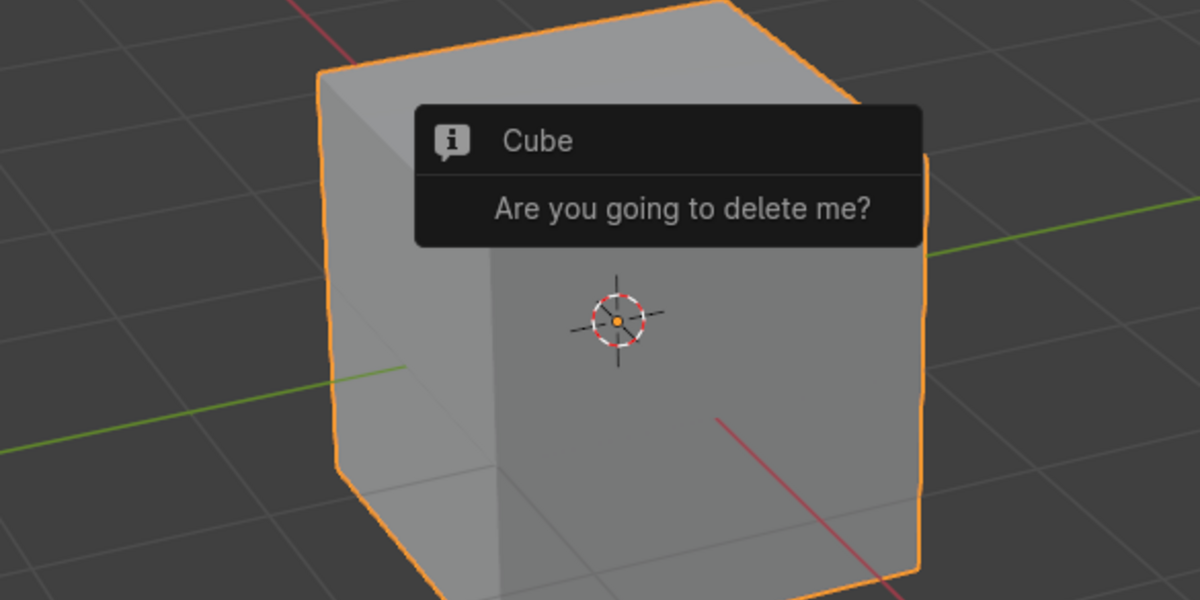
Default Cube: The Game is a native Blender add-on by Spencer Magnusson. Remove the default cube and the add-on can trigger one of 12 kinds of haunts during your session, from sounds and image pop-ups to temporary interface changes. It is aimed at artists who want a more unpredictable session, especially when recording or livestreaming.
How the game works
Start the game from the add-on preferences after enabling it. Haunts can affect parts of the Blender session, and you can start or end the game at any time. It ends when you open a new file or meet the game's win condition; to continue in another file, start it again from the preferences.
Controls for creators
You can change the delay between haunts and customize some of them for your audience. The add-on also lets you import and export haunt assets, so creators can share their own scares or jokes. The developer offers personalized haunt asset bundles through Superhive. The documentation keeps some event details hidden for people who want to discover them while playing.
File behavior and add-on safety
The developer describes the add-on as non-destructive by design. It saves only which object was initially the default cube, if that object still exists; no other data is saved to the file. Haunts clean up after themselves so temporary changes are not meant to persist. Auto-save pauses during each haunt as a precaution if something crashes. The developer says haunts last less than thirty seconds. The documentation warns that add-ons downloaded from other sites can be altered to harm or spy on a computer; concerned users can read the source code or ask a trusted programmer to review it.
To reduce concurrency issues, the add-on waits for modal operations to finish. There is an option to turn off that safety if you want other add-ons to run continuously in the background. The developer cautions that other add-ons can still affect how the game behaves.
Compatibility and license
The supplied Superhive listing identifies it as a Blender add-on, marks it Blender Extension Compatible, lists Blender versions 4.5 to 5.2, and gives its license as GPL. The supplied details do not identify a separate release version. Check the developer's documentation and listing for current details before installing.