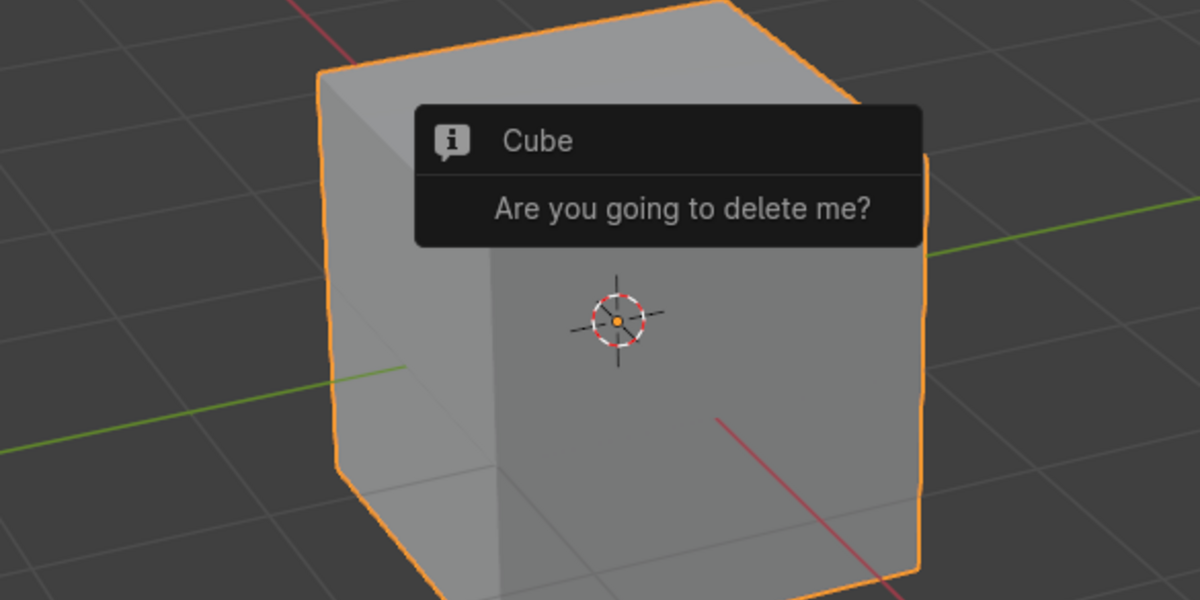
Default Cubes Destroyer is a Blender add-on by HuyKhoi2407 that removes the default cube with one click. The joke is the default cube that greets users at the start of a project.
After installing and enabling the add-on, open the 3D Viewport sidebar by pressing N. Find Default Cubes Destroyer under the Tools tab and use its control to remove the cube.
Supported Blender versions
The product listing names Blender 3.4, 3.5, 3.6, 4.0, 4.1, 4.2, and 4.3. Check the listing for current compatibility details if you use another version. It lists the license as Royalty Free; review the publisher's terms before use.
Install the add-on
- Download the add-on's Python (.py) file from the product listing.
- In Blender, open Edit > Preferences > Add-ons and choose Install.
- Select the downloaded .py file and activate the add-on.
- In the 3D Viewport, press N and look for it under Tools.