Animation Editor Pro is a Blender add-on for composing character animation from non-destructive strips in the Non-Linear Animation (NLA) editor. It adds controls for arranging clips across tracks, refining movement, and reusing parts of a performance. The listing reports compatibility with Blender 4.1 through 5.2; check the current product listing before installing.
Compose layered animation in the NLA editor
Animation strips can be stacked and sequenced, with a track preview for viewing the arrangement. Local Transitions add or remove blends between sequential strips on the same track. Global Transitions work across multiple strips and tracks: the add-on analyzes a chosen frame range, generates transition keyframes for relevant bones, and uses the Relocation Frame number you set to shift later strips forward or backward to fit the new timing.
For layered character motion, a Global Transition can span more than two adjacent strips on one track. You can also bake the finished composition into a single action when you are ready to consolidate it.
Adjust movement and reuse root-motion clips
Displacement Modifiers provide UI controls such as speed, amplitude, and offset for procedural character movement. The In Place setting can mute location data for a selected bone, often the root, or for the whole rig on a strip. You can then use a displacement modifier to control movement separately from the character’s animation.
These settings help when adapting a root-motion walk or run cycle for a scene that needs adjustable movement. They are applied through strip settings and operators described in the Animation Editor Pro documentation.
Refine, loop, and mirror performances
Copy Animation can create a strip from selected bones, allowing parts such as an arm or leg to be adjusted separately. Its extract option also removes that animation from the source strip. Mute Strip lets you enable or disable a strip while arranging the composition.
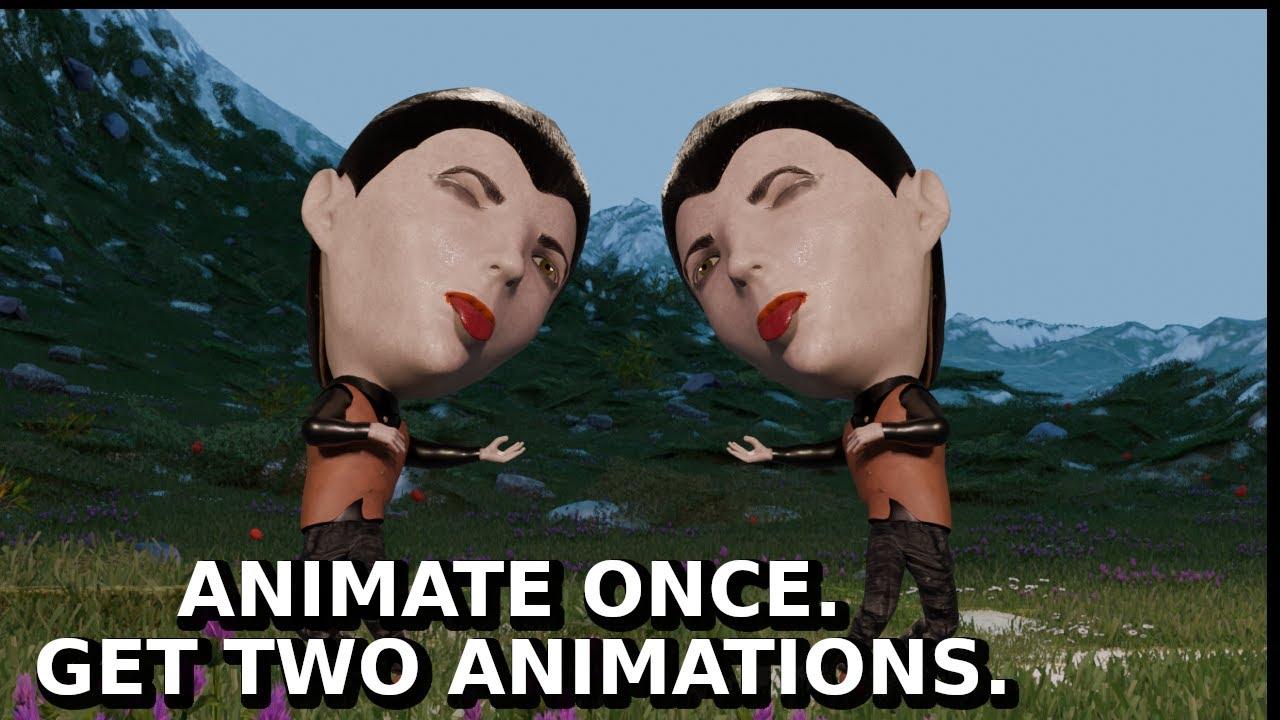
Create Seamless Loops analyzes unmuted strips and creates a transition strip between the end and start poses. Mirror Animation can generate a mirrored strip from unmuted tracks within a chosen frame range. Both features support working with layered character motion without manually repeating the same operation on each strip.
Who may find it useful
The add-on is aimed at Blender artists building character animation, especially when a sequence uses several NLA tracks or needs separate control over bone groups. For an overview of its controls and examples, consult the creator’s documentation and verify the current Blender compatibility on the product listing.