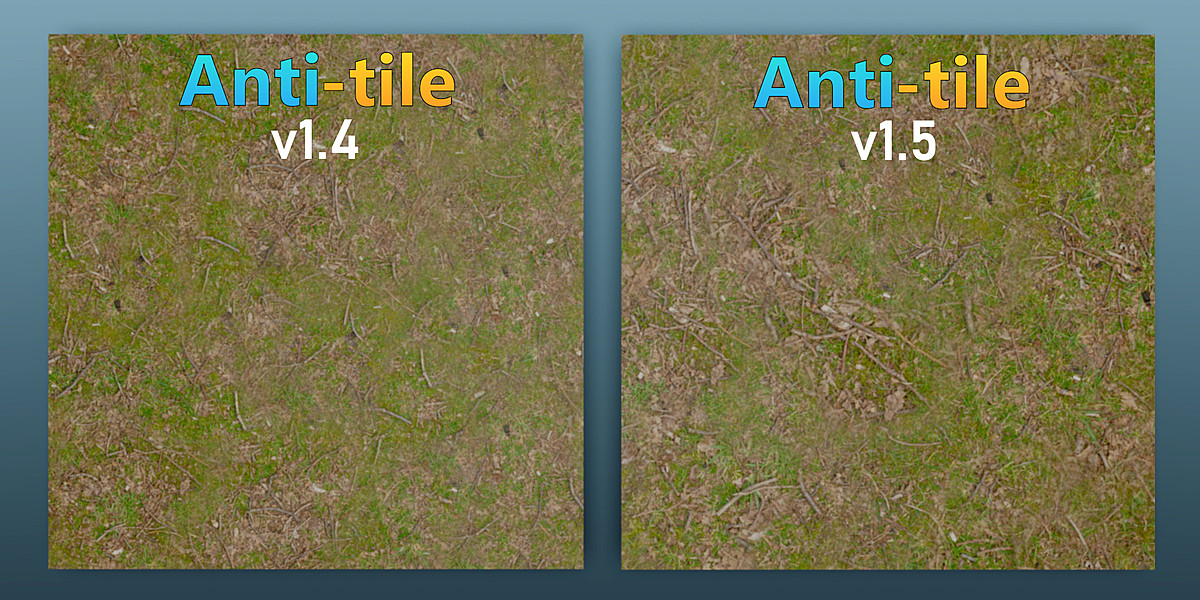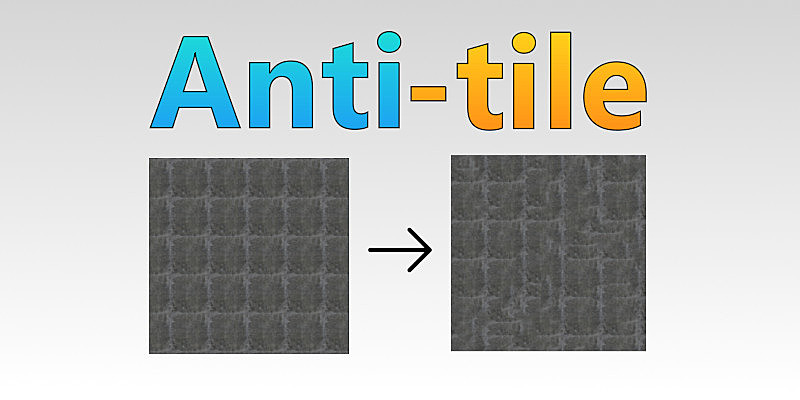
Anti-Tile is a Blender add-on by Thatimster for reducing the visible repetition that can appear when seamless image textures are scaled up. It applies triple-layer procedural blending, with controls for the blend and individual image layers. The product listing describes a one-click workflow for applying or removing the effect.
How Anti-Tile varies texture mapping
The add-on randomizes mapping per object, so separate objects can show different texture results even when they share a material. Within one object, Anti-Tile uses the same random value and shift across its maps. That keeps maps such as a normal map and diffuse map aligned while the pattern varies between objects.
For a PBR material, Anti-Tile can be applied to multiple images while maintaining their mapping. The product history also records support for Box Mapping in version 1.53, video textures in version 1.6, and node frames in version 1.7. Applying the add-on inside node groups is also listed in the update history.
Controls and workflow
You can select one or more images and apply or remove Anti-Tile in a single action. Its controls let you tune the procedural blend and image layers:
- Shift displaces the blend.
- Noise Scale 1 and Noise Scale 2 set the sizes of the two noise layers.
- Image Scales adjust the size of each image layer.
- Offset 1 and Offset 2 move the corresponding layers.
Debug Mode helps inspect how the triple-layer blend works. The package includes a user manual. For support, the documentation page directs users with questions to contact the developer through Blender Market.
Version and compatibility notes
The marketplace listing shows v1.71 as its latest update entry, marks it as Blender Extension Compatible, and lists Blender Version 5.2. The version 1.71 update note specifically mentions Blender 4.2.0 extensions support. These entries do not provide a full compatibility matrix, so check the current product listing and manual for the Blender version you plan to use. The listing identifies the license as GPL.