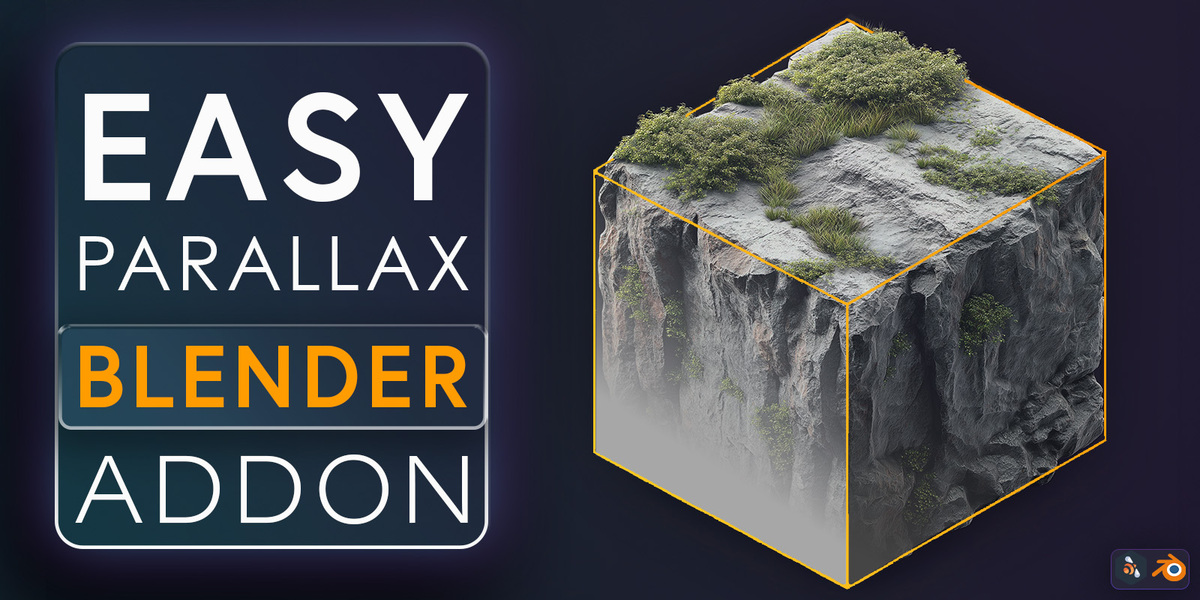
Easy Parallax is a Blender add-on that converts an existing material into a Parallax Occlusion Mapping (POM) shader. It uses texture maps to create a real-time depth effect on a single face, giving surfaces more apparent relief without dense geometry.
Apply POM to an existing material
The add-on has a panel with slots for Normal, Albedo, Displacement and Roughness maps. Load the maps for your material, select the material, then click Add Parallax Occlusion Mapping to create the shader setup. This keeps the workflow inside Blender’s material panel rather than requiring you to build the node setup by hand.
If the displacement map is not already selected, Scan Texture Maps can detect available maps in the material. Choose a height map from the list and use Apply Height Map to set it manually.
Set depth and texture edges
Parallax Strength controls how pronounced the depth effect appears. Its documented default is 0.5; adjust it for the scale of the object to avoid a result that looks too strong or too flat. The Extension Type setting controls the texture boundaries: Repeat extends the texture by repeating it, while Clip crops its edges.
The documentation recommends high-resolution maps for better results and suggests using Blender’s lighting to bring out the depth. If textures look wrong, check that each map is loaded into the matching slot. If the surface appears flat, check that the displacement map is loaded and applied.
Where it may fit
Blender Procedural positions Easy Parallax for games and other real-time applications, low-poly or performance-intensive scenes, and quick visualizations. The effect uses minimal geometry, which can be useful when adding surface detail without increasing mesh density. It remains a material shader workflow, so the texture maps and Parallax Strength setting affect the result.
Compatibility and listing details
The Superhive product listing shows Blender versions 4.3–5.3, names Cycles and Eevee under render-engine details, and lists the license as GPL. Its documentation covers the panel, map selection, settings and troubleshooting.