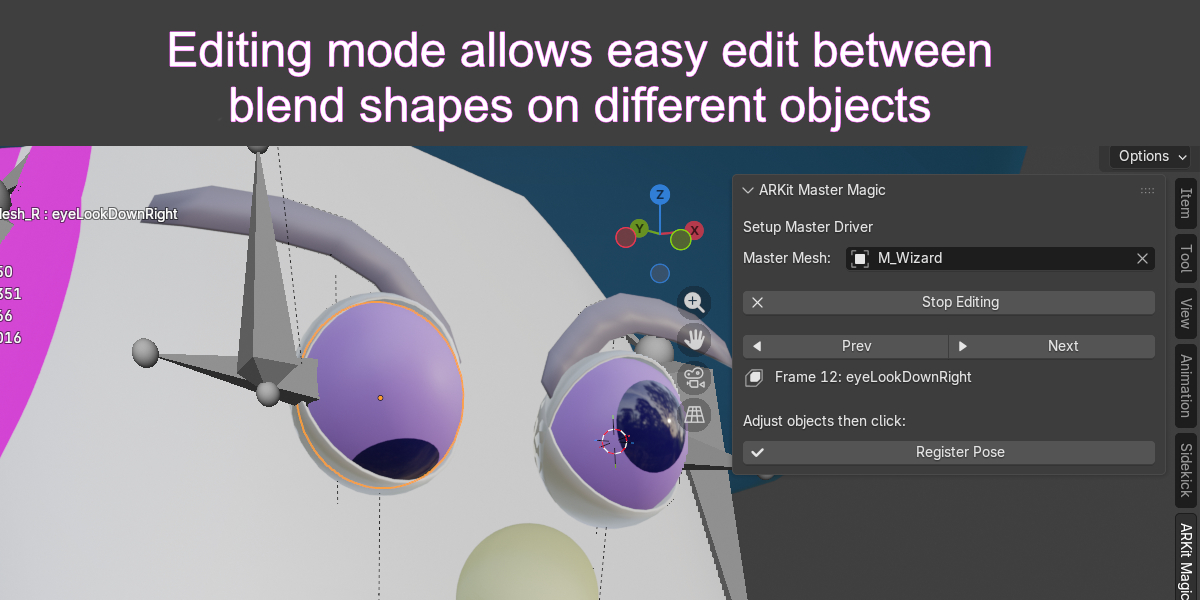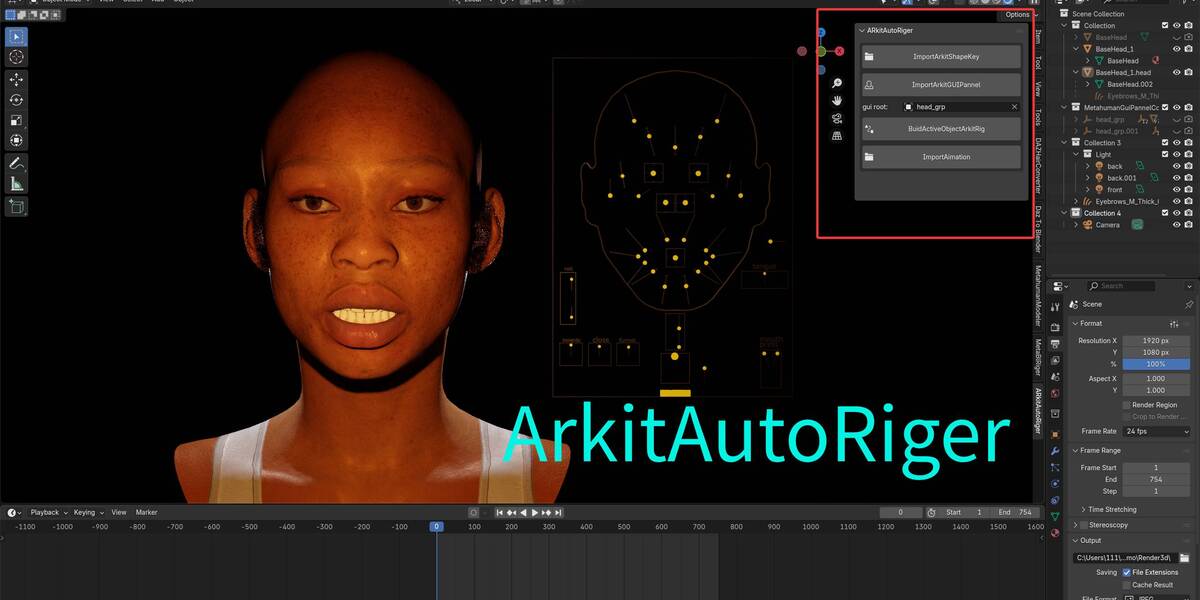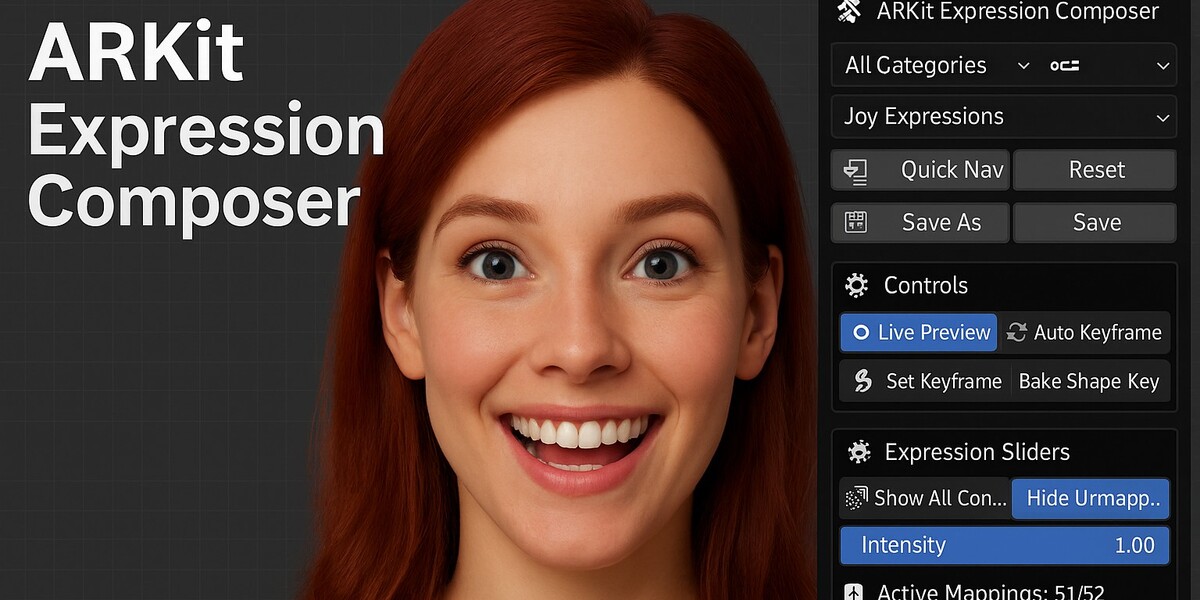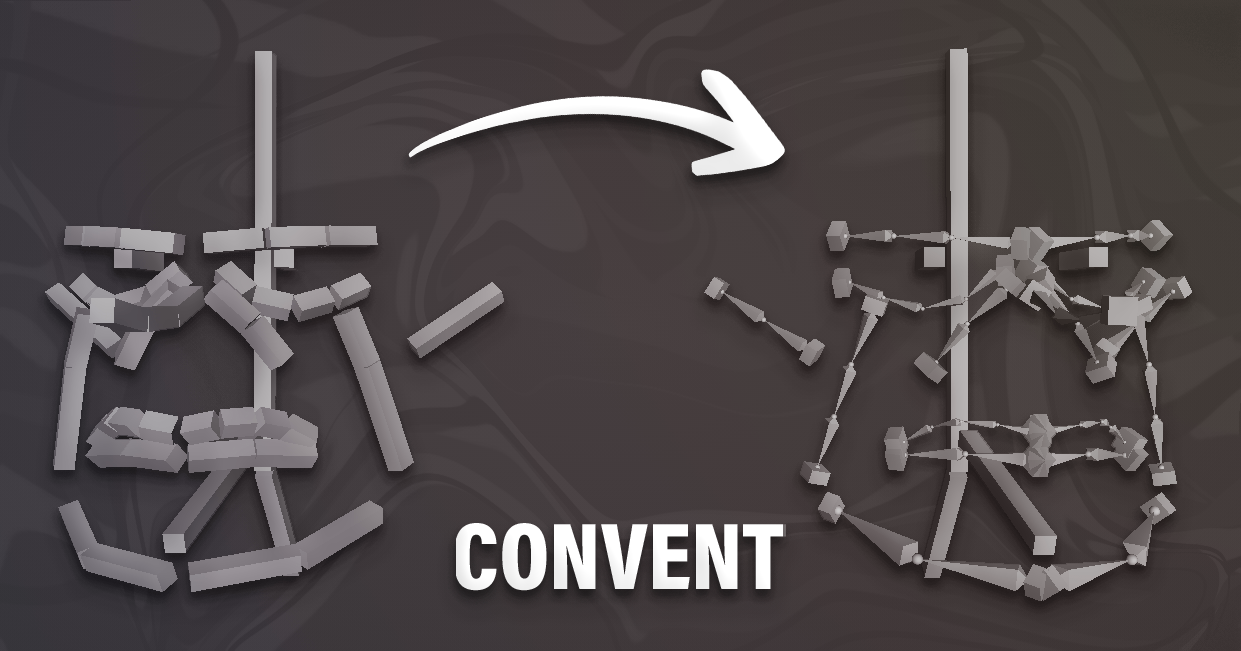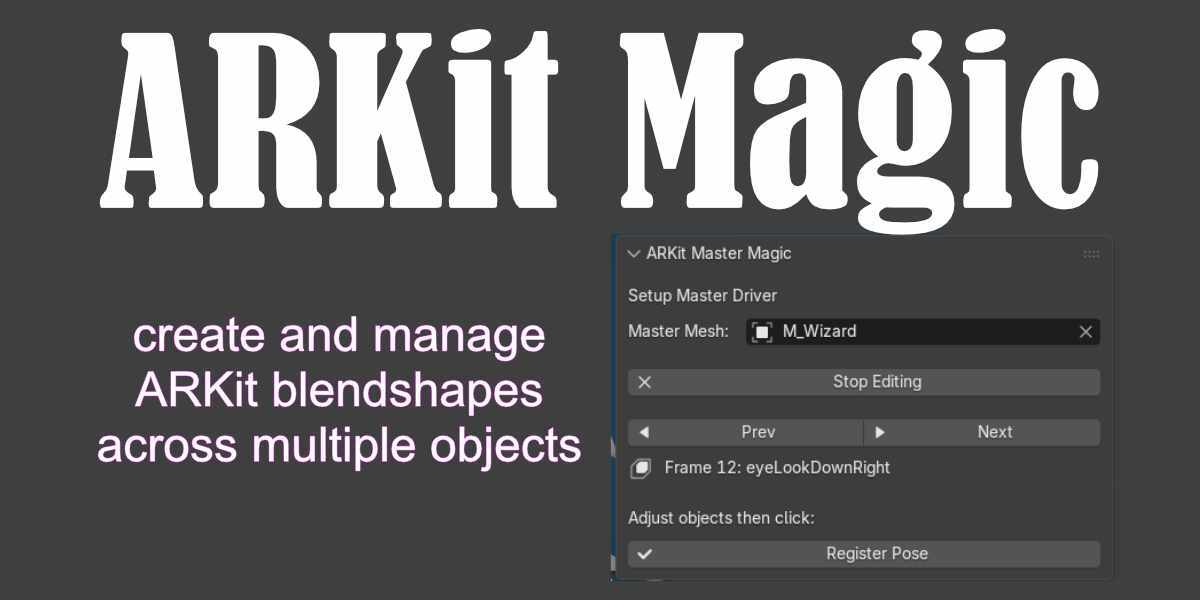
ARKit Magic is a Blender add-on by Digital DiLeo for facial rigs that use ARKit blendshapes across separate objects. Set a main mesh as the Master Mesh, then link secondary objects such as eyes, teeth, hair, clothing, or accessories with automated drivers. Animating a blendshape on the Master Mesh drives the linked objects.
The add-on supports all 52 standard ARKit blendshapes. Its product listing specifies Blender 5.0 or later, identifies the download as a .zip add-on, and lists GPL licensing and lifetime updates.
What ARKit Magic does
- Uses a Master Mesh as the driver source for a multi-object facial rig.
- Links secondary objects to the Master Mesh through automated drivers.
- Synchronizes linked objects when you animate a blendshape on the Master Mesh.
- Provides a timeline-based Edit Mode for selecting blendshapes, making adjustments, and comparing movement frame by frame.
How the workflow works
- Set up the 52 ARKit shapekeys on the Master Mesh.
- Use the ARKit Magic panel to connect other objects, such as teeth, eyes, or accessories.
- Open Edit Mode to adjust and compare shapes on the timeline.
- Keyframe the Master Mesh, or use a face-capture app such as Live Link Face.
Who it may suit
ARKit Magic is intended for Blender artists building facial animation across multiple meshes. The listing names complex avatars, VTubers, and cinematic characters as examples. A separate mesh can follow the same facial motion as the Master Mesh, such as hair responding to a brow raise or glasses moving with a cheek puff.
Check that your Blender installation meets the stated 5.0+ requirement, and review the current package and license details on the product listing before installing.