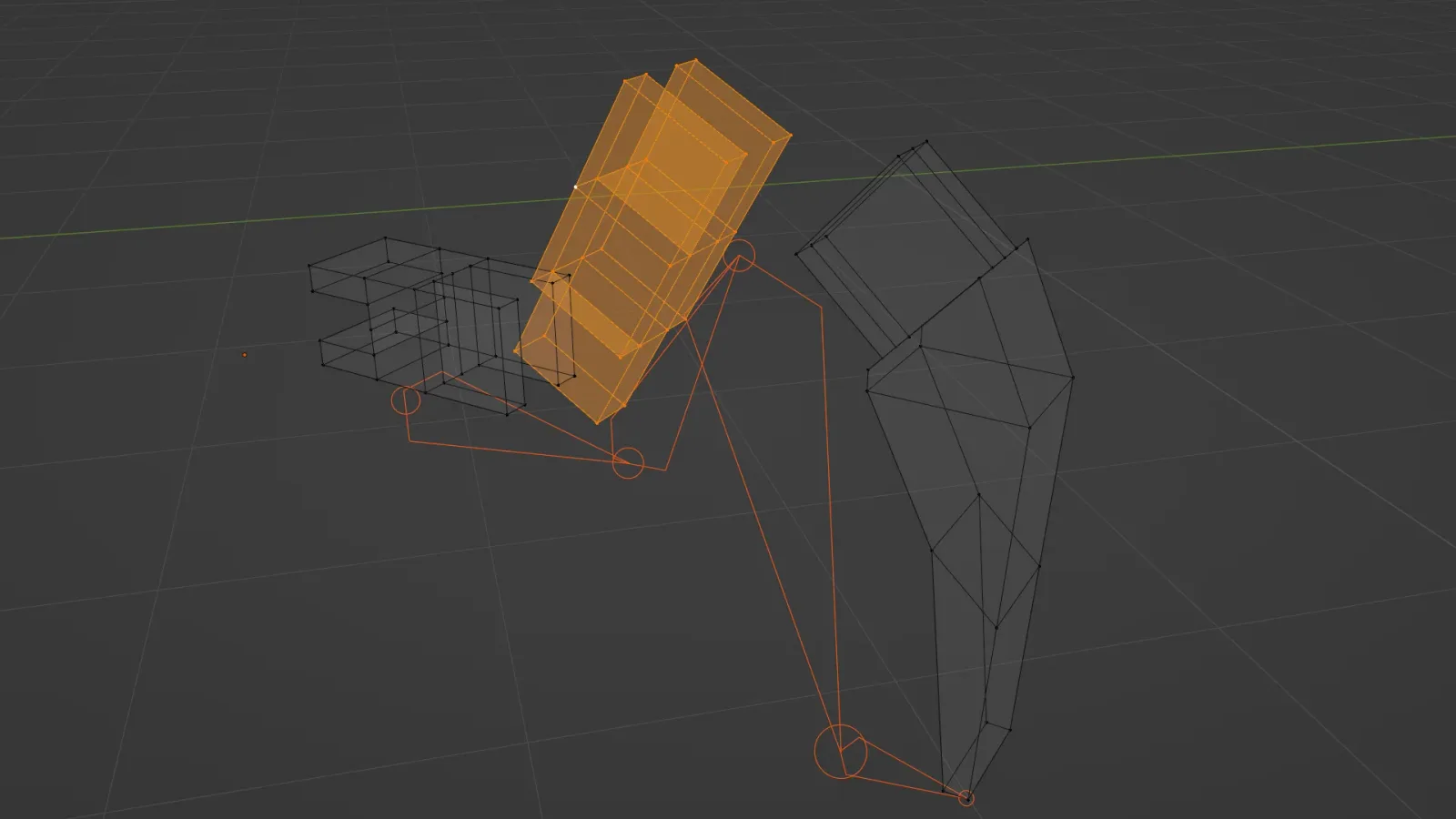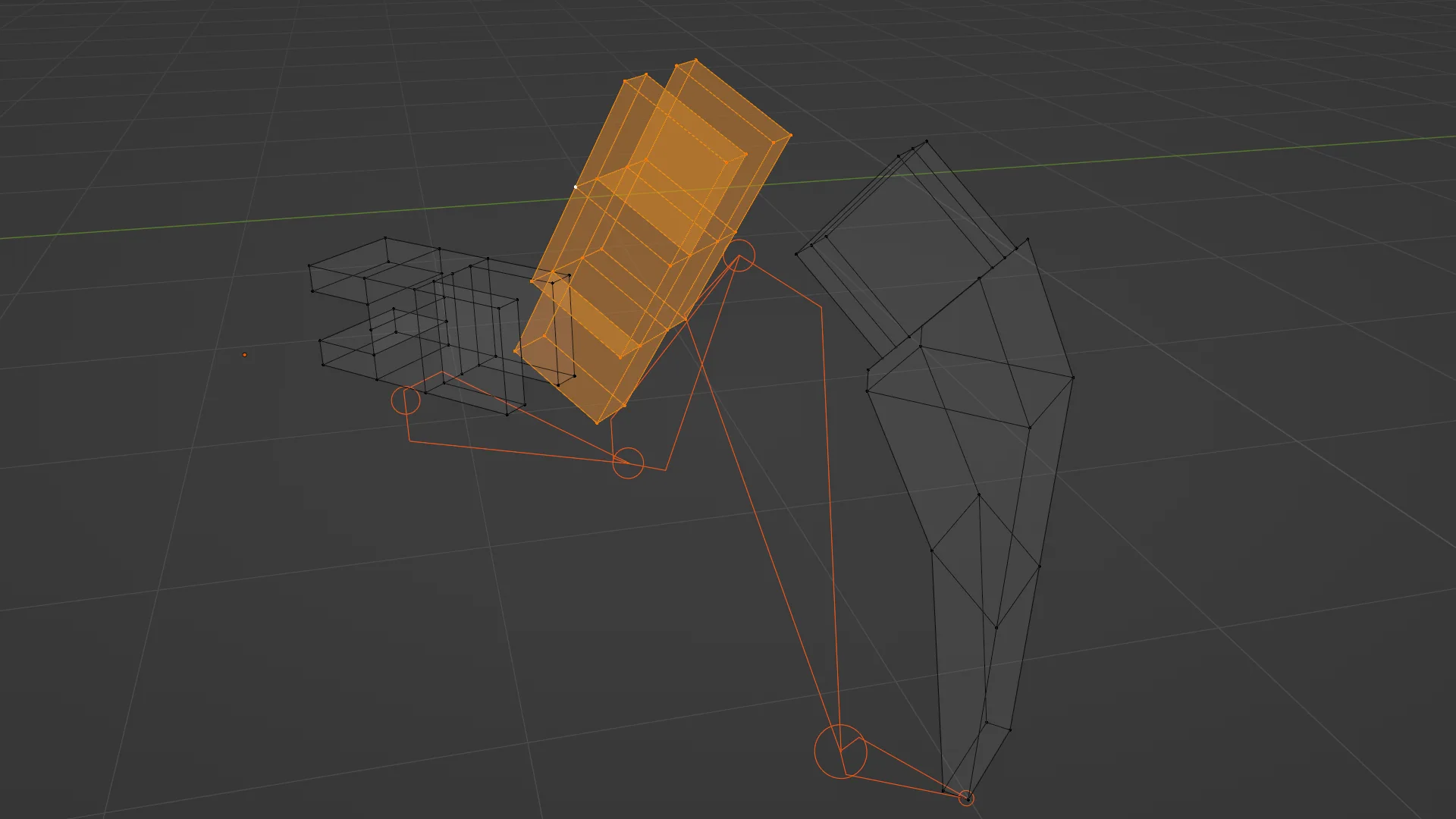
Armature Deform with Linked Groups automates part of setting up armature deformation for a mesh made of separate connected pieces. It treats each vertex island as a unit and assigns islands to bones, which suits mechanical rigs built from distinct parts. Blender Extensions lists the add-on by Suchaaver.
How linked groups map to bones
A vertex island is a connected part of a mesh, the kind of geometry Blender selects with Ctrl+L, or Select Linked. The add-on uses those islands to create vertex groups for an armature deformation. This can save setup work when a single mesh contains separate pieces intended to move with different bones.
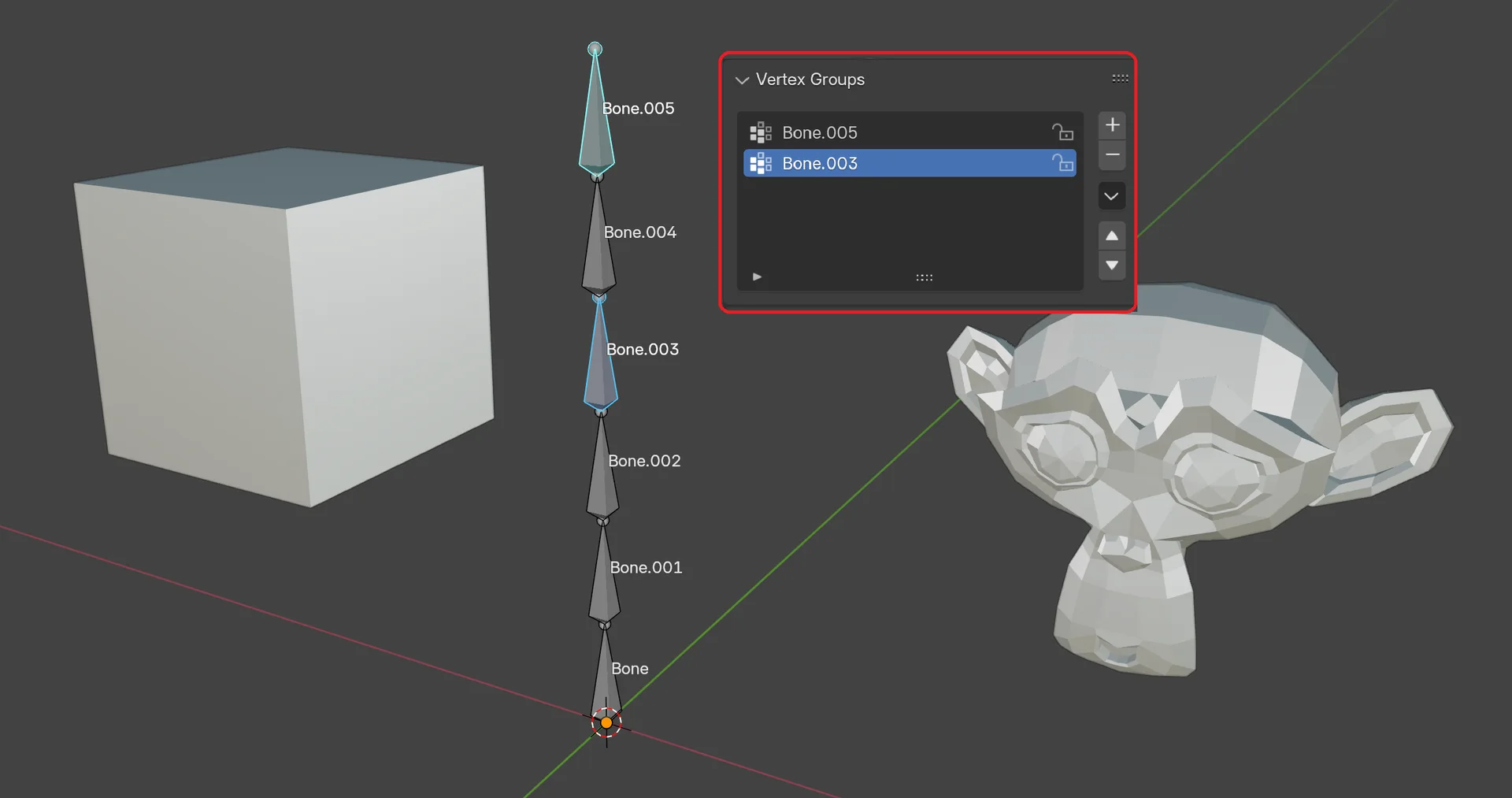
For each bone, the add-on looks for the island with the lowest average distance from its vertices to the bone center. Blender's parenting step creates an empty vertex group for a deforming bone without assigned vertices; you can assign weights to it manually. When several bones choose the same island, it is assigned to the bone with the lower average distance; bone placement and island shape affect the result.
Apply it to a mesh
- Install the add-on in Blender 4.2.0 or later, then select the mesh object.
- Select the armature, leaving it active.
- Choose Object > Parent > Armature Deform with Linked Groups.
The command creates the armature deformation and assigns vertex groups from the linked geometry. Before using the result in a finished rig, inspect the groups and test a pose on a copy of the object. This is especially useful when small pieces sit near larger islands.
Fit and limits
The add-on is intended for mechanical rigs where separate parts are combined into one mesh object. It handles one mesh per operation, and each bone receives at most one island. Small parts such as bolts may be missed or assigned imperfectly, so check their group assignments rather than assuming every piece found its intended bone.
If a rig contains multiple mesh objects, process them separately. If one bone needs to control several disconnected pieces, the one-island-per-bone behavior may not match that setup. The distance-based assignment is a starting point for rigid part mapping; review it against the motion you need.
Release and installation
The Blender Extensions catalog record lists version 1.0.0, Blender 4.2.0 as the minimum version, and the GPL-3.0-or-later license. The extension listing links to Blender's Install from Disk instructions. The developer's GitHub repository provides the project source and an issue tracker for reporting problems.