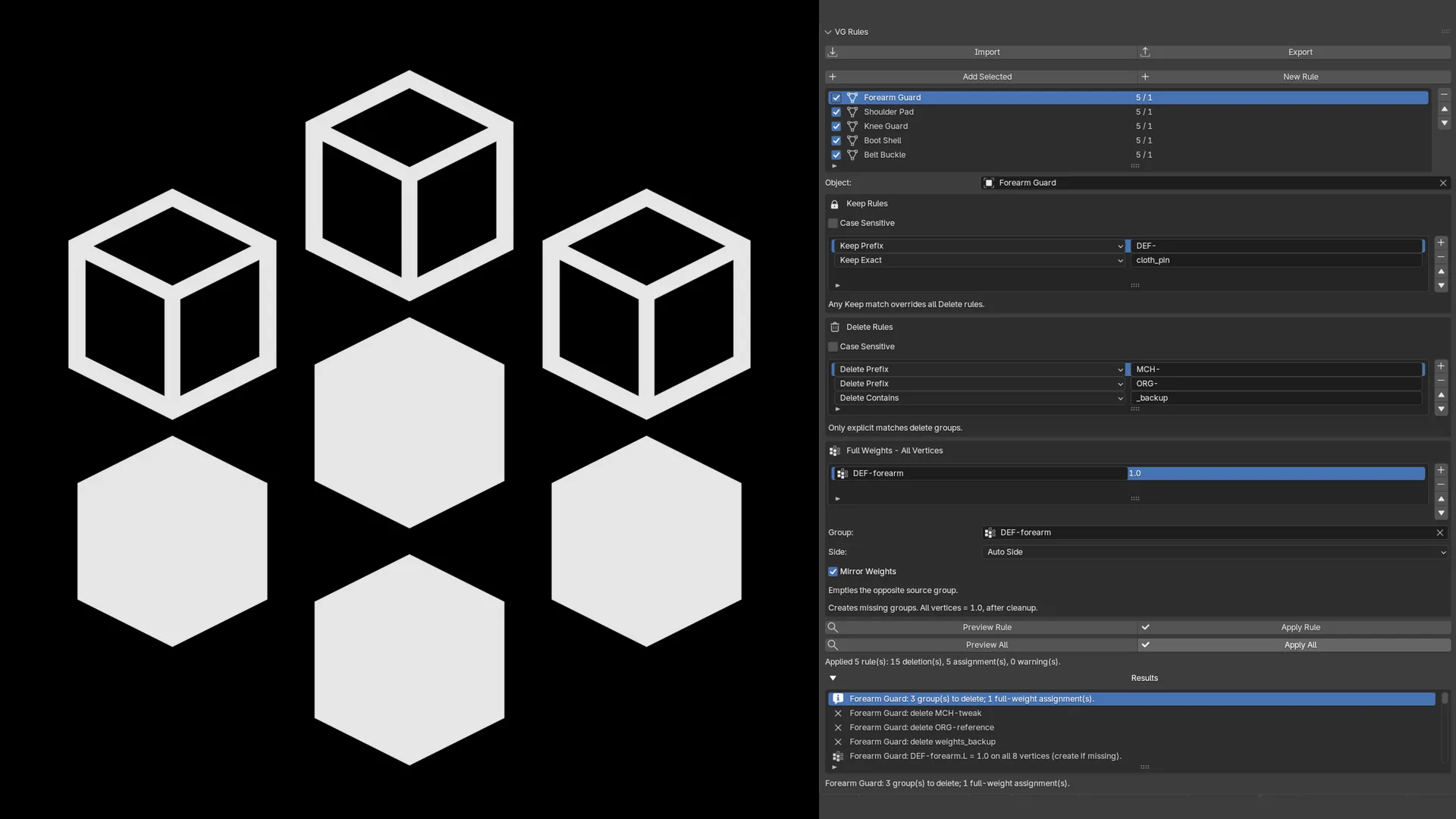
VG Rules is a Blender add-on for cleaning vertex groups and assigning every vertex to a group at weight 1.0. It runs from the 3D Viewport sidebar and lets you preview rule changes before applying them. The Blender Extensions listing names BlankGlyph as the developer and lists version 0.1.4 for Blender 4.2.1 or later.
Clean groups with reusable rules
Keep and Delete rules can match group names by exact text, prefix, suffix, contained text, or Python regex. Keep matches override Delete matches. Preview a rule before applying it, or run all enabled rules together.
Regex rules have limits: each section can contain up to 64 patterns, each pattern can be up to 4,096 characters, and matching has a one-second deadline per rule. An invalid, slow, or failed regex operation skips the affected rule before changes are made.
Check the effects of weight operations
Full Weights assigns a weight of 1.0 to every vertex. It replaces existing weights across every vertex, including hidden vertices and vertices in groups marked Keep or locked. Save a separate .blend copy before applying it.
Mirror Weights empties the opposite .L or .R group and enables vertex-group mirroring on existing Mirror modifiers. Changes to shared mesh data or objects linked into multiple scenes can affect those other objects or scenes. Review the confirmation dialog; choosing Cancel leaves the batch unchanged.
Set up and reuse rules
In the 3D Viewport, press N and open the VG Rules panel. Select a mesh, click Add Selected, configure a rule, then use Preview Rule before Apply Rule. Rules can be saved in the .blend file or exchanged as JSON presets.
Export a JSON backup before updating or migrating rules. After replacing an installation, fully quit and restart Blender. For current files and compatibility details, see the VG Rules listing on Blender Extensions. Blender's Install from Disk instructions explain the local installation option.