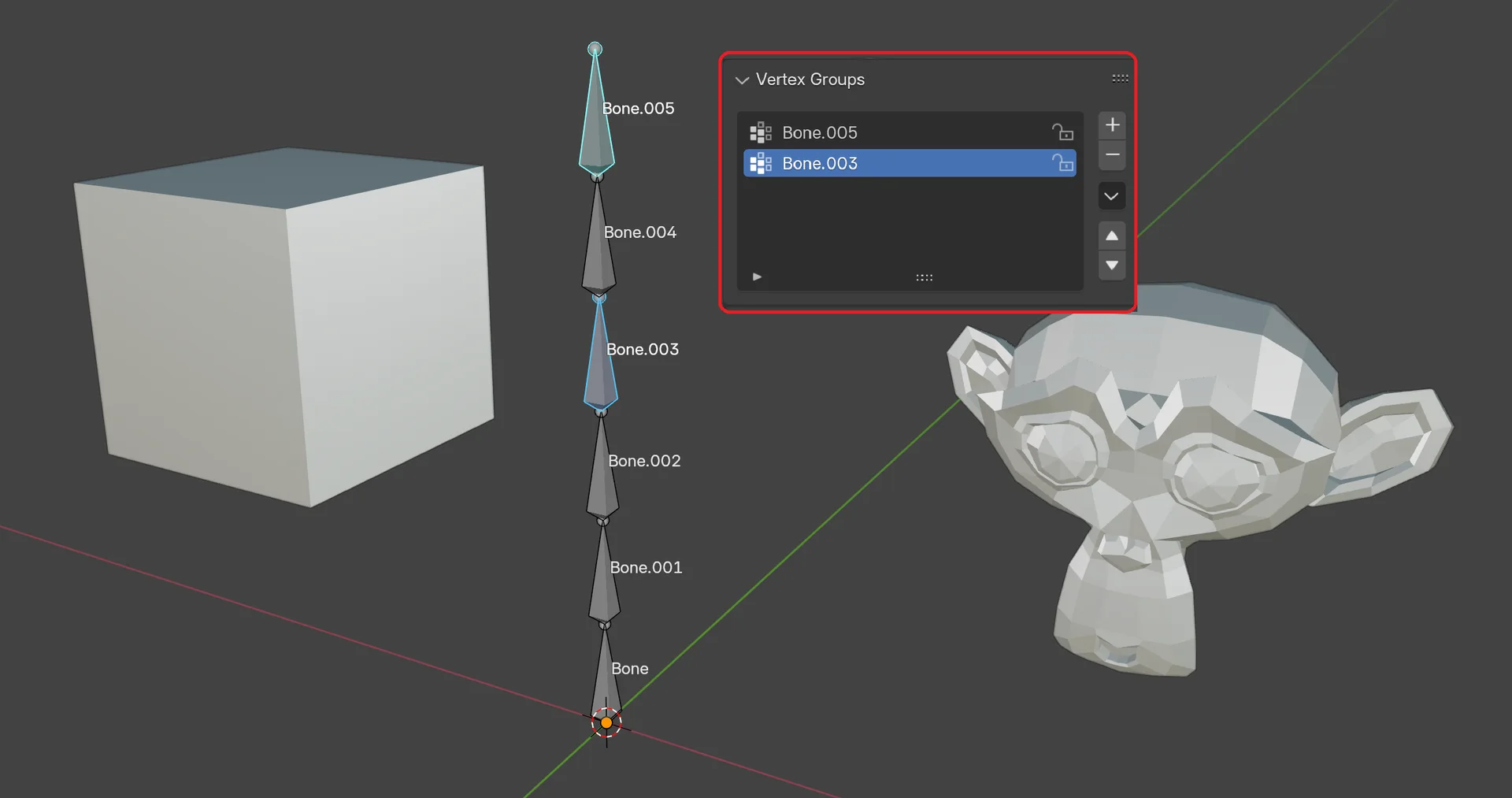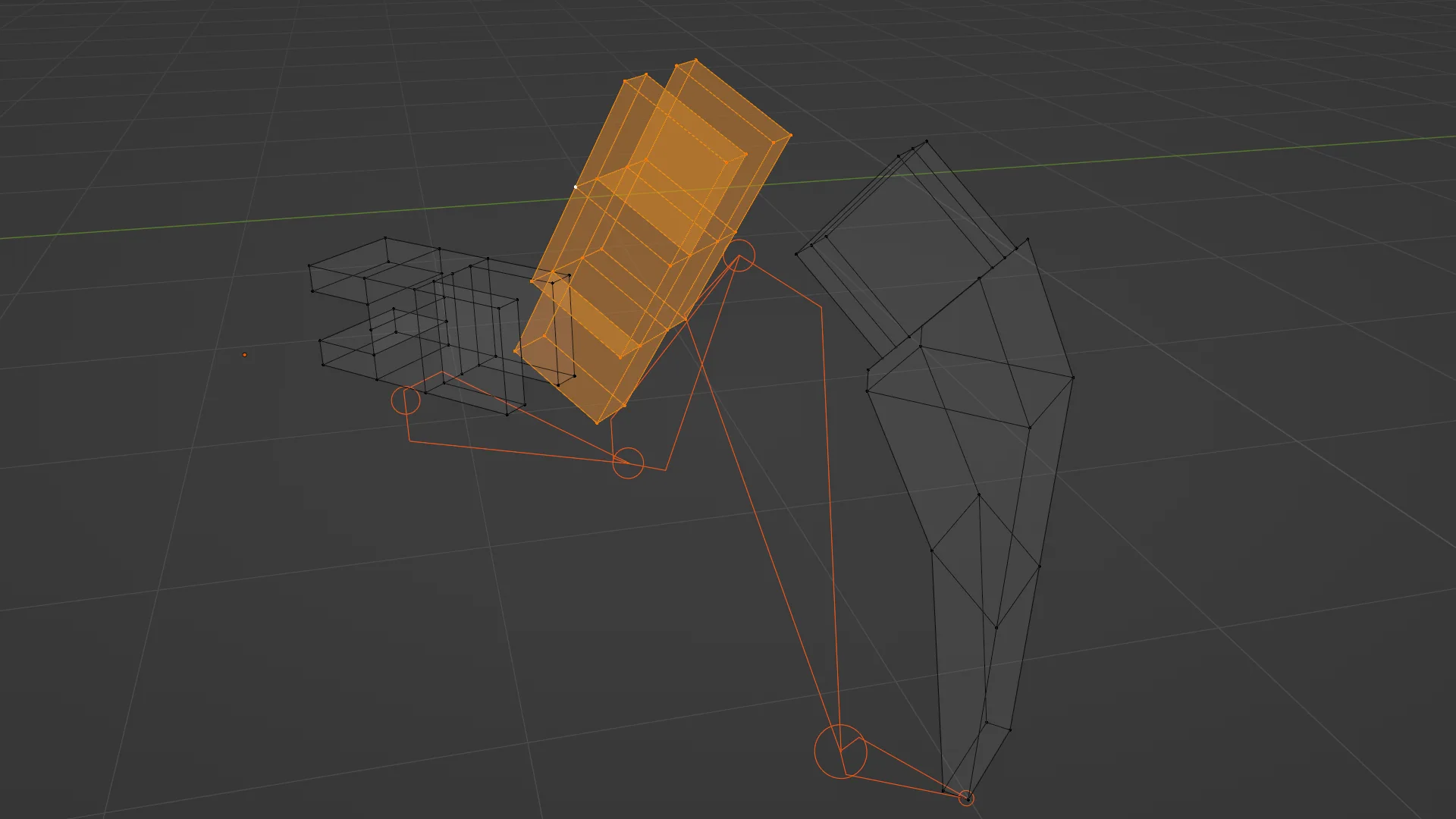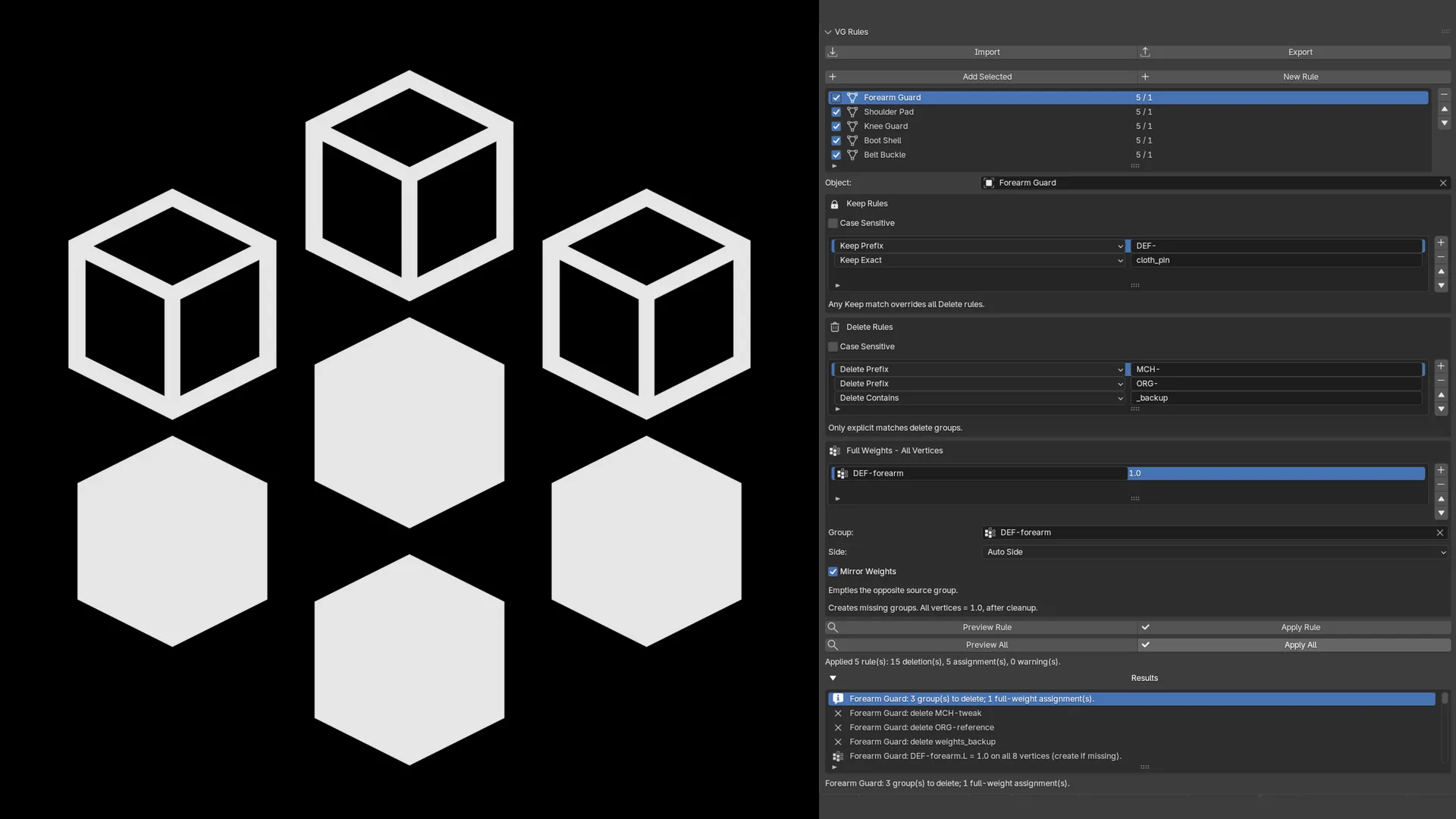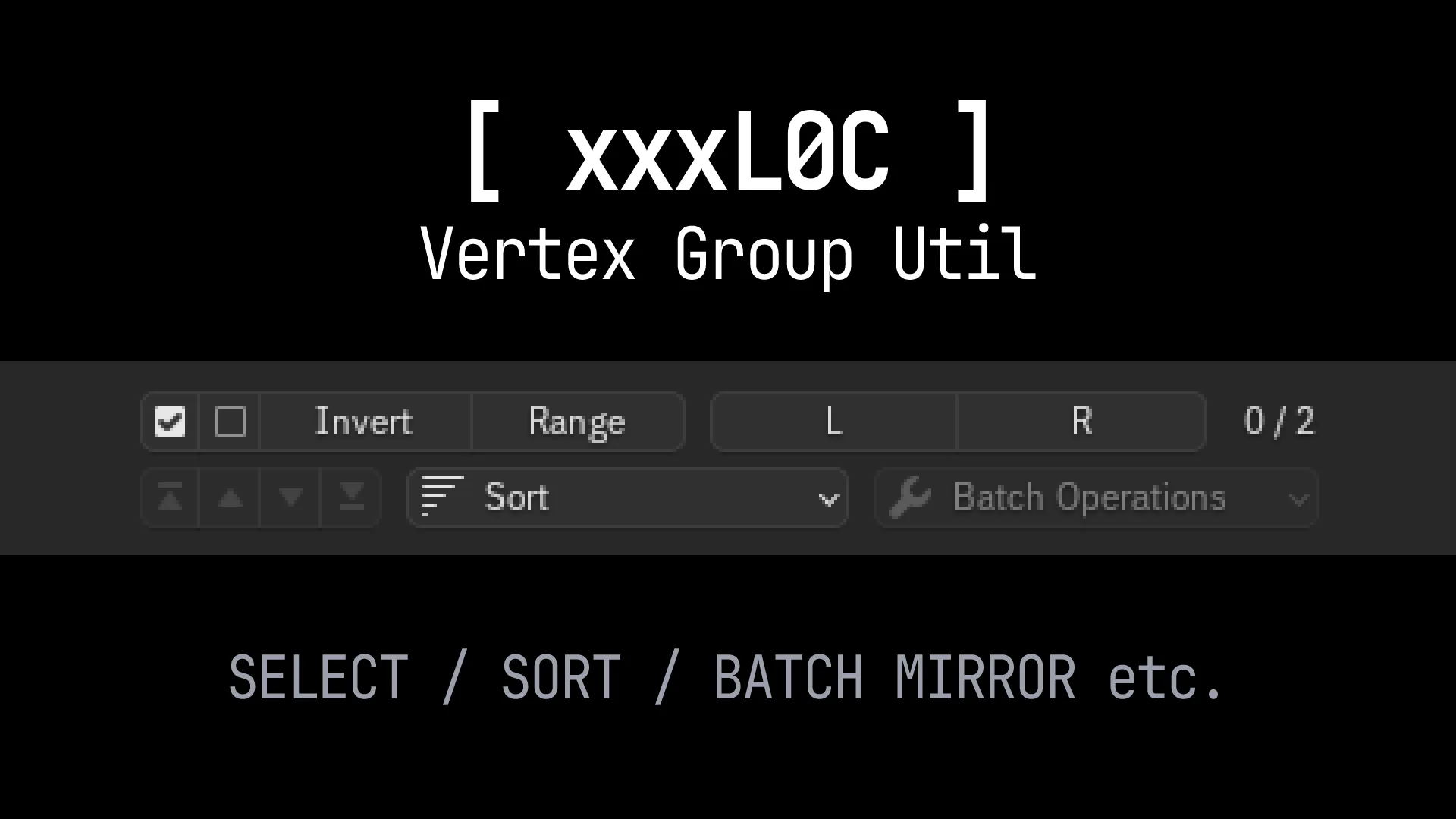
[xxxL0C] Vertex Group Util replaces the vertex group list in Blender’s Object Data properties for mesh objects. Row checkboxes let you select groups together, then sort, rename, lock, delete, create opposite-side groups or copy groups to other meshes. The add-on is aimed at meshes with many vertex groups, including rigged characters.
Select and filter groups
Click individual checkboxes or drag across rows to select several groups. Select All, Deselect All and Invert controls are available, along with a selection count and a range command that checks groups between the active group and the last group you clicked. The L/R controls select names ending in side suffixes, such as Arm.L, leg_r or Hair.L.001. Shift-click adds to the current selection. You can also filter by name or show only checked groups.
Sort groups while keeping their positions
Sorting can apply to the full list or only checked groups. With Selected Only, the add-on reorders checked groups within the positions they already occupy, leaving unchecked groups in place and preserving the checked groups’ relative order. You can move checked groups up, down, to the top or bottom, or to a specified position.
By Bone follows the bone order from the first Armature modifier or the parent armature; groups without a matching bone go to the end. Other sorting options reverse the list, move empty groups to the end, or sort by a name dictionary imported from CSV. The empty-group option can also treat groups with only zero weights as empty. Dictionary lines support * and ? wildcards, and imported dictionaries are stored in the add-on preferences.
Apply changes to several groups
Batch renaming can add or remove prefixes and suffixes, find and replace text with optional regular expressions, or flip L/R names. If a new name would conflict with an existing group, the add-on leaves the names unchanged and reports the conflict.
Create Opposite Groups can add a counterpart after each selected group. It can mirror weights across the X axis, use topology mirroring, or create an empty group; existing opposite groups are skipped. You can also lock or unlock groups, invert their lock state, and assign, remove, select or deselect vertices for checked groups in Edit Mode.
Copy to Other Objects sends checked groups and their weights to other selected mesh objects. Vertices can match by index or by the nearest vertex within a maximum distance. Options control whether existing groups are replaced or skipped and whether the source order is matched. The listing says all operations support Undo.
Compatibility and access
The add-on works on mesh objects; other object types keep Blender’s default panel. You can switch back to that panel in the add-on preferences. The listing identifies version 0.1.0 for Blender 5.2 and later, with an English and Japanese interface. Its Files permission is used to import and export dictionary CSV files. The listed license is GNU GPL version 3.0 or later.
See the Blender Extensions listing for the add-on details and Blender’s Install from Disk instructions for installation steps.