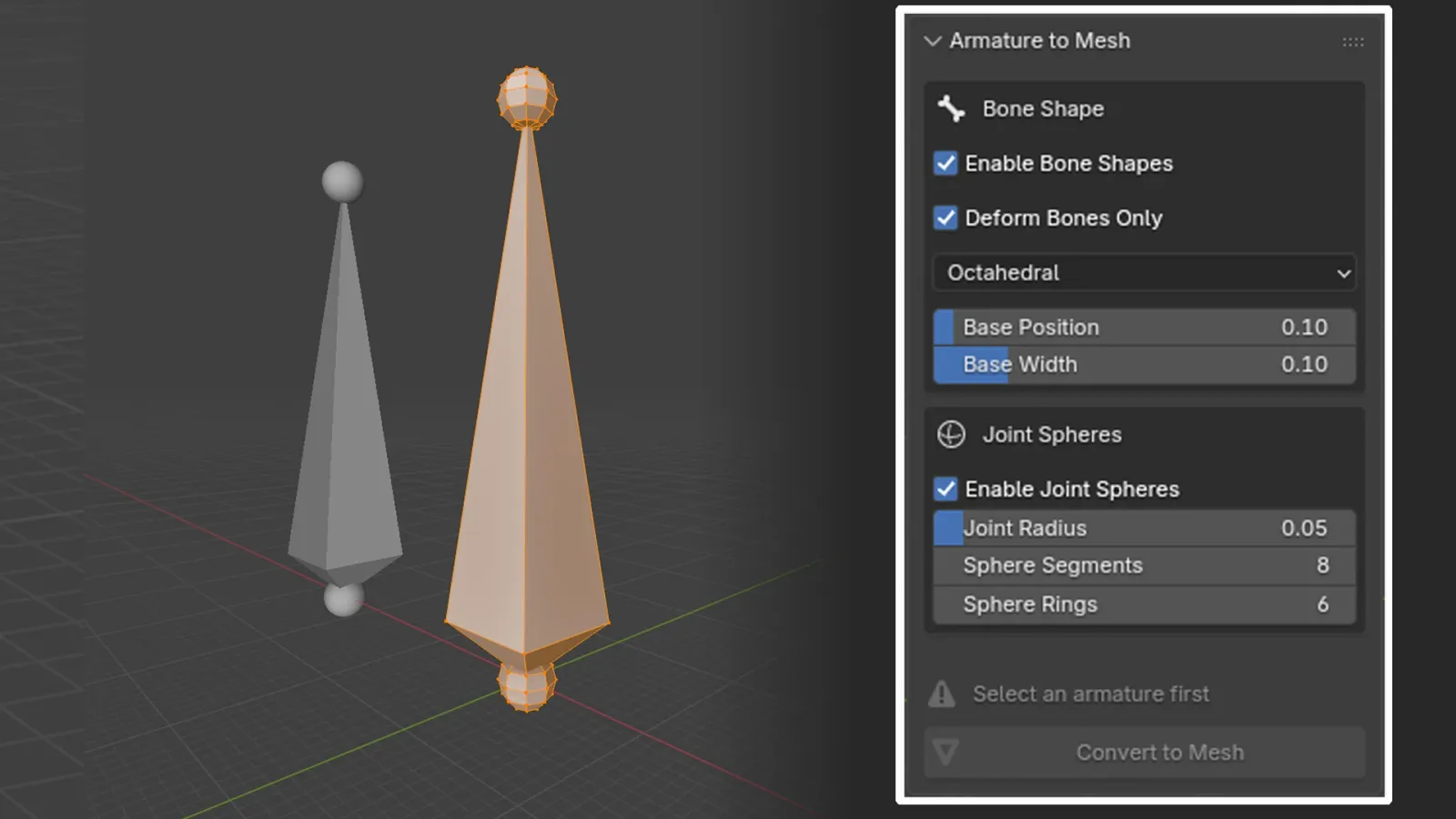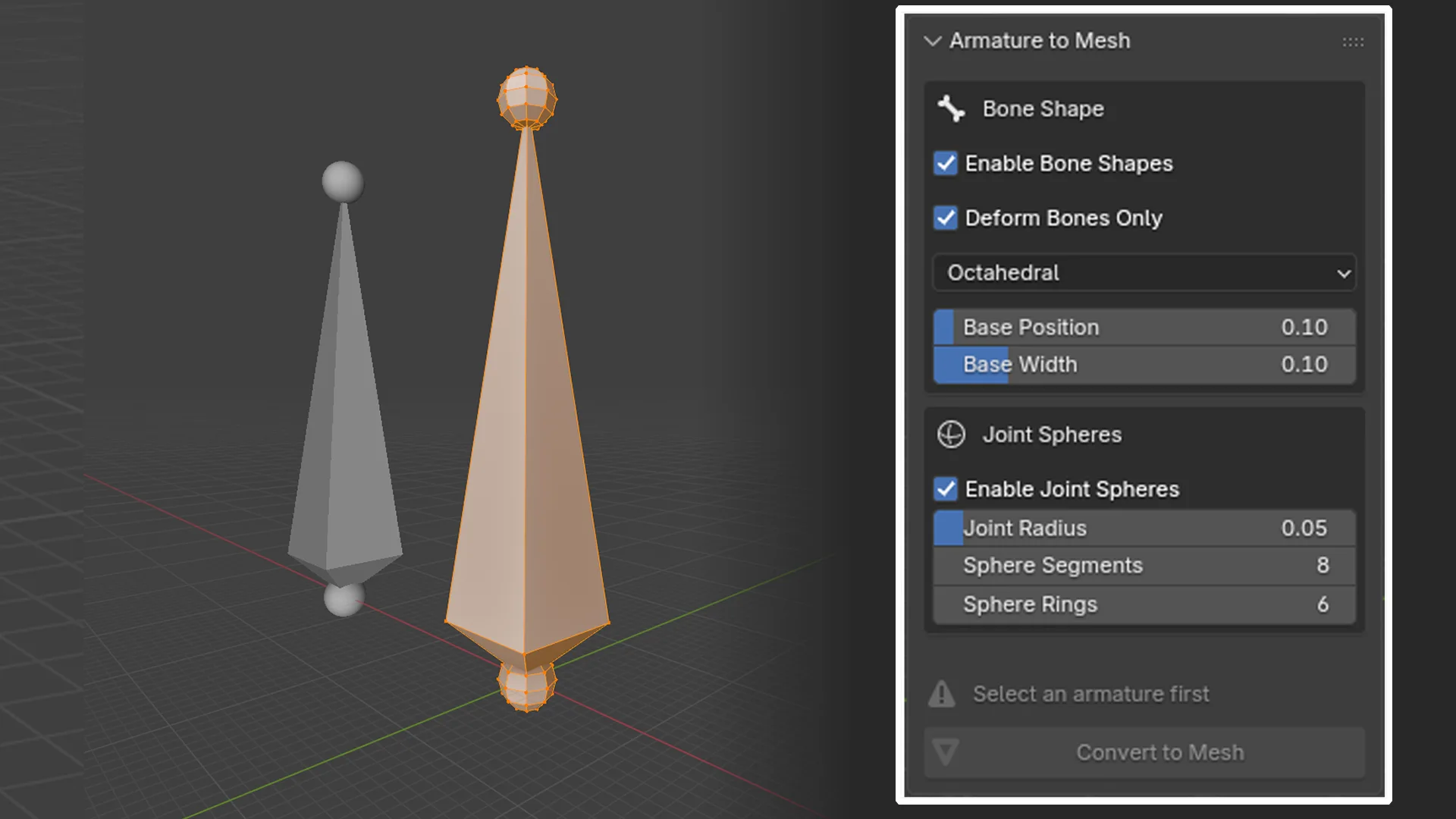
Armature to Mesh is a Blender add-on by SamRog94 that turns armature bones into mesh geometry. Choose octahedral, cylindrical, or rectangular bone shapes, add joint spheres with adjustable size and density. This gives you a visible mesh representation of an armature's bone layout.
Shape the bone geometry
Choose a shape for each bone. Joint spheres are optional, with separate controls for their size and density. These controls let you change how the generated bone structure looks without changing the armature itself.
Control which parts are included
The Deform Bones Only control can exclude non-deformer bones, such as IK handles, from the result. Version 1.0.2 added an Enable Bone Shapes option to include or exclude bone shapes independently of the Enable Joint Spheres option. In this version, Deform Bones Only is in the Bone Shape panel.
When Armature to Mesh fits
Use the add-on when you need a mesh representation of an armature's bones, such as a visible or stylized skeleton. The listed controls cover bone shapes, joint spheres, size, density, and which bones contribute. The available feature description does not document automatic character skinning or weight painting; check the source repository if your workflow depends on those features.
Version and installation
Version 1.0.2 requires Blender 4.2.0 or later and is licensed under GPL-3.0-or-later. Get the add-on from the official Blender Extensions listing. For manual installation, follow Blender's Install from Disk instructions.