Arrowify is a Blender add-on from RR3D for making animated arrows in technical 3D scenes. Use it to visualize direction, flow, heat exchange, air pressure, wind and similar subjects. Its six Geometry Nodes setups create different arrow effects on curves and mesh lines.
Six setups for different arrow effects
Each setup has its own presets and controls. The bundle includes more than 20 preset arrows, and several setups support custom arrows or objects.
- UV Arrows animate arrow textures along a path, with controls for the path and rounded corners.
- Simple Arrows move and rotate arrows along curves. They include preset designs, SVG arrows and an option to use an arrow collection.
- Morph Arrows deform 3D arrows along curves. You can move and rotate them along the path or use custom arrows.
- Curve Flow Arrows distribute arrows along a curve, with controls for noise, randomization and scale.
- Area Arrows emit arrows from a custom shape in an organized grid. Noise and random velocity can vary their movement.
- Array Arrows cycle an array of arrowheads through an animation. Their color and scale can respond to extrusion scale, and the gradient shape can be concave or convex.
Animate arrows and adjust their materials
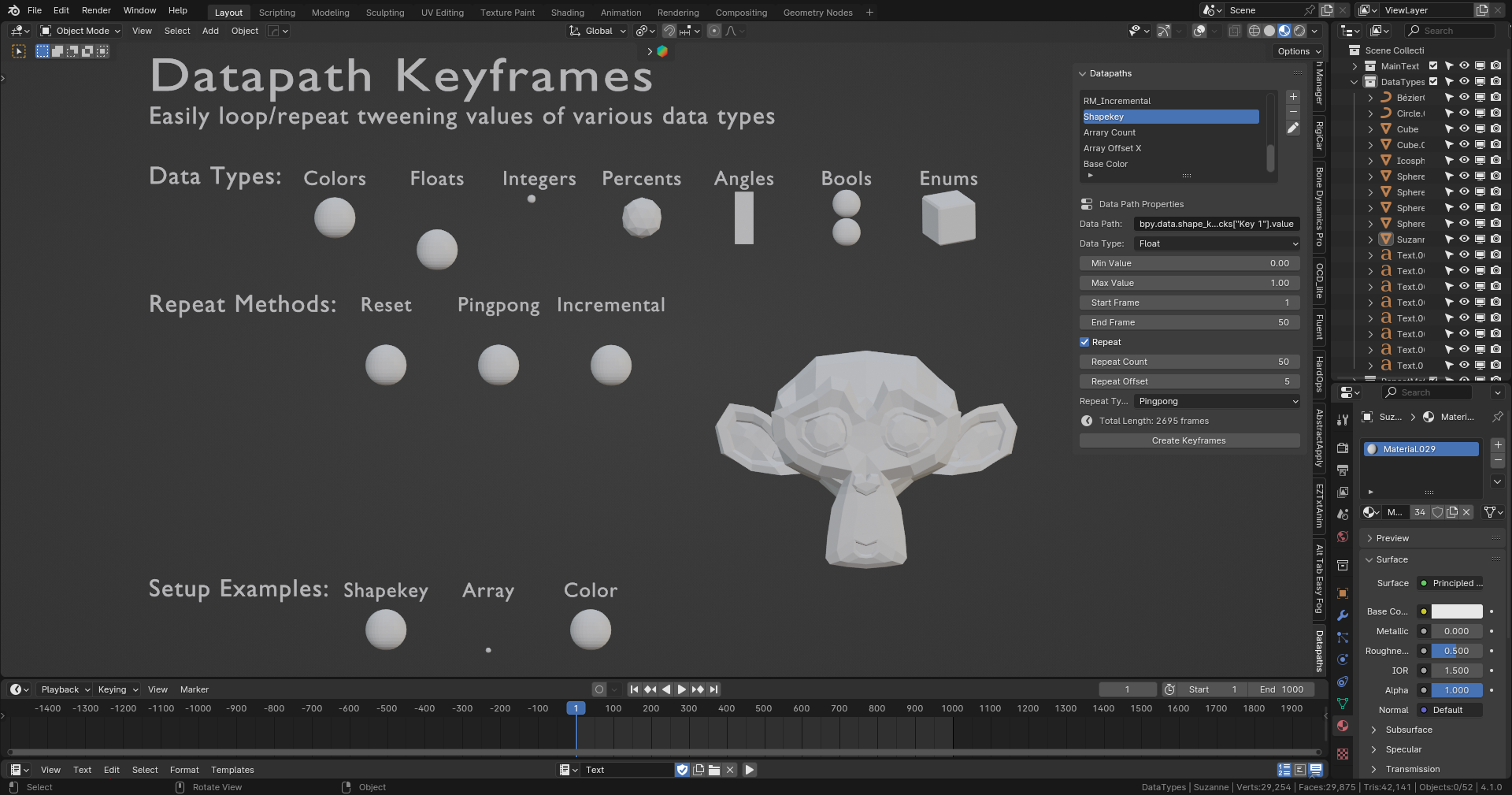
The setups expose controls such as speed, amount, spread and offset from the curve. Effects can be keyframed, and the UV, Simple, Morph and Curve Flow setups have looping features. Arrowify works directly with curves and mesh lines, so mesh lines do not need to be converted to curves first.
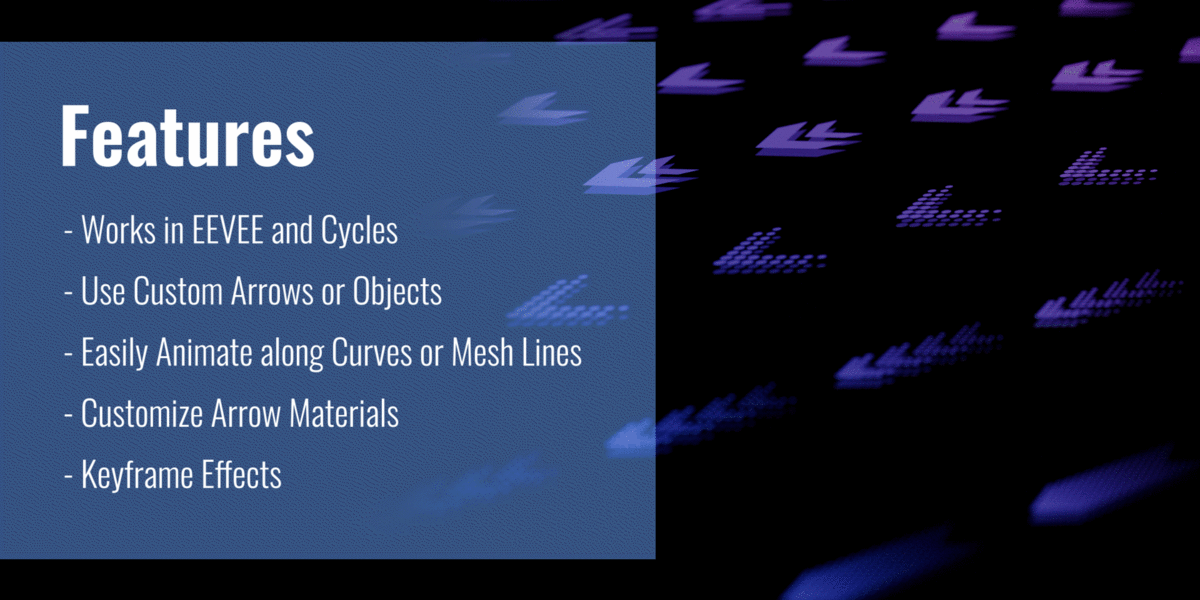
The bundle also includes six arrow shaders that use data from the Geometry Nodes setups. They provide gradient controls and arrow fade in and out, with exposed parameters for custom materials. Arrowify works with both EEVEE and Cycles. You can access the add-on from Blender's Add menu or the Asset Browser, and the download includes a .blend file with an example library.
Check the version and setup details
Superhive's detail panel lists Blender versions 4.2–5.1, while the product page says its 1.3 update works with Blender 5.0 and above. The page also says older add-on versions are available with purchase, so check the package version against your Blender installation. The Arrowify documentation is available online and in the downloaded files; the product page has the update notes.