Assetify is a Blender add-on for preparing models and procedural setups for export. It combines texture baking, UV unwrapping, collection management and export to common 3D formats. The product listing describes workflows for game engines, web, VR/AR, rendering and 3D printing.
Texture baking and UV setup
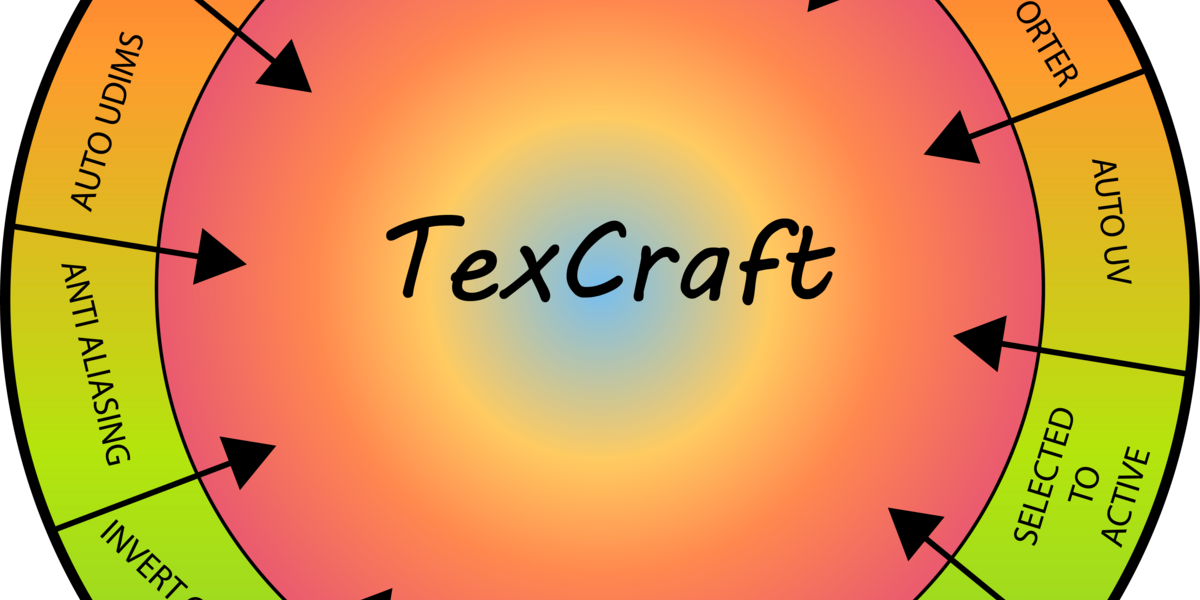
Assetify can bake diffuse, roughness, metallic, normal and alpha textures. It includes presets for Unreal Engine 5 and Unity, and lets you bake several materials into one texture package or keep them separate for custom resolutions and per-material UV work.
Version 2.1 adds baking support for material setups that do not use a Principled BSDF. The listing says Assetify recreates those shader setups through a Principled BSDF for the bake. If you use your own UV map, the documentation advises selecting the correct map as active when you skip automatic UV unwrapping. With unwrapping enabled, Assetify creates a UV map that may differ from your original.
Procedural and animated assets
Assetify supports baking and exporting geometry nodes setups when their procedural materials use a Principled BSDF output. Separately, version 2.1 adds baking support for non-Principled shader setups by recreating them through a Principled BSDF.
Version 2 adds processing for rigged, physics, shape key, keyframe, geometry node and particle animations. It can convert geometry node animations to shape keys and cloth simulations to shape keys. Assetify can also bake texture sequence sets for colour, roughness, metallic, alpha and normal maps.
Collections and export formats
Assetify has an Asset Mode for individual items and a Collection Mode for processing collections and hierarchies. Its listed export formats are:
- FBX for use in 3D software and game engines such as Unity and Unreal Engine.
- OBJ for 3D applications, rendering and archiving.
- GLTF/GLB for web-based 3D and AR/VR workflows.
- STL for 3D printing.
Check Blender compatibility
The product listing identifies version 2.1 and Blender 4.0–5.0 compatibility. Its compatibility documentation instead lists Blender 4.0–4.3. If you use Blender 4.4 or later, check the latest release information with the developer before installing.