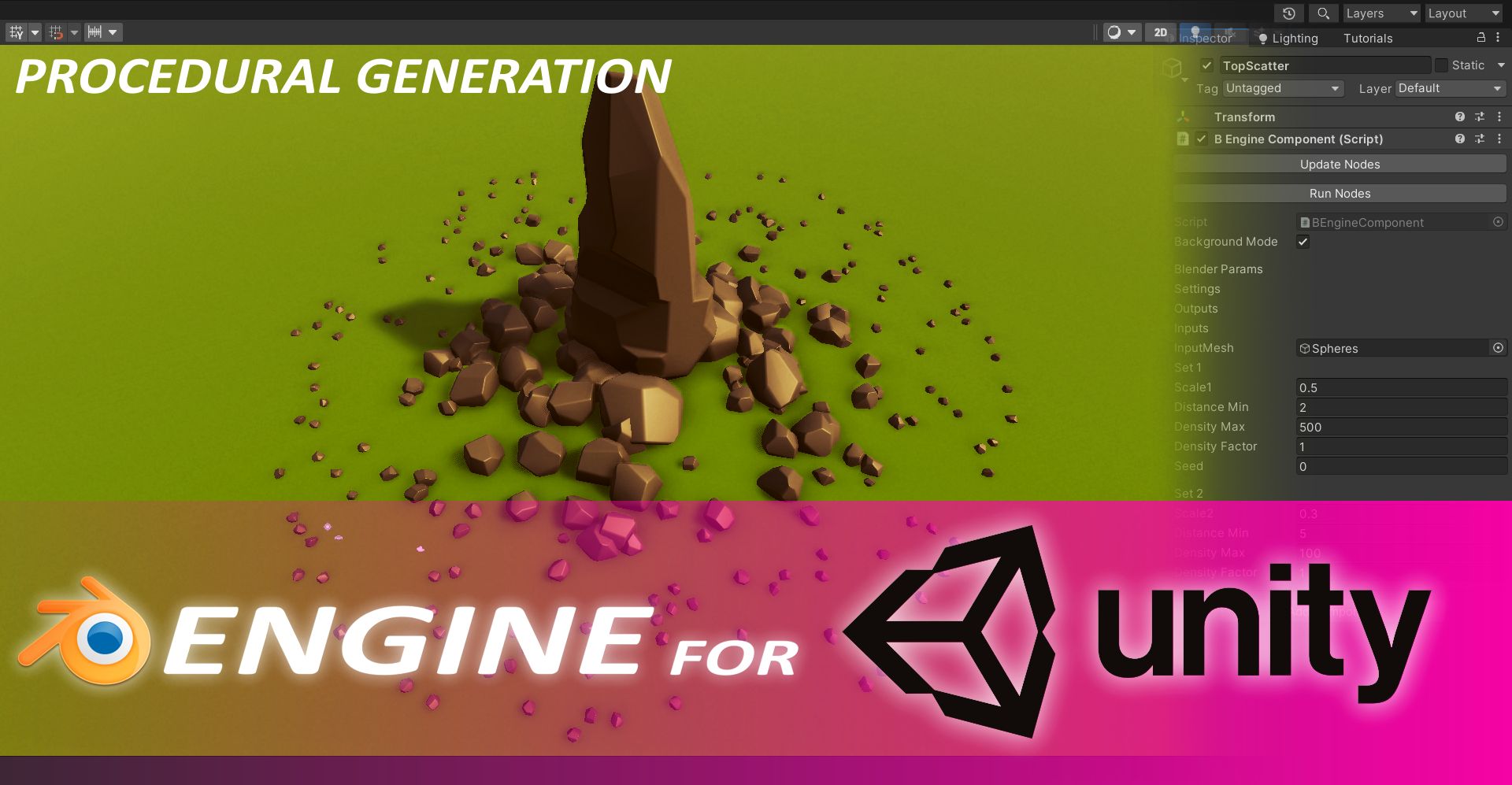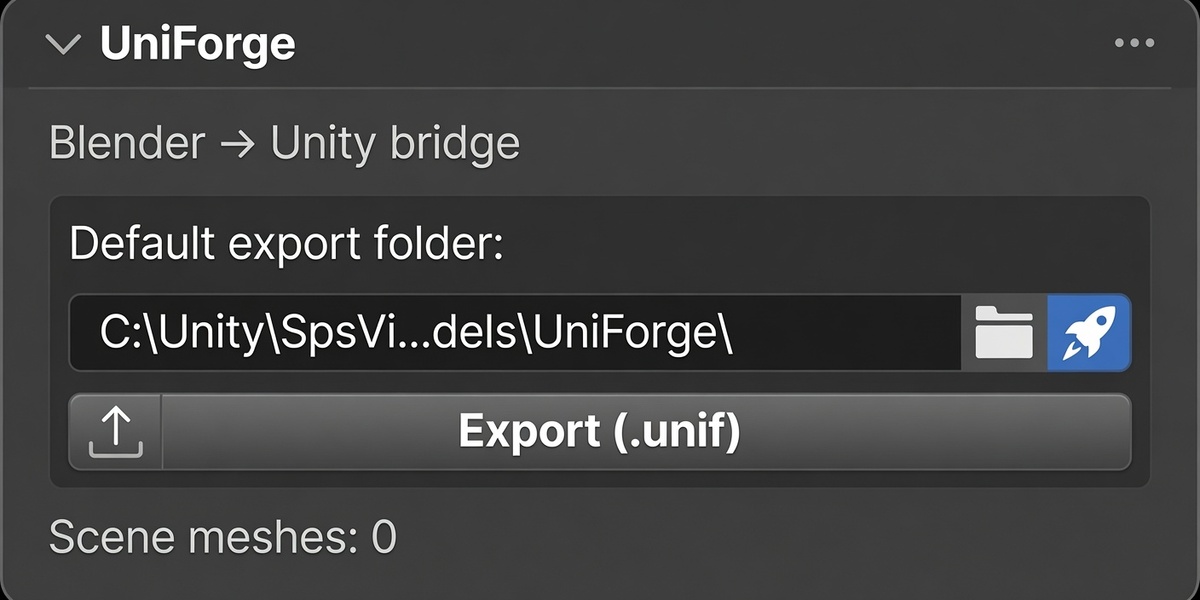
UniForge connects a Blender add-on with a Unity importer for moving 3D assets between the two applications. Export selected objects from Blender as a single .unif file, then add it to a Unity project. The importer builds a prefab with meshes and materials, while embedded textures keep the export self-contained.
Export a Blender scene to Unity
- Install and enable the UniForge add-on in Blender. You can drag its ZIP into Blender or choose Edit > Preferences > Add-ons > Install from Disk and select it.
- Select the objects to export, open the UniForge tab in the 3D Viewport sidebar, or choose
File > Export > UniForge Asset (.unif). Leave Embed Textures enabled so the file is self-contained, then click Export. - In Unity, add the UniForge package. Then drag the exported
.uniffile into the project's Assets folder. UniForge imports it as a prefab with meshes and materials.
The UniForge documentation includes the installation steps for both the Blender add-on and Unity package.
Materials and scene structure
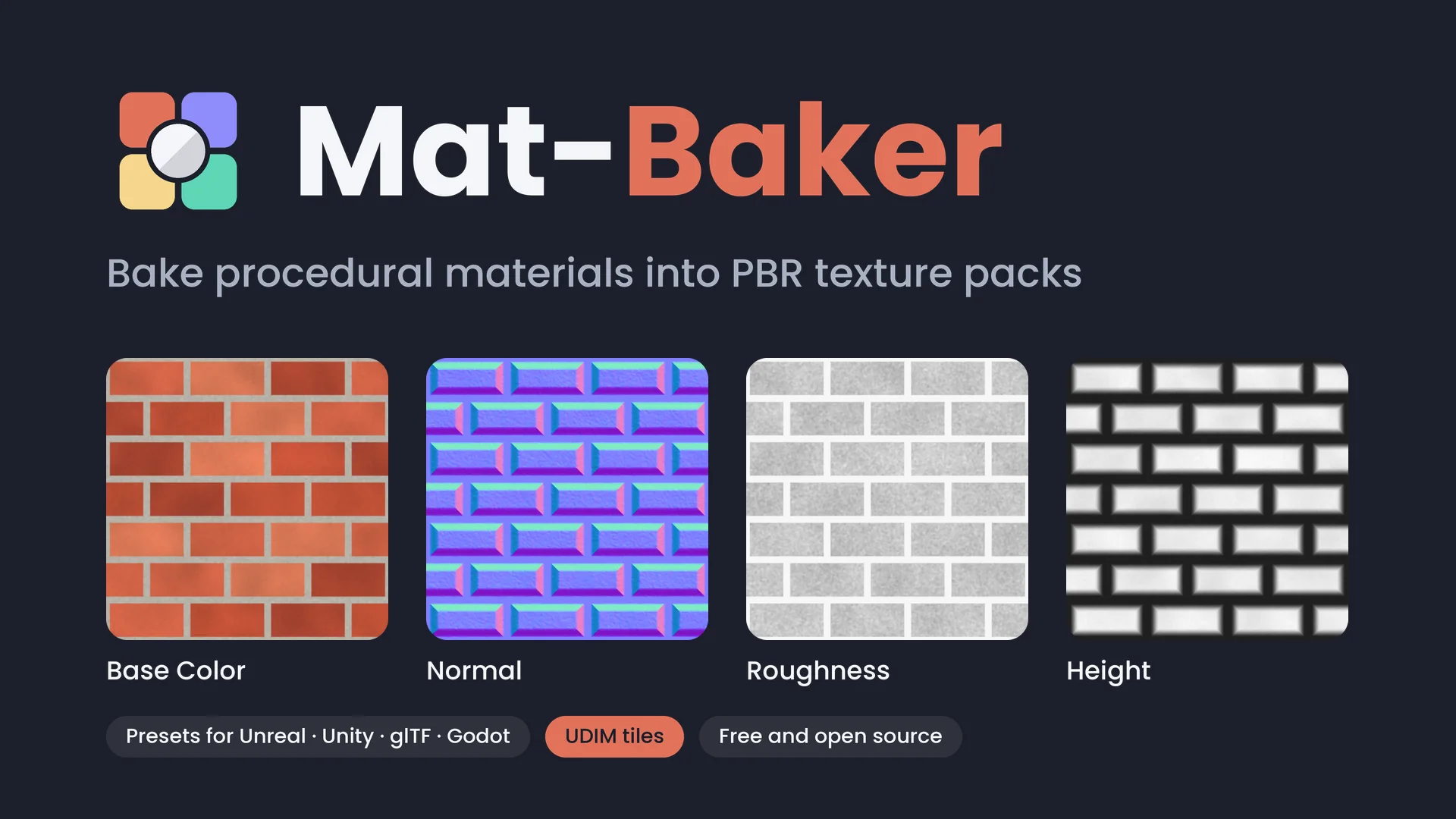
UniForge transfers PBR material channels including Base Color, Metallic, Roughness or Smoothness, Normal, Emission, and transparency to Unity's Lit shader. Procedural materials using nodes such as Noise and Color Ramp are baked to textures during export. A single file can contain multiple objects, with parent hierarchy, transforms, and multi-material submeshes preserved.
The add-on also includes a material browser for searching, previewing, and applying CC0 materials from ambientCG. Its tiling controls adjust material scale, offset, and rotation per object. If you need to revise the scene in Blender, UniForge can import a .unif file back into Blender to rebuild it.
Requirements and limits
The marketplace lists Blender versions 3.6 through 5.2, and the documentation recommends Blender 4.x. UniForge's Unity package requires Unity 2021.3 LTS or newer with the Universal Render Pipeline (URP); Unity 6 is included.
UniForge is aimed at static assets: meshes, materials, and hierarchy. Skeletal animation support is planned for a future update, so check your character-animation requirements before choosing it for a rigged asset workflow. For static Blender assets headed to a URP project, the product page describes the supported export and material features.