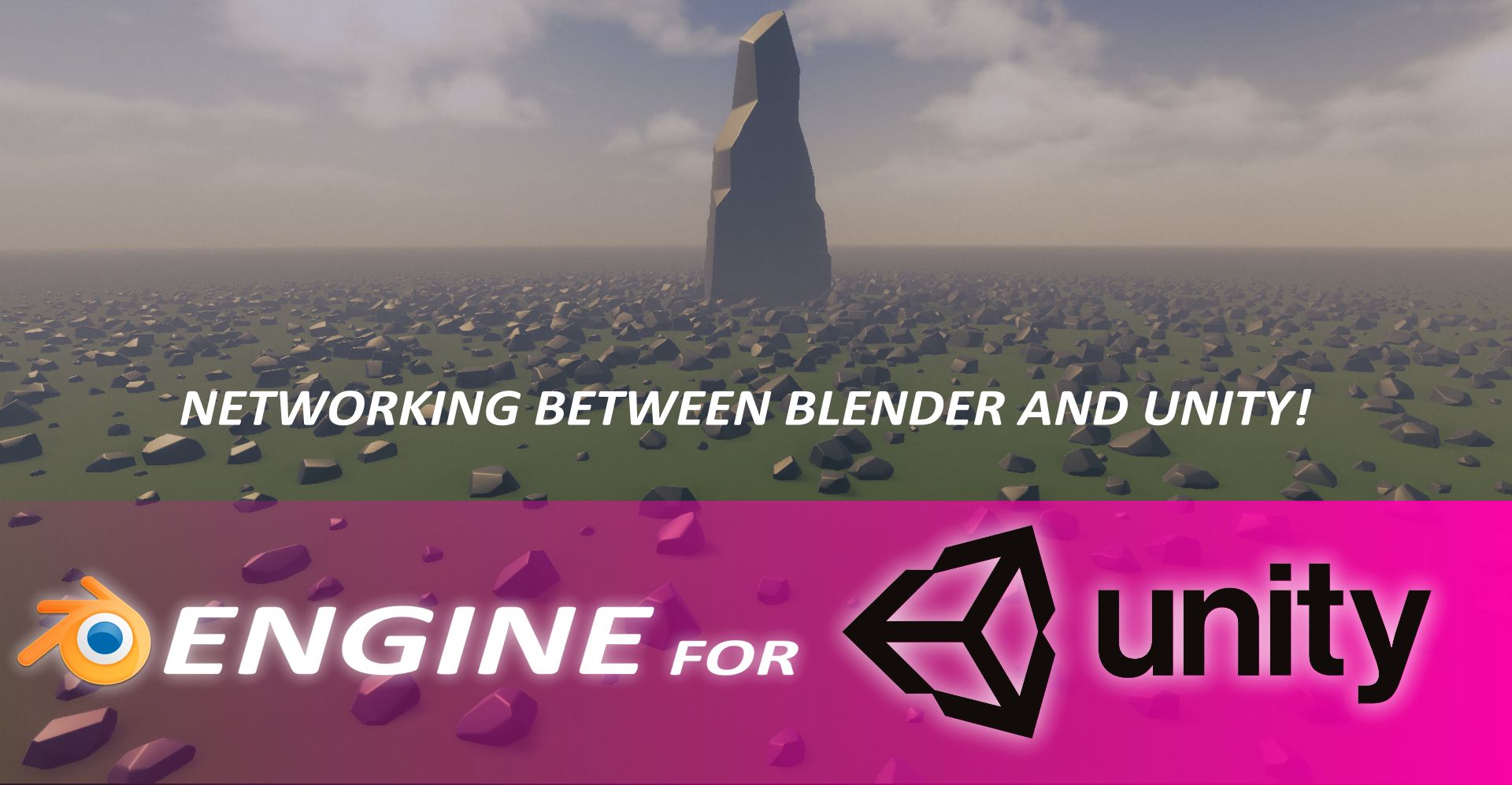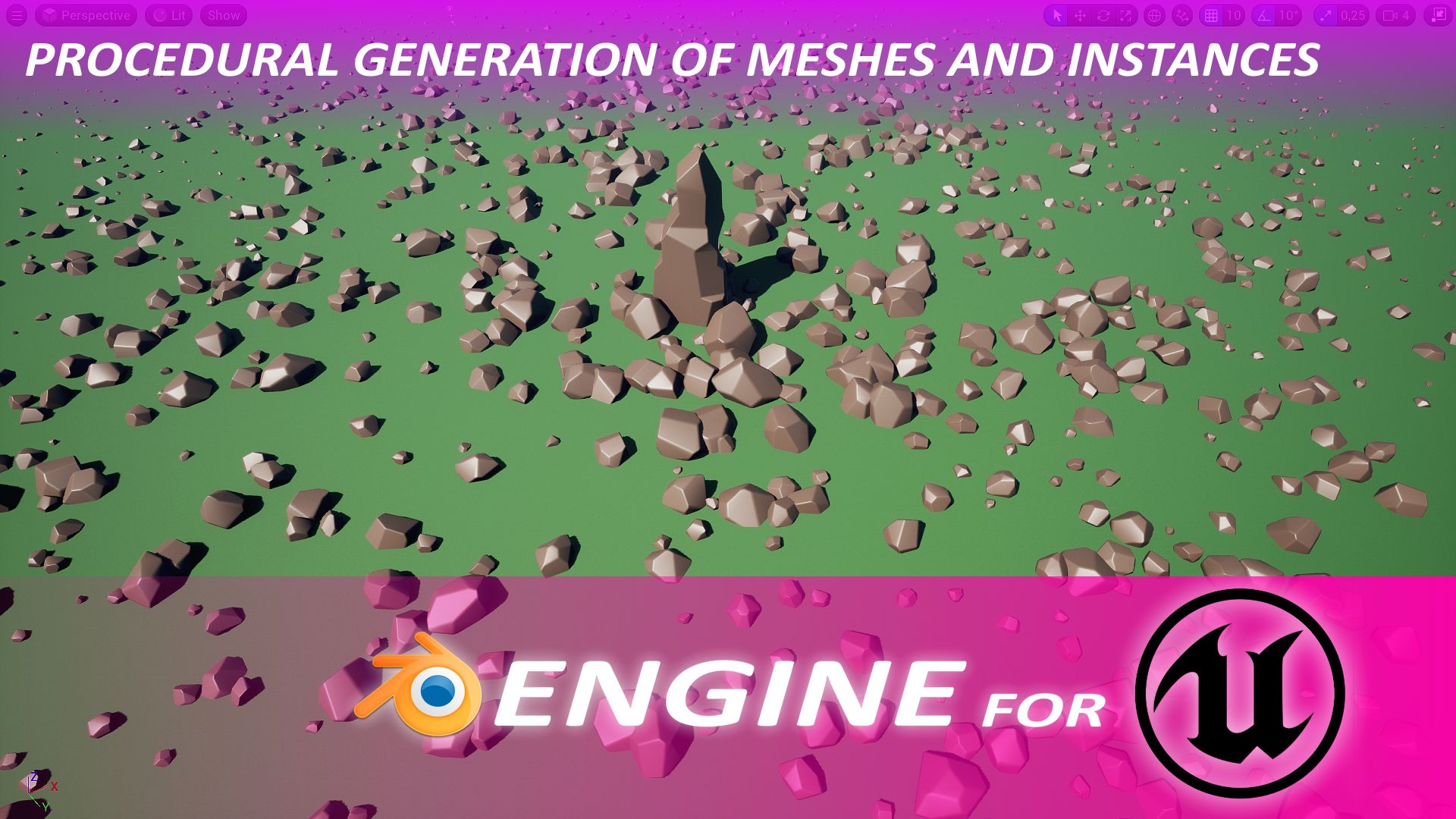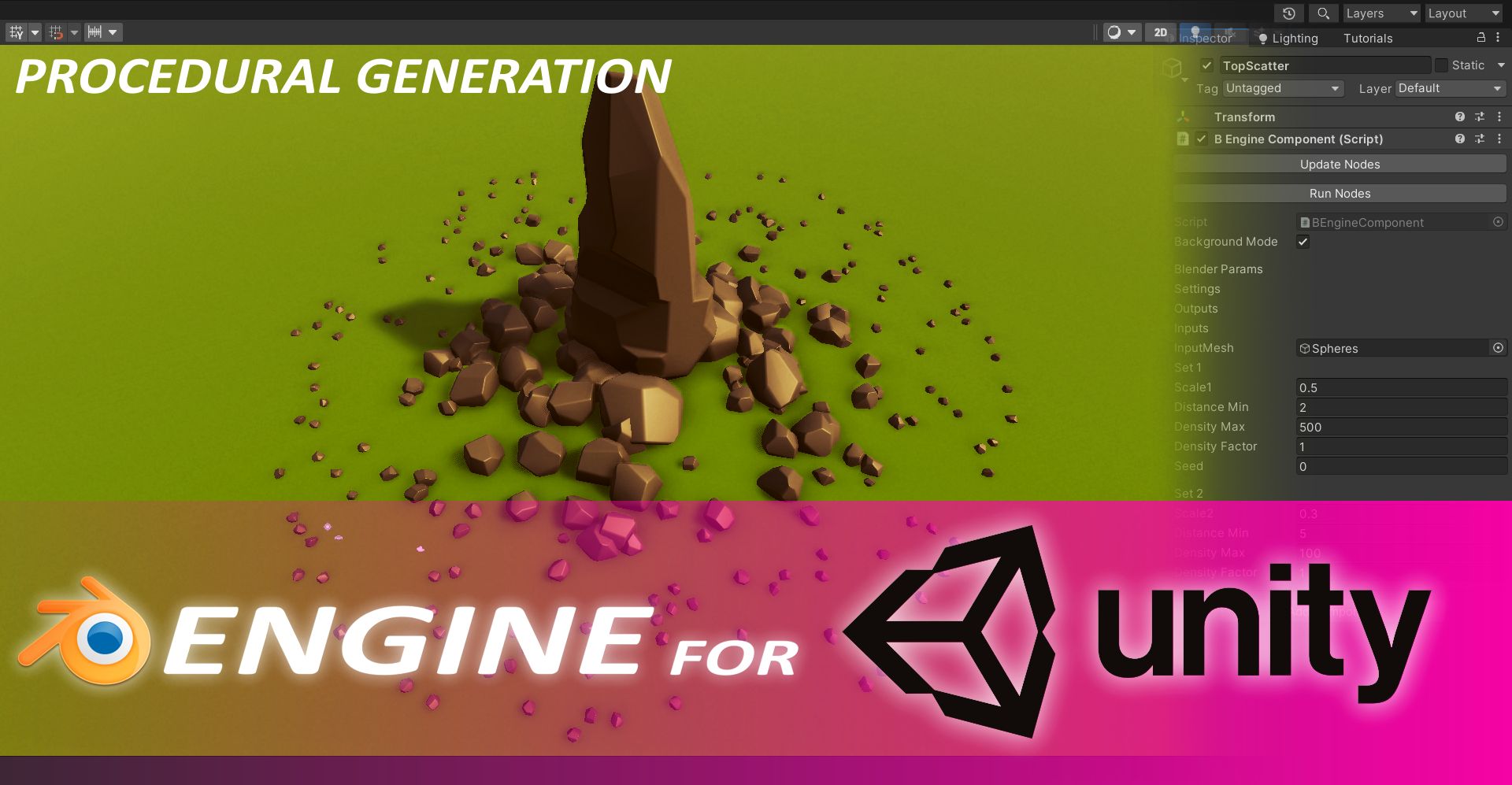
BEngine for Unity, from Yey!, connects Blender's procedural tools with level creation in Unity. Its product listing describes a workflow based on Blender Geometry Nodes and names support for Unity 2019 and later. The listed Blender versions are 3.2, 3.3, 3.4, 3.5, 3.6, and 4.0. Check the product documentation for setup details for your installation.
Procedural generation in Unity
Alongside Geometry Nodes, BEngine supports Sverchok Nodes. The listing also names procedural mesh generation, Unity Terrain, and Unity Curve support for splines and polylines. Networking between Blender and Unity connects these parts of the workflow.
Geometry and attributes
BEngine uses named attributes for data passed into Unity. The be_instance attribute handles procedural instances, while be_material is used for Unity materials. UV maps use uv_map through uv_map8; vertex colors use be_color, and custom normals use be_normal.
Unity inputs and project resources
Inputs can appear in Unity's interface with tabs, foldouts, separators, and labels. Supported input types listed by the creator include objects, floats, integers, strings, textures, and collections. GitHub hosts examples, with BEngine Python Module releases listed separately.