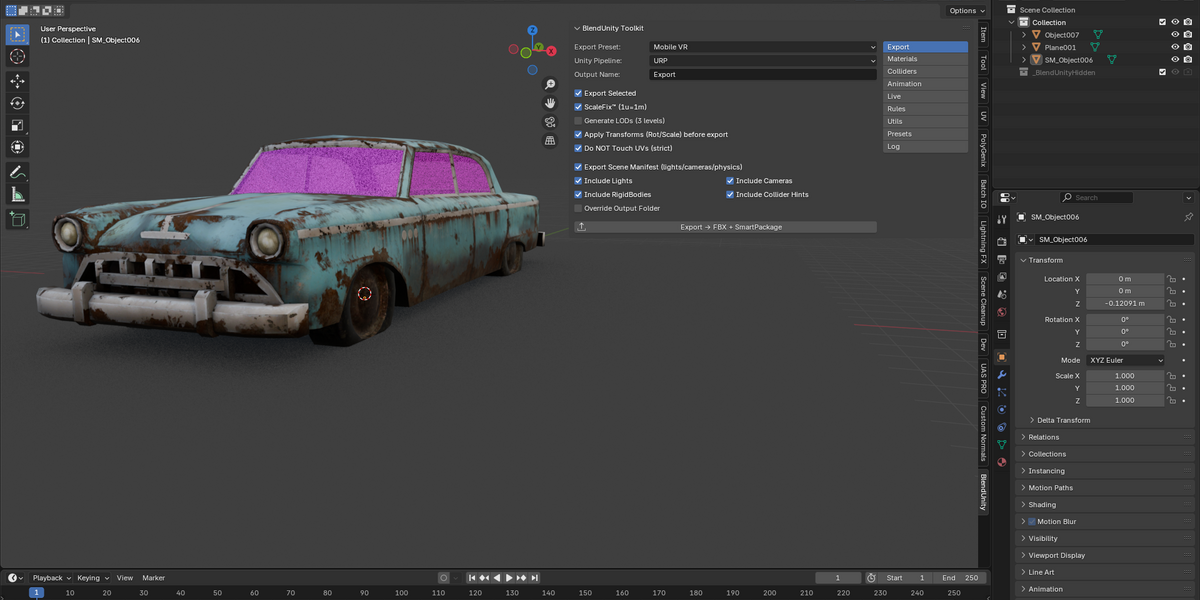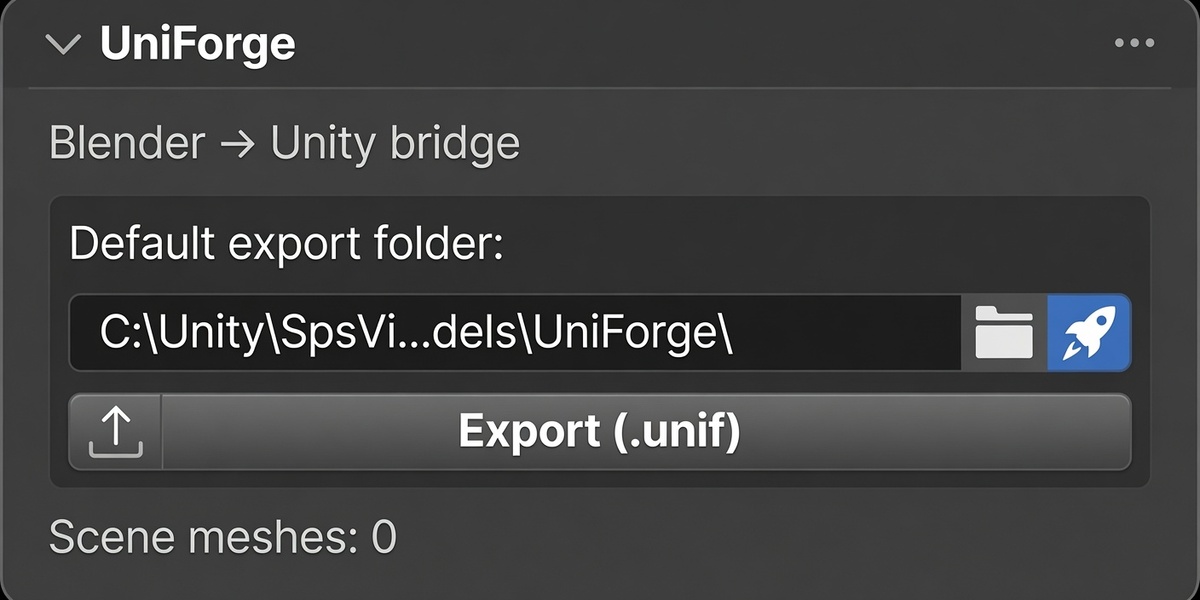
Blender To Unity is an add-on by B3dHub for exporting selected Blender objects and collections to Unity Engine. Its Superhive listing names animations, colliders, and LODs as export targets and describes the process as a few clicks.
The add-on is aimed at game developers, architects, and 3D artists moving models from Blender into Unity. Check that its export scope fits the parts of your scene you need to transfer.
Export targets
The product listing identifies these supported targets:
- Objects and collections
- Animations
- Colliders
- LODs
The listing gives a brief feature summary. For setup steps and export options, consult the product documentation.
Scene export scope
The product FAQ says Blender To Unity does not export an entire Blender scene. It exports only selected objects and collections. If you need a whole-scene transfer, confirm that this selection-based scope works for your project before relying on the add-on.
Blender compatibility and license
The Superhive listing marks Blender To Unity as Blender Extension compatible, identifies its extension type as an add-on, and lists support for Blender versions 3.3 through 5.2. It also lists the GPL license. Check the current product listing for compatibility details before installing.