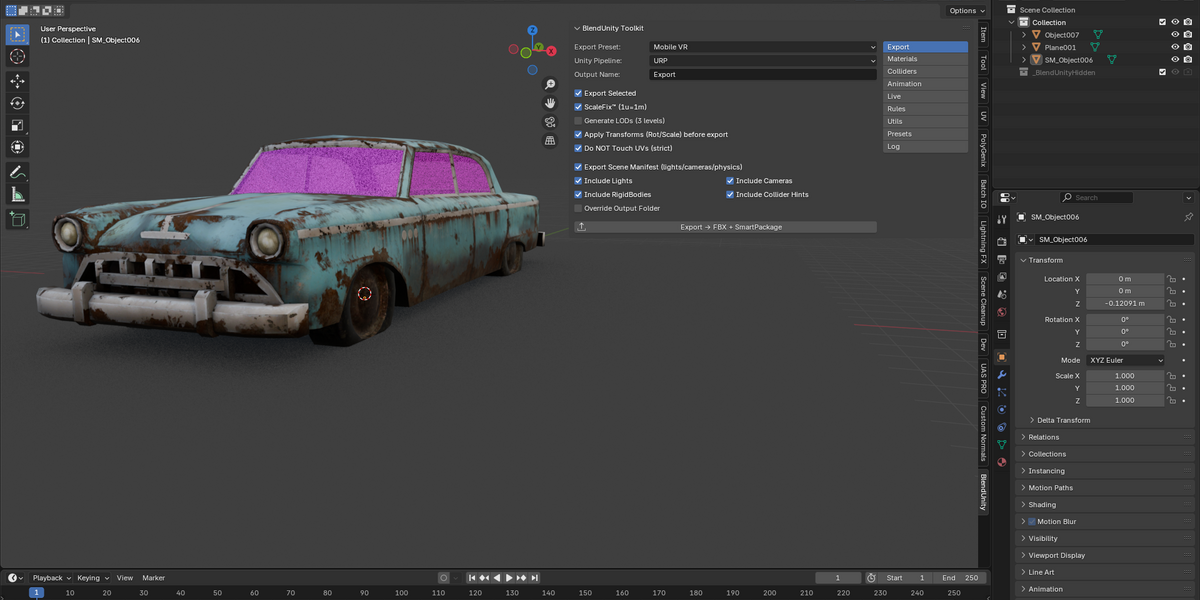
BlendUnity Ultimate Toolkit pairs a Blender add-on with a Unity editor package to move FBX assets and related data through one pipeline. The Blender add-on exports a SmartPackage containing the model, material references, animation data and, optionally, a scene manifest. In Unity, import the package through the BlendUnity Dashboard and choose Reimport to build the prefab. The Unity companion is included with the purchase, according to the product listing.
What the SmartPackage carries
The package can include an FBX, a MaterialSync manifest with resolved PBR texture paths, animation and root-motion data, and an optional Scene.json file for scene reconstruction. Shader Graph files can also be generated as an optional export. Unity prefers the original textures listed in MaterialSync.json; if a listed texture is missing, it falls back to atlases only when they were baked. Keep a Unity scene open before Reimport, since the prefab builder needs one.
Materials, colliders and animation
The Smart Material Translator reads Blender Principled BSDF node connections and maps supported textures into Unity materials. Optional Shader Graph export generates a file for each material with at least one image texture connected to the Principled BSDF; procedural-only or unlinked materials are skipped. Importing generated files requires Unity 2022.3 LTS with the ShaderGraph package installed. The importer can also correct a normal map's green channel when its manifest flag requests a flip.
The Collider Wizard analyzes mesh topology and adds collider hints that Unity can use during import. Separate meshes named *_COL are treated as collider proxies; Unity hides their renderers and adds a MeshCollider. Convex colliders require a closed, watertight mesh; non-manifold geometry makes Unity fall back to a non-convex MeshCollider. For characters, the Humanoid Retarget Map stores mappings from Rigify, Mixamo or manual Blender bone names to Unity's HumanBodyBones enum in the FBX; Unity's importer reads the mapping to preconfigure the Avatar. When enabled in the Anim tab, Root Motion capture exports RootMotion.json, which Unity uses to create *_RM.anim clips with position and yaw curves. Export Timeline Markers as Events exports Events.json; an event fires only if the animated object has a component with a method of the matching name.
Iteration and live transfer
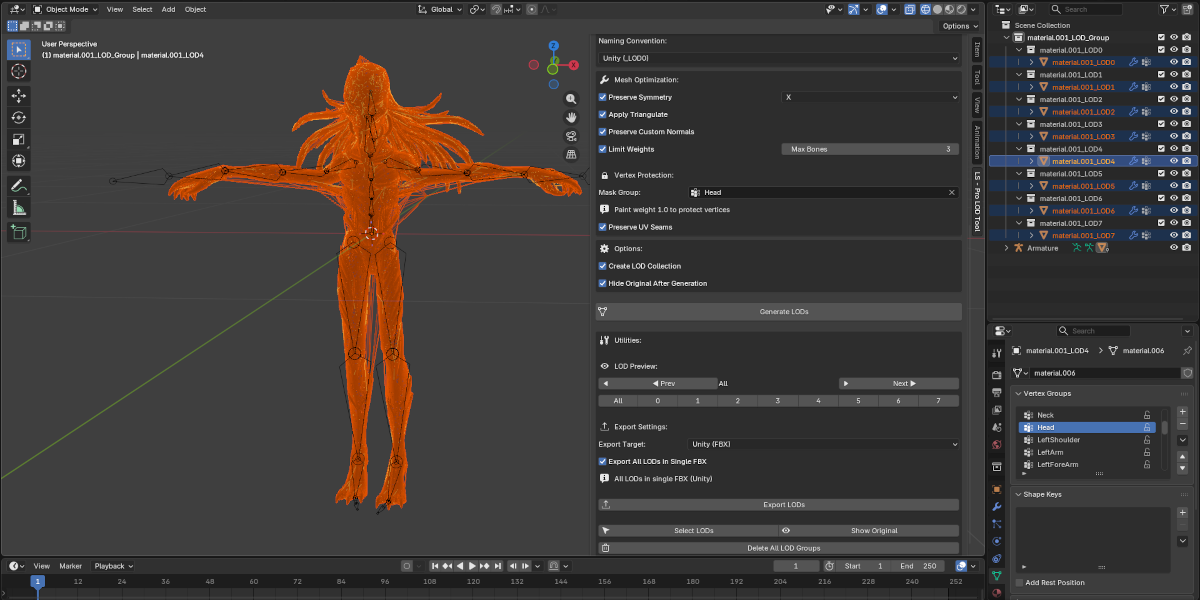
Incremental export checks object geometry, transforms, materials and modifier stacks, then re-exports changed objects and writes a DeltaManifest for Unity. LOD generation can produce levels LOD0 through LOD3, with Mobile, PC and WebGL presets. The UV analysis and bake tools can check UV coordinates and orchestrate Cycles bakes for ambient occlusion, tangent normals and lightmaps.
LiveTransmit sends a SmartPackage over TCP to a Unity editor with its LiveReceiver running. Transfers use SHA-256 verification, and Unity acknowledges receipt. A background sync server also handles pull requests and scene-diff messages from Unity for round-trip workflows. The package still needs to be reimported in the Unity Dashboard to build the prefab. Large atlases or lightmaps can lengthen imports; for very large packages, the guide recommends manual Inbox import over LiveTransmit. The v0.19.1 user guide recommends localhost or a trusted LAN and warns against exposing default port 61501 to the internet. See the BlendUnity user guide for installation and export steps.
Compatibility and limits
- The product description and v0.19.1 guide specify Blender 4.2 or later, but the listing's Blender Version field shows 4.4–5.0. The product description lists Unity 2022 LTS or later; the guide specifies 2022.3 LTS or later.
- URP and HDRP are the primary Unity render pipeline targets. The v0.19.1 guide says Built-in Render Pipeline is not a primary target, though its material mapping can be adapted manually.
- The v0.19.1 guide describes the pipeline as FBX-only. Blender modifiers and constraints are not applied unless you apply or bake them before export.
- Scene reconstruction only includes properties written to Scene.json; other Blender scene properties do not appear in Unity.