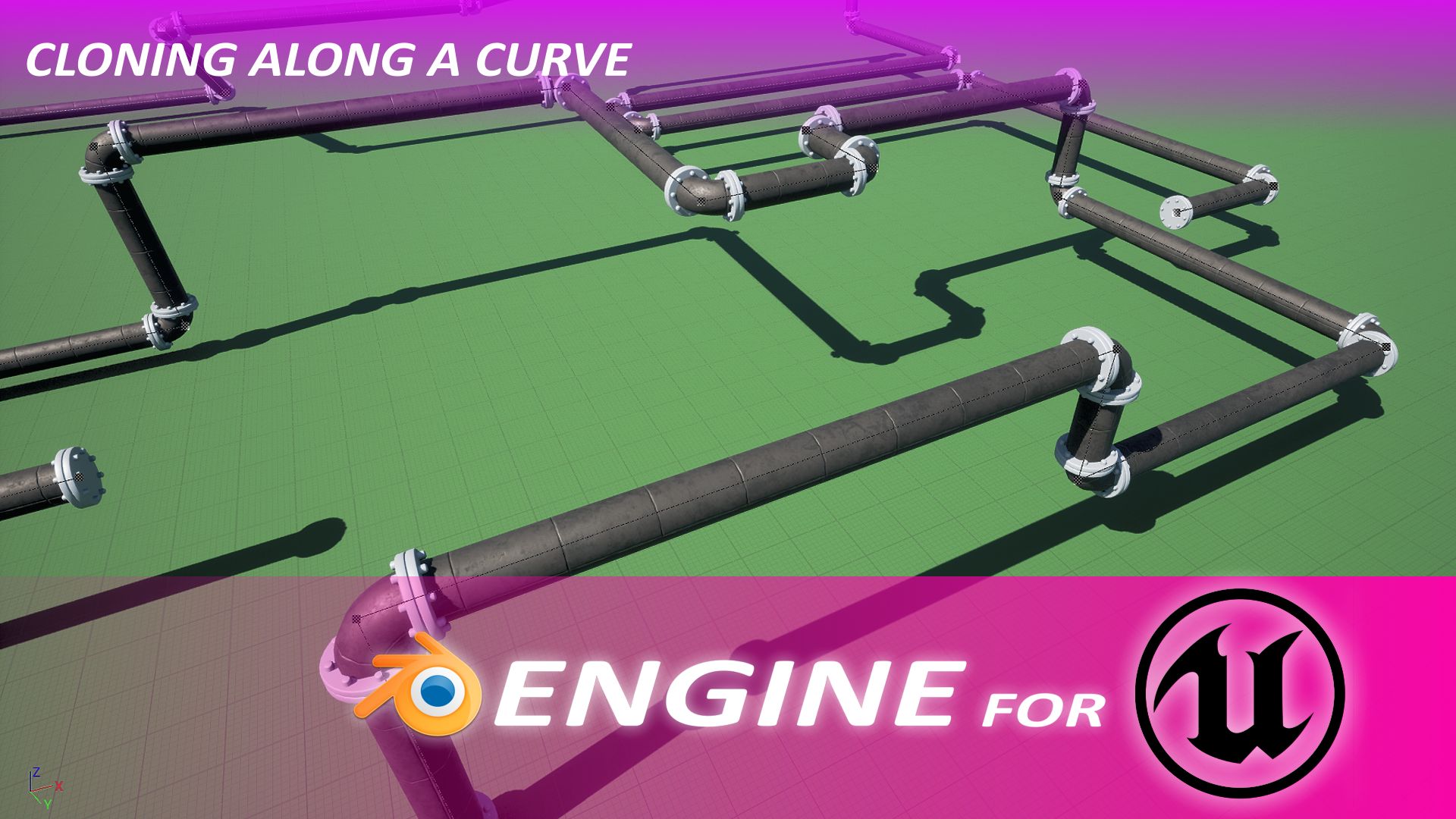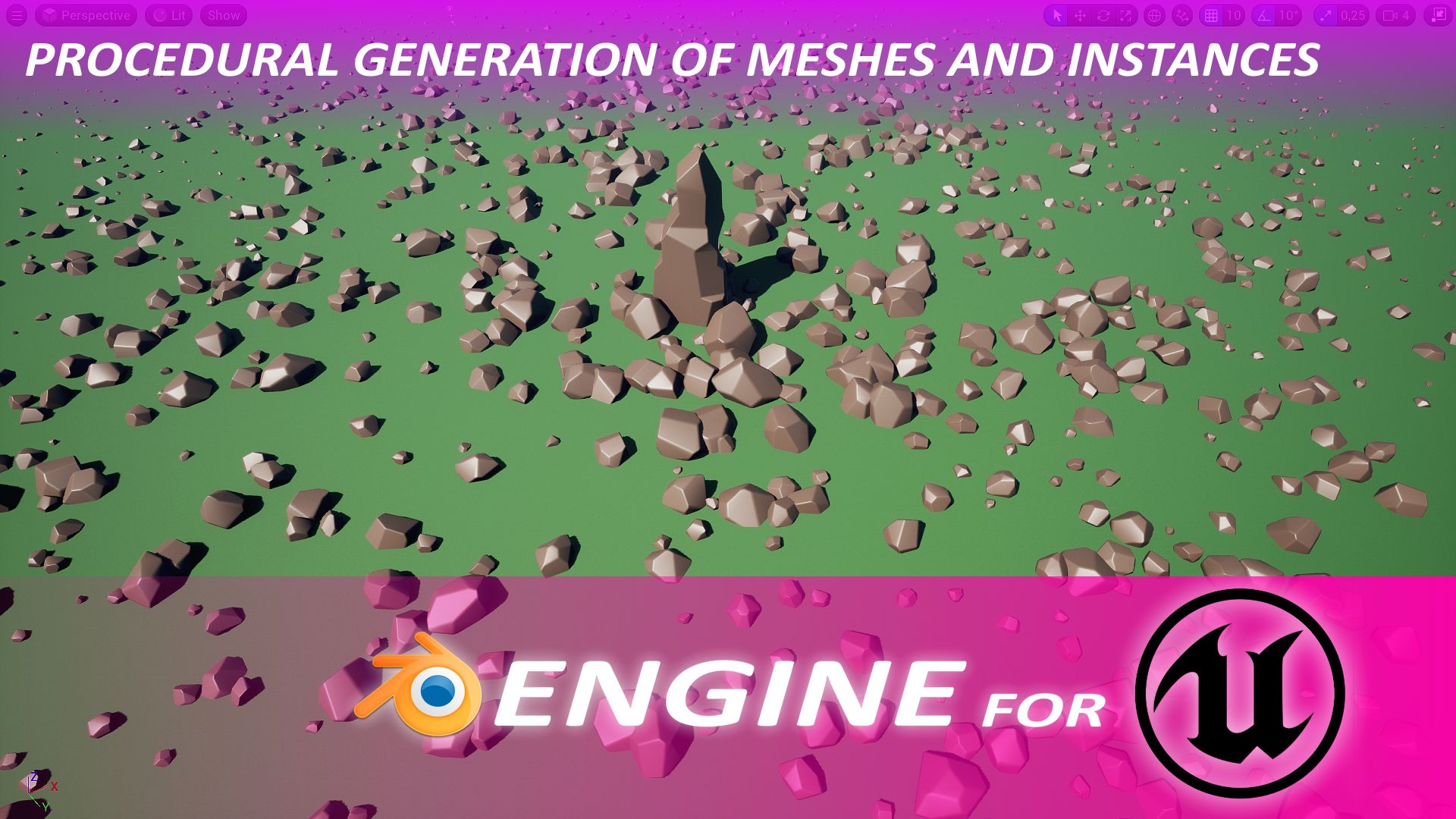
BEngine for Unreal connects Blender and Unreal Engine for procedural level creation with Blender Geometry Nodes. The applications exchange data over a network, and the tool can generate meshes and instances inside Unreal Engine 5.1 and later. Developer Yey! provides product documentation and GitHub examples.
Procedural geometry and supported data
The plugin supports both Geometry Nodes and Sverchok Nodes. Its Unreal widget accepts Objects, Floats, Integers, Strings, Vectors and Collections as inputs. For generated geometry, BEngine supports static meshes and instances, including Hierarchical Instanced Static Meshes and Blueprint instances. The be_instance attribute is used for hierarchical instancing.
Mesh and object attributes can carry additional data: mesh attributes use the bem_* prefix, while object attributes use beo_*. Other supported attributes handle Unreal materials (be_material), custom normals (be_normal) and UV maps from uv_map through uv_map8. The product page also lists terrain and foliage support for Blender inputs, plus SplineComponent support for splines and polylines.
Requirements and compatibility
BEngine for Unreal requires Unreal Engine 5.1 or later, Python 3.7 or later in Unreal, and the Geometry Script and Geometry Processing plugins. It also requires the BEngine Python Module and Blender 3.6 or later. The marketplace compatibility details list Blender 3.6, 4.0, 4.1, 4.2 and 4.3; check the current product listing and documentation for details relevant to your setup.
Documentation and related version
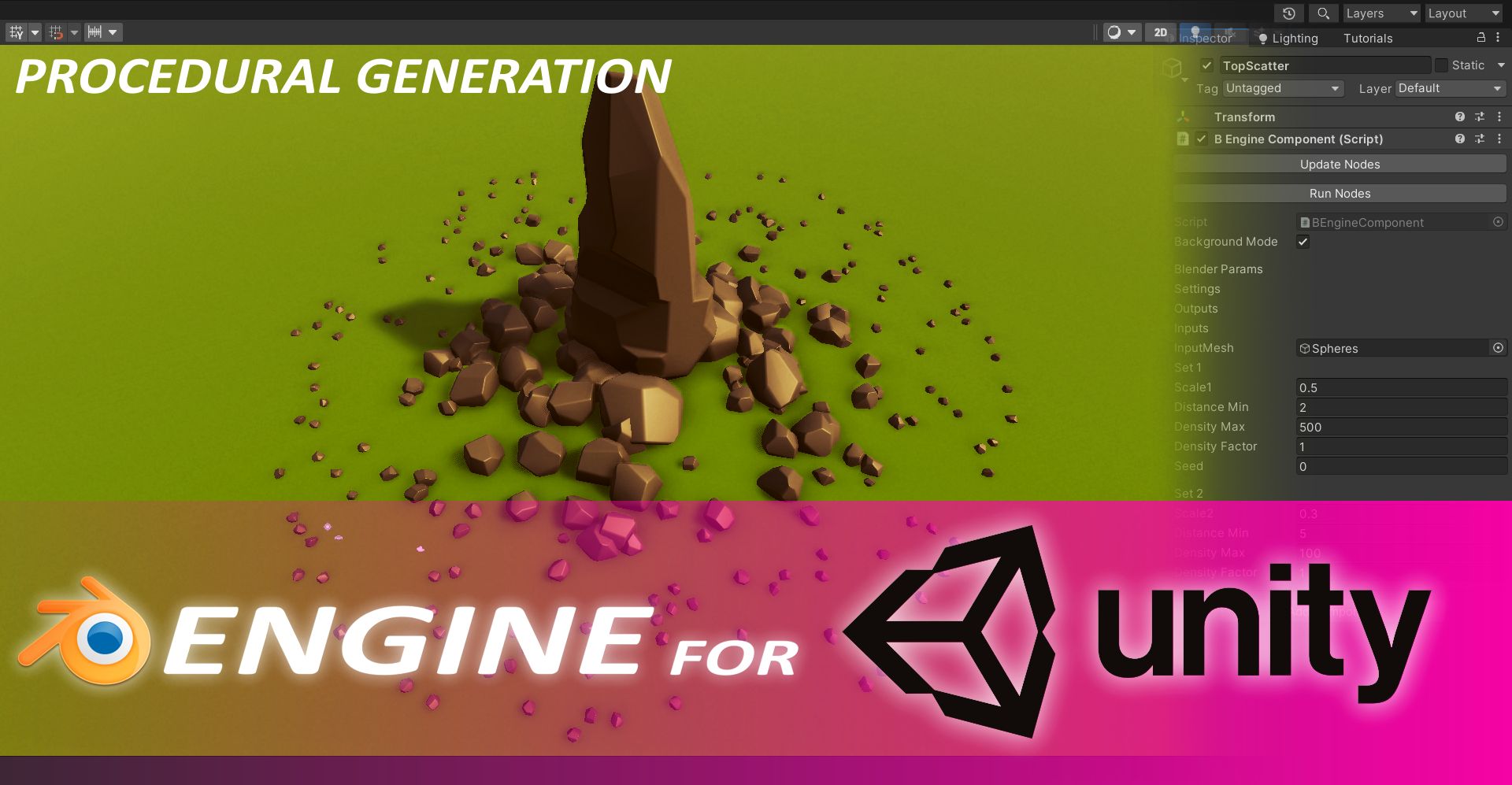
The developer provides the BEngine Python Module releases and a Discord server. BEngine for Unreal is the Unreal Engine edition; Yey! also offers a separate BEngine for Unity product.