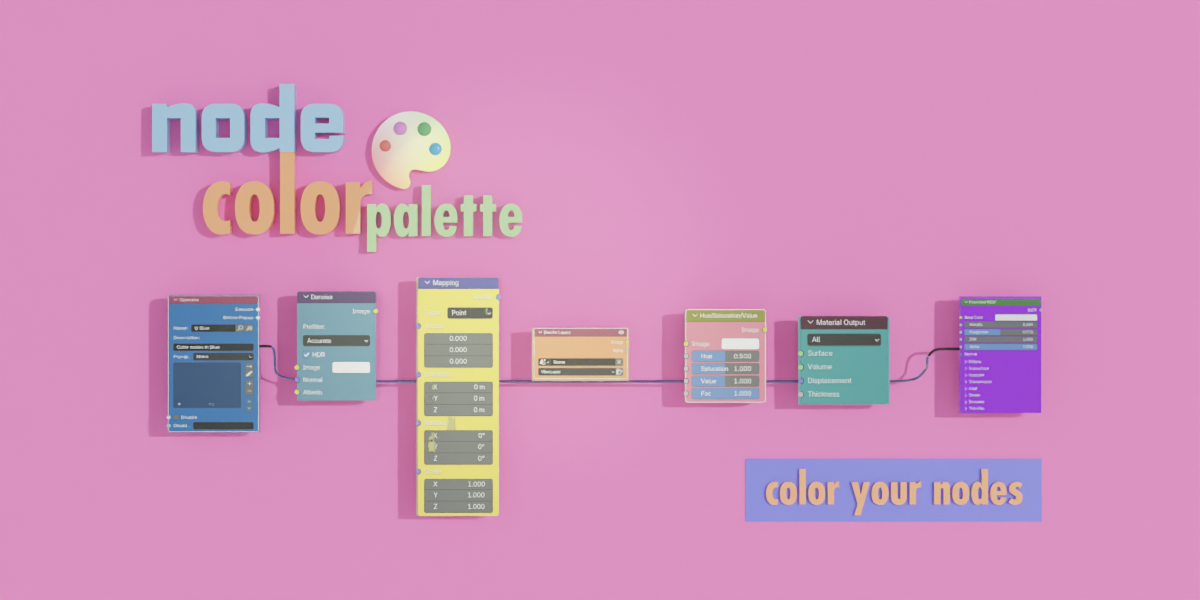
Node Color Palette is a Blender add-on for coloring selected nodes across several node graph editors. It works in shading, compositing and Geometry Nodes, as well as visual scripting editors such as Sverchok and Serpens. Open the graph's sidebar, select nodes and click a palette color. Color coding can make groups easier to distinguish while you read a complex graph.
Use the palette in a node graph
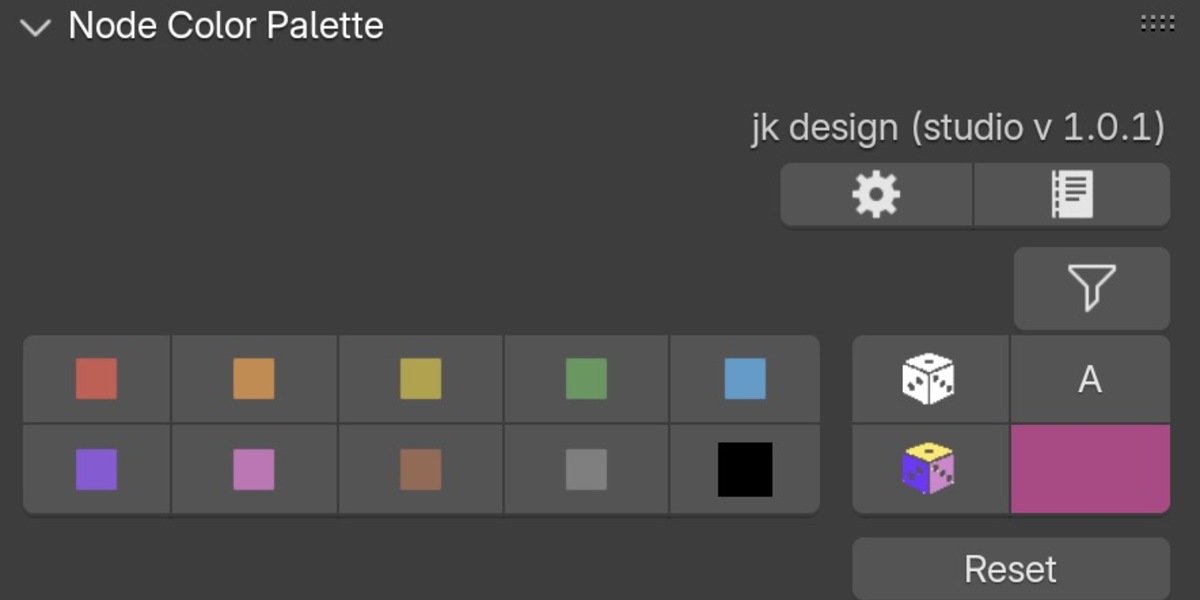
The palette appears in the sidebar of each supported node graph. Select one or more nodes and choose a color to apply it. To work on the entire graph, select all nodes with the A key, then choose a color. The same workflow applies across the editors listed in the product documentation.
You can use colors to mark node groups by their role, such as separating inputs from processing steps.
Lite and Studio features
The documentation describes Lite and Studio versions. Lite includes 10 predefined colors. Studio includes those colors and adds random color assignment and filters based on node name or label. These filters let you target nodes by their names or labels when applying a color.
Studio offers two random-color options for selected or filtered nodes: assign the same random color to them, or assign a different color to each node. The product FAQ says the preference named “Random color by node” switches to the per-node color option. Choose Lite if the predefined palette covers your needs; Studio adds filtering and random assignment.
Blender compatibility and license
The Superhive product listing marks Node Color Palette as Blender Extension Compatible, identifies it as an add-on and lists a GPL license. Its Blender version list names 2.9, 2.91, 2.92, 2.93, 3.0 through 3.6, and 4.0 through 4.3.
The documentation's version notes include a 1.0.4 icon update for Blender 4.4 and later. That note does not confirm full add-on compatibility with those releases, so check the current product listing before installing on Blender 4.4 or newer.