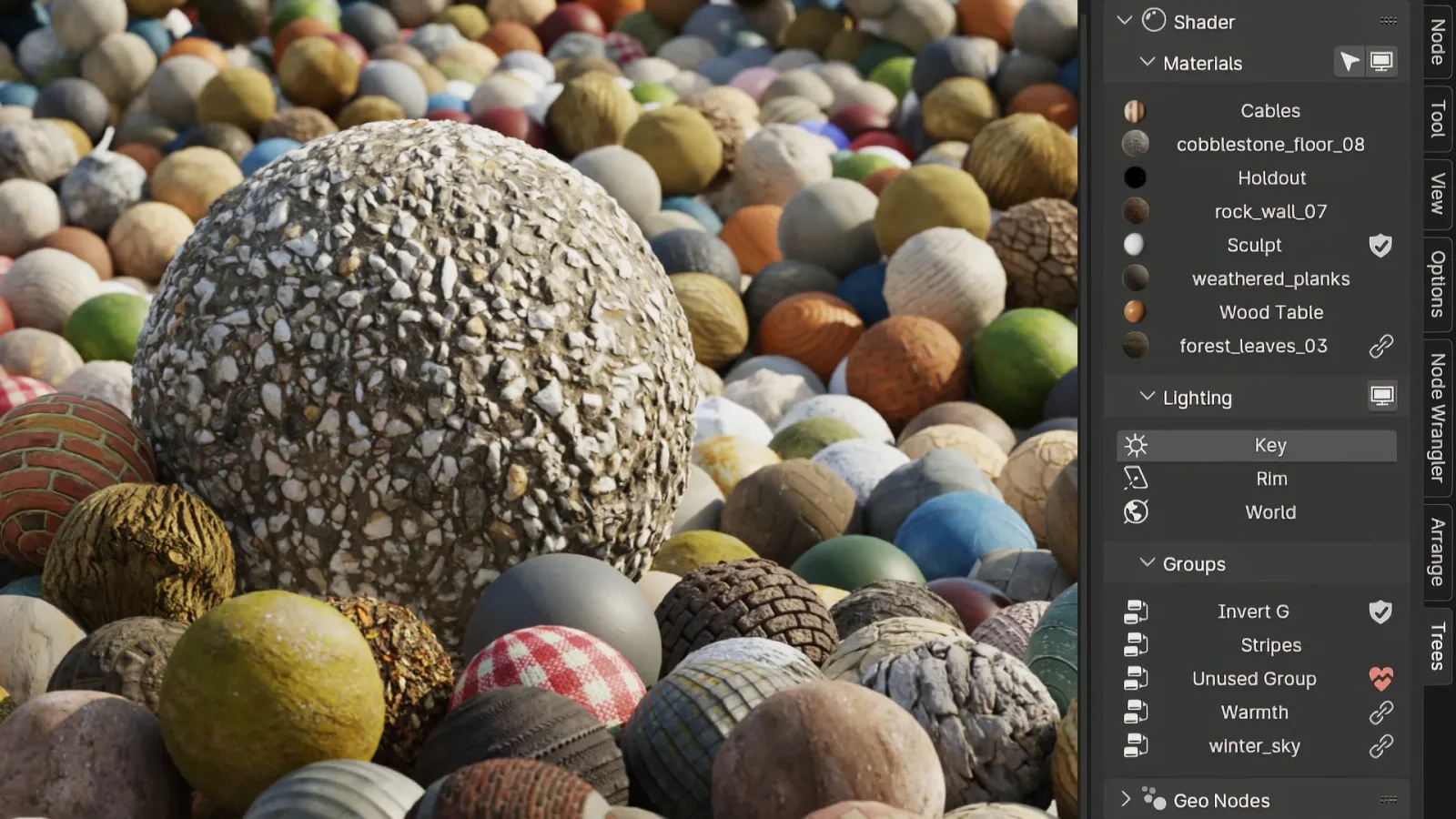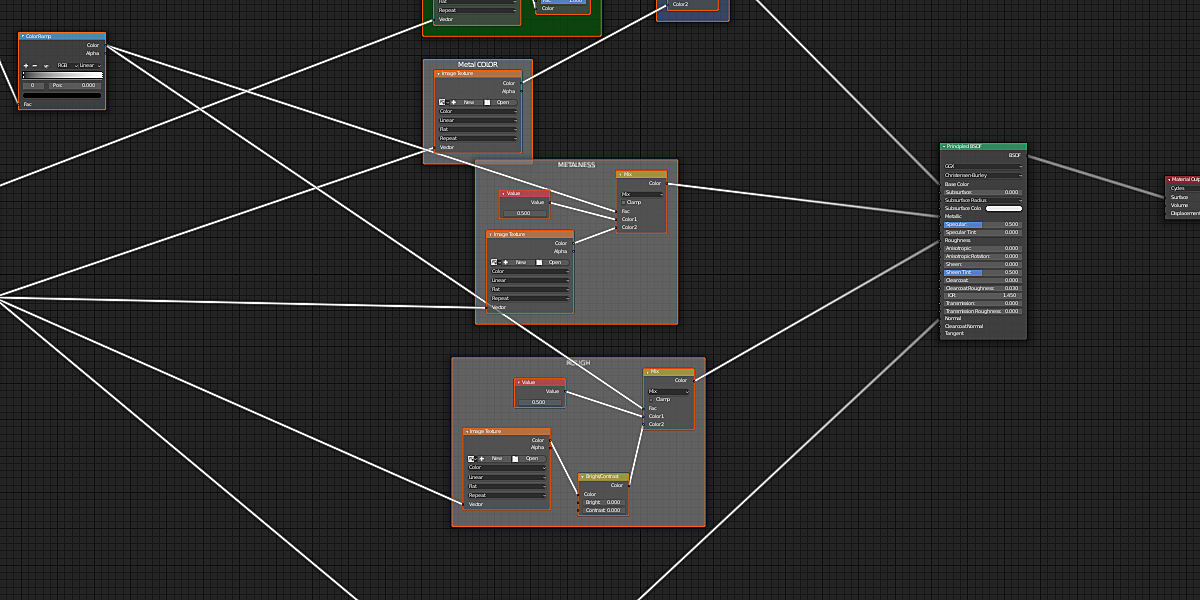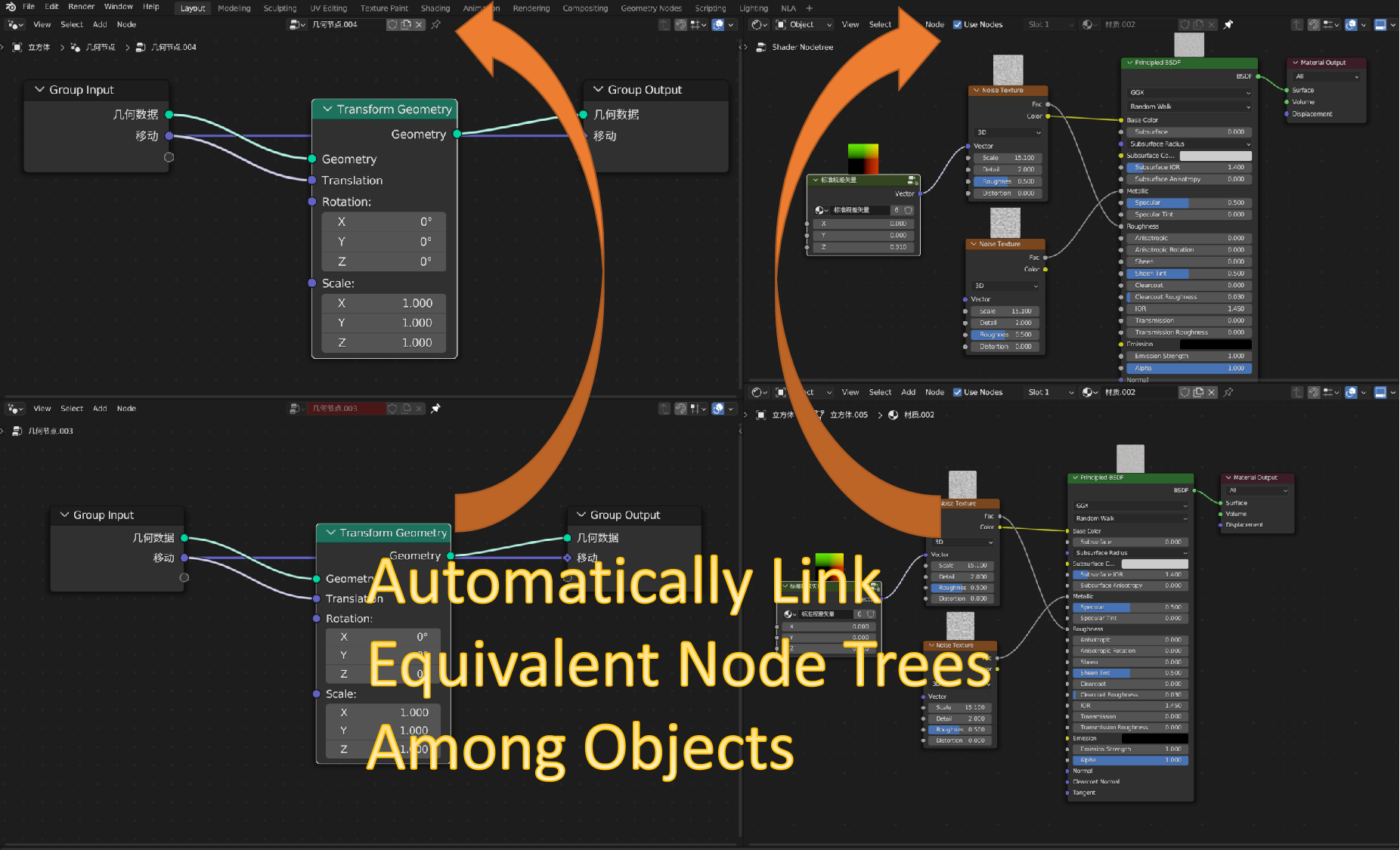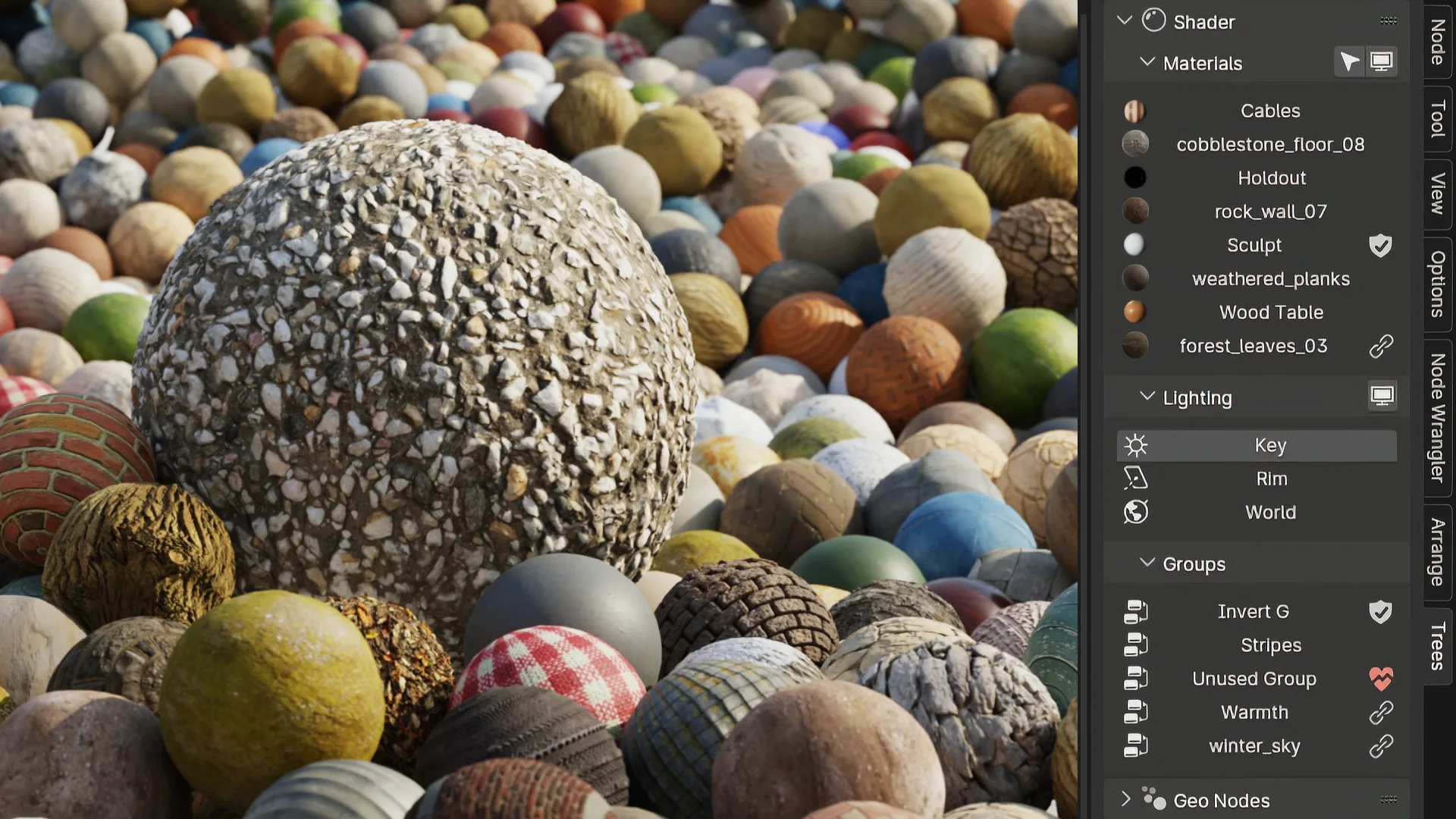
Matalogue is a Blender add-on that puts a browsable list of node trees in the Node Editor toolbar. Choose an entry to switch the editor to that tree; Matalogue also selects the related objects. This is useful when moving between shader work and compositing setups across scenes.
Browse node trees from the editor
Matalogue gathers several kinds of trees in one list:
- Shader nodes for materials and lights
- Geometry Nodes modifiers and tools
- Node groups of different types
- Compositing nodes for each scene
The Lighting section lists lamp data for the current scene, along with World nodes. In Compositing, choose a scene to open its node tree.
Filter the material list
Material filters can show materials assigned to selected objects, materials assigned to objects on visible layers, materials across all scenes, or materials with no users. With All Scenes off, Visible Layers Only can also show materials on visible layers of other scenes. All Scenes requires Selected Objects Only to be off. 0-User Materials requires All Scenes, so it can include materials Blender would otherwise delete when it closes.
Compatibility and installation
The Blender Extensions listing identifies Matalogue 1.5.1 and sets Blender 4.2.0 as its minimum Blender version. The listed license is GNU GPL v3.0 or later. You can search for Matalogue within Blender or use the official listing. The developer's repository has the source code and links to earlier releases for Blender 2.8 to 3.6 and Blender 2.7.