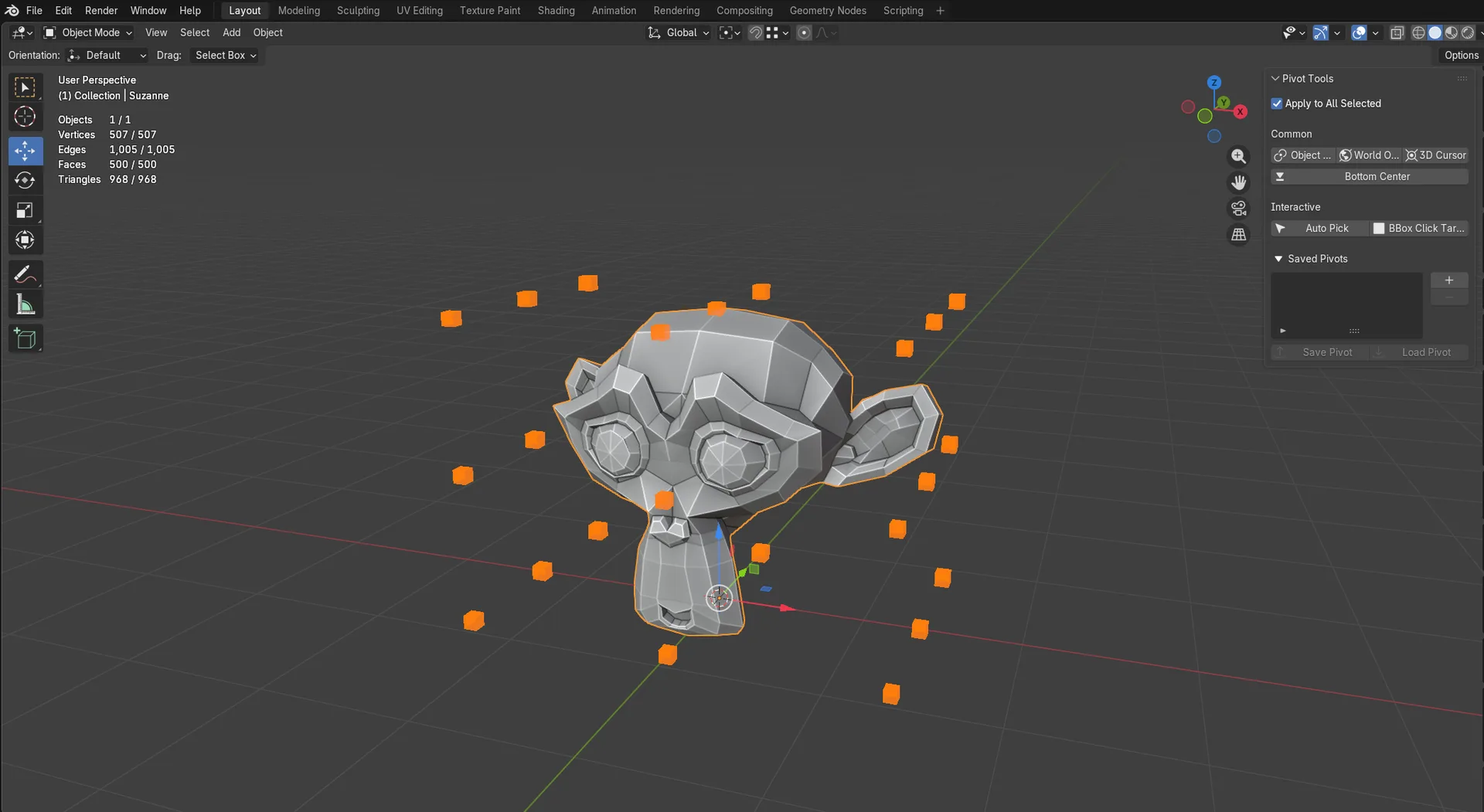
Auto-Constraints is a Blender add-on that applies axis constraints to supported tools based on the viewport angle. You can also choose a plane or individual axis yourself. A toggle enables the behavior, which can reduce the need to set constraints manually or switch between perspective and orthographic views.
It supports Move/Tweak, Rotate, Scale, Duplicate, and Extrude. The add-on is intended for Blender users who want view-based constraints while modeling, editing curves, or posing an armature.
How automatic constraints work
With Auto-Constraints enabled, supported tools use the plane the add-on considers most appropriate for the current viewing angle. If you need a different direction, you can specify a plane or axis. Blender’s usual constraint controls remain available: axis keys, C, and middle mouse dragging can override or cancel constraints during a transform.
Supported tools and modes
The listed tools are Move/Tweak, Rotate, Scale, Duplicate, and Extrude. Supported modes include Object, Mesh Edit, Curve Edit, Grease Pencil Edit, Lattice Edit, Metaball Edit, Armature Edit, and Pose. Transform orientations include Global, Local, Normal, View, Parent, and Custom.
Toolbar and hotkey options
The interface can use a compact or expanded toolbar, placed in the viewport header or tool header, or hidden. The sidebar is optional. Plane icons can use grayscale, color, or the original axis style. The add-on respects custom hotkeys, and version 1.4 adds an operator that can be assigned to a hotkey. Its release notes also say axis overrides are displayed in the toolbar.
Version 1.4 and Blender compatibility
Version 1.4 adds a live developer documentation site and extension installation by dragging the ZIP file into Blender. The developer says to disable a previous add-on version first. The release notes also mention a fix for an error that could occur in Edit mode with Normal orientation.
The product listing names Blender 3.3, 3.6, and 4.0 through 4.3 in its Compatibility section, while its Details panel gives a broader 3.3 to 5.0 range. The Compatibility section says versions beyond its named list are likely to work but are not tested as part of development. Check the developer documentation for the version you plan to use.