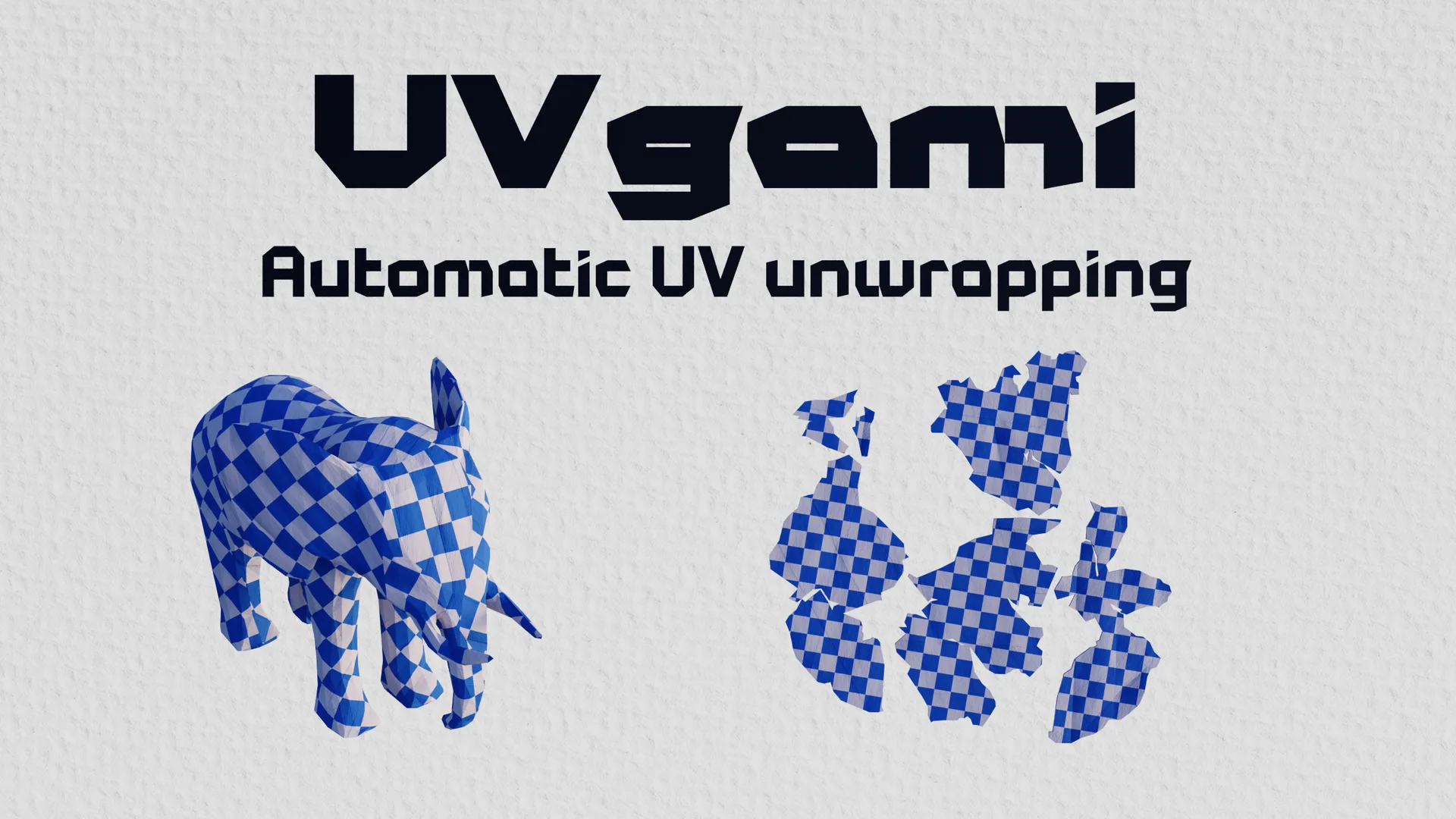
UVgami Lite is a Blender add-on for automatic UV unwrapping. Select a mesh and click Unwrap to generate seams and UVs with low stretch. The Blender Extensions listing describes Lite as the slower Python version of UVgami; the main version is also available free from the UVgami website.
Choose an unwrap mode
UVgami Lite includes hard surface and organic modes. Hard surface mode places more seams along hard creases and edges. It creates more UV islands, which can help keep seams less visible on models with many sharp edges. Version 2.3.0 adds Plan mode, which combines Preview, edit regions, and edit parts. The release also adds automatic segmentation to split organic parts into separate regions.
For a large mesh, Proxy mode creates a low-poly proxy, unwraps it, then transfers the seams to the original mesh. The developer describes this mode for meshes with millions of triangles that would otherwise take too long to unwrap directly. You can use weights with Proxy mode to keep seams away from important areas such as a character's face.
Adjust seams and UV islands
Weight painting gives you control over seam placement. The manual UV tools let you work on selected islands or UV areas without redoing the whole unwrap:
- Relax Island and Relax Area reduce stretching in selected UV faces.
- Combine Islands can stitch two islands together or unwrap them as one island to remove a seam.
- Unwrap Island and Unwrap Area apply unwrapping to a chosen part of the mesh.
The add-on can batch unwrap multiple objects, import an existing UV map as a starting point, and stack similar parts to save texture space. Quad topology is supported with the Transfer UVs setting, and a live viewer shows the unwrap process.
Blender support and platform packages
The Blender Extensions listing specifies Blender 5.1 or newer and packages for Windows, Linux, and macOS on Apple Silicon. It lists a Files permission for importing and exporting OBJ files. Check the official UVgami Lite listing for current compatibility, packages, and release details.