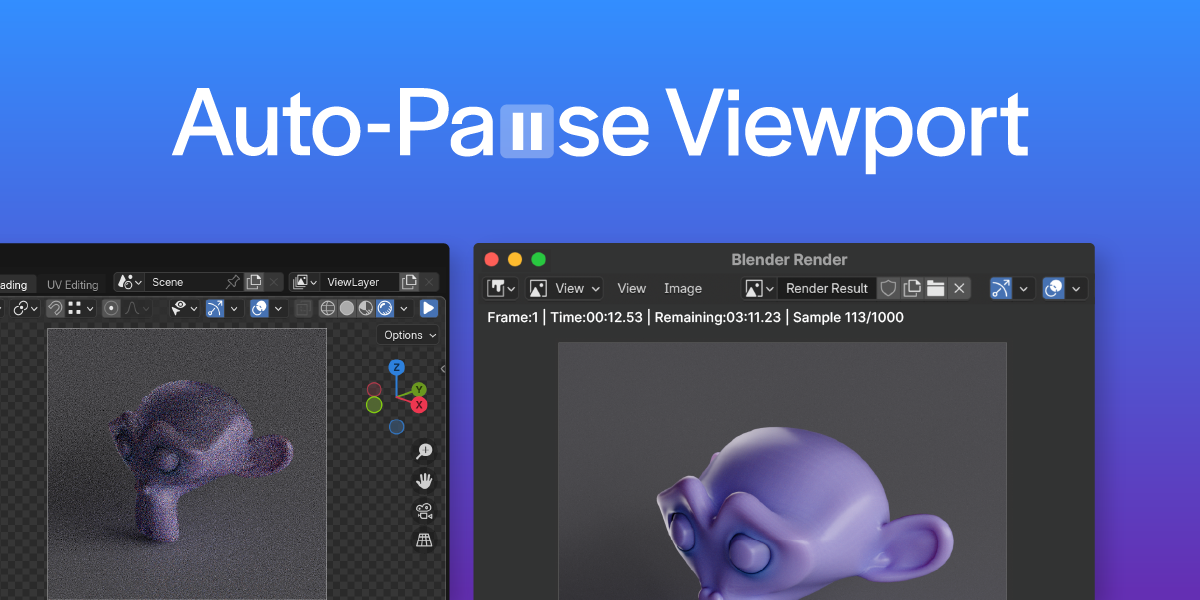
Auto-Pause Viewport is a Blender add-on that pauses an active viewport render when you start a final render with F12, then resumes the viewport render when the final render finishes or is canceled. It is designed for Cycles workflows where a running viewport render may use GPU resources during the final render.
How the pause and resume workflow works
After enabling the add-on, you can toggle its feature from Blender’s viewport shading menu. When you start an F12 final render, Auto-Pause Viewport pauses the viewport render automatically. After the final render completes or is canceled, it restores the viewport render. The setting persists between sessions, so you do not need to reselect it each time you open Blender.
The intended benefit is less GPU work from the viewport while Cycles renders. The product listing does not provide benchmark results or promise a specific reduction in render time.
Engine and Blender compatibility
The add-on is described as having native integration with Blender’s Cycles engine. The listing gives a Blender compatibility range of 3.0 through 4.5. It does not confirm support for other render engines or Blender versions outside that range, so check the publisher’s product listing if your setup falls outside those details. The listing identifies Austin Berenyi as the creator and specifies a Creative Commons license.
Who may find it useful
Auto-Pause Viewport may suit Blender users who render with Cycles and leave a viewport render running while they start longer final renders. The setup is described as install and enable, without complex configuration.
See the Auto-Pause Viewport listing on Superhive for the product details and current terms.