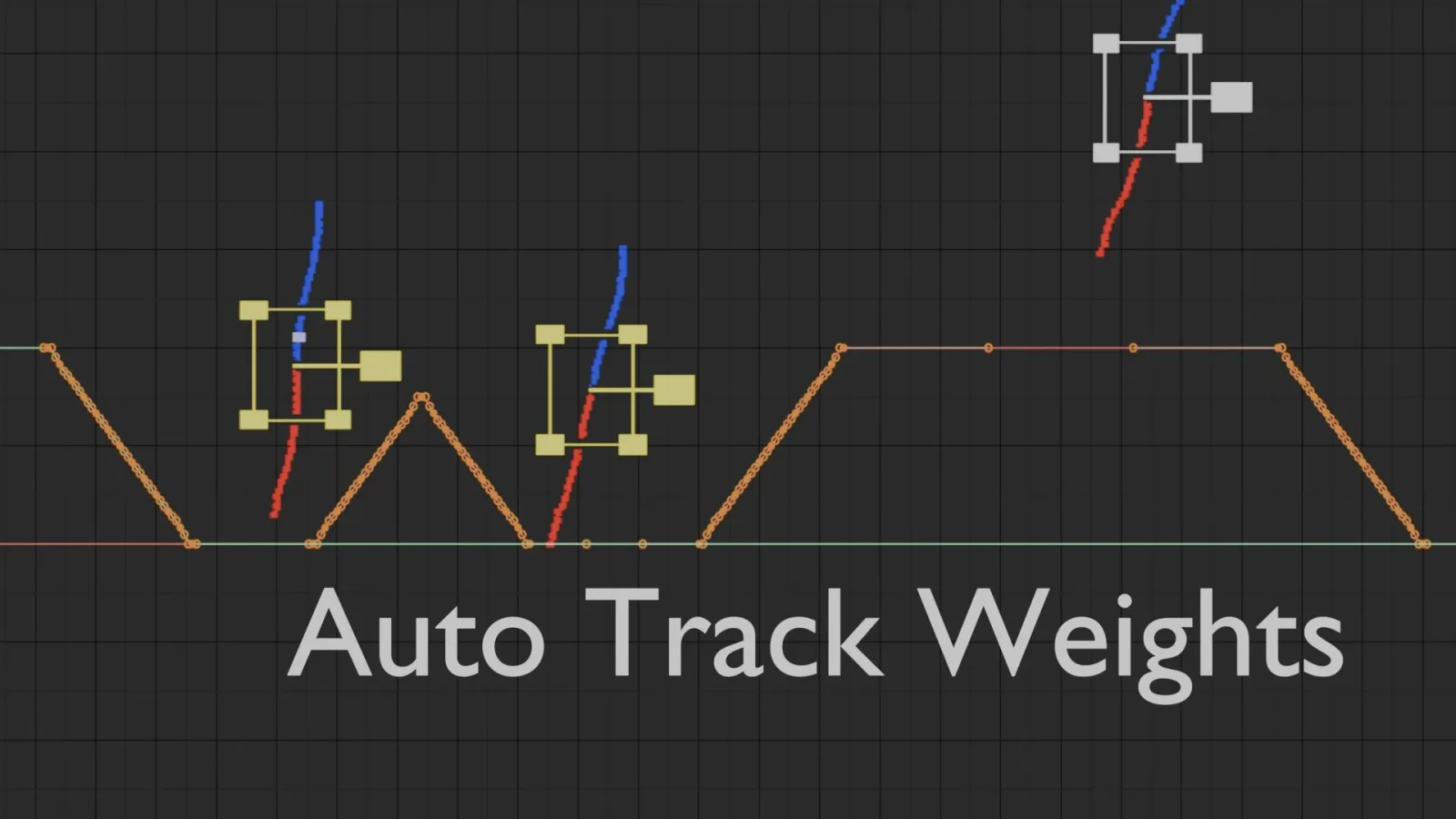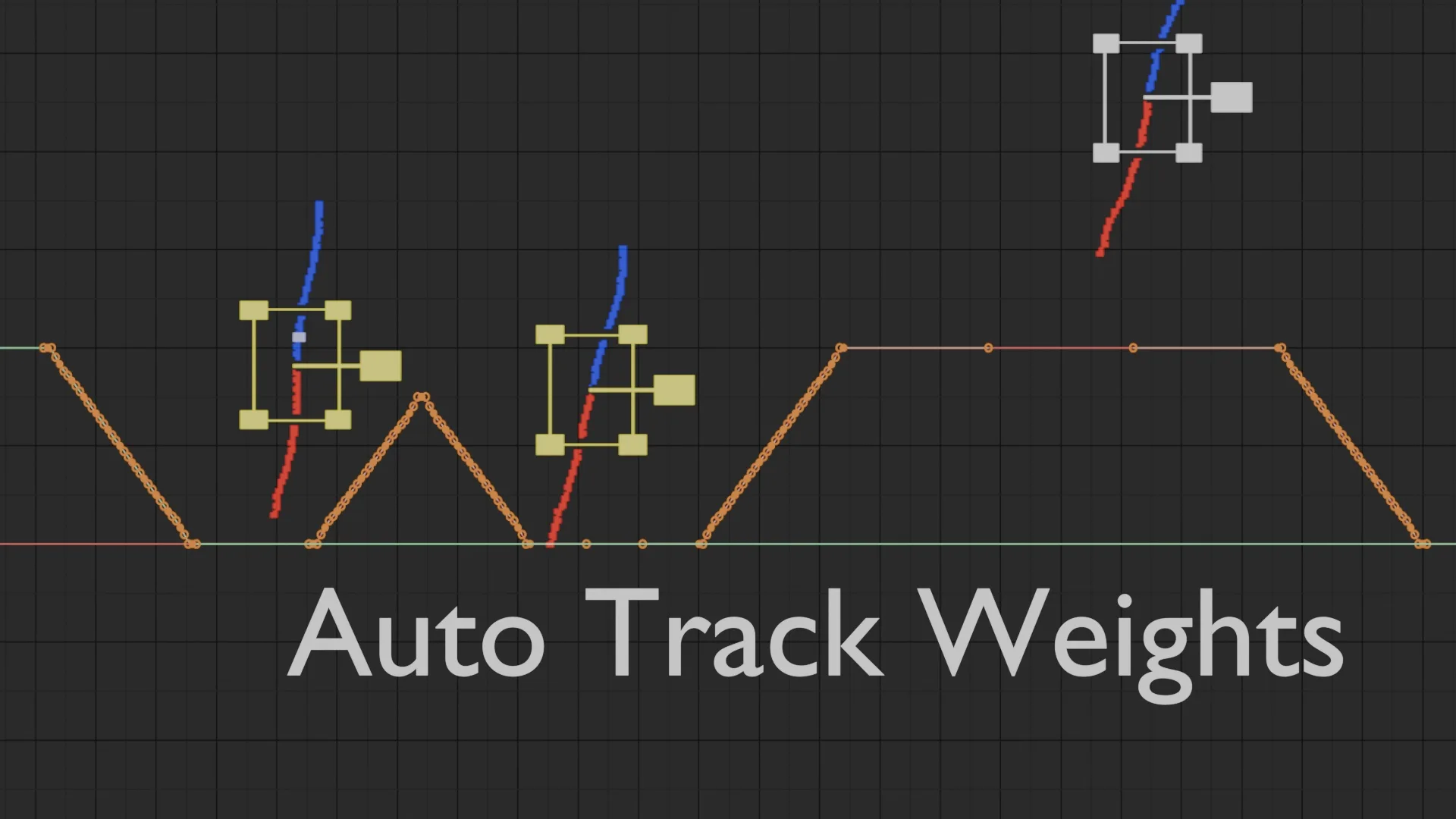
Auto Track Weights is a Blender add-on that adjusts the influence weights of motion-tracking markers. It fades marker weights near the edges of tracked regions and across gaps, which can reduce abrupt jumps in reconstructed motion and help solver stability.
How it works
The add-on handles camera tracks and object tracks. It was rewritten from Sebastian König's Fade Marker Weights add-on, with changes for gaps in tracks, clips with frame offsets, and edge cases at the start and end of clips. Version 0.2.1 also lists compatibility with slotted animations.
Run it in the Movie Clip Editor
- Select some or all of the tracking markers you want to adjust. Version 0.2.1 operates on the active track or object, so make the intended target active before running it.
- Press Alt+W, or use the Set Track Weights button in the Track tab of the sidebar.
- After the operator runs, adjust Falloff Frames in the operator properties.
Compatibility and license
The Blender Extensions listing identifies version 0.2.1, maintained by david494, and Blender 4.2.0 or newer as the compatibility range. It lists the license as GNU GPL v3.0 or later. The listing links to Blender's Install from Disk instructions and to the developer's repository for source and issue reporting.