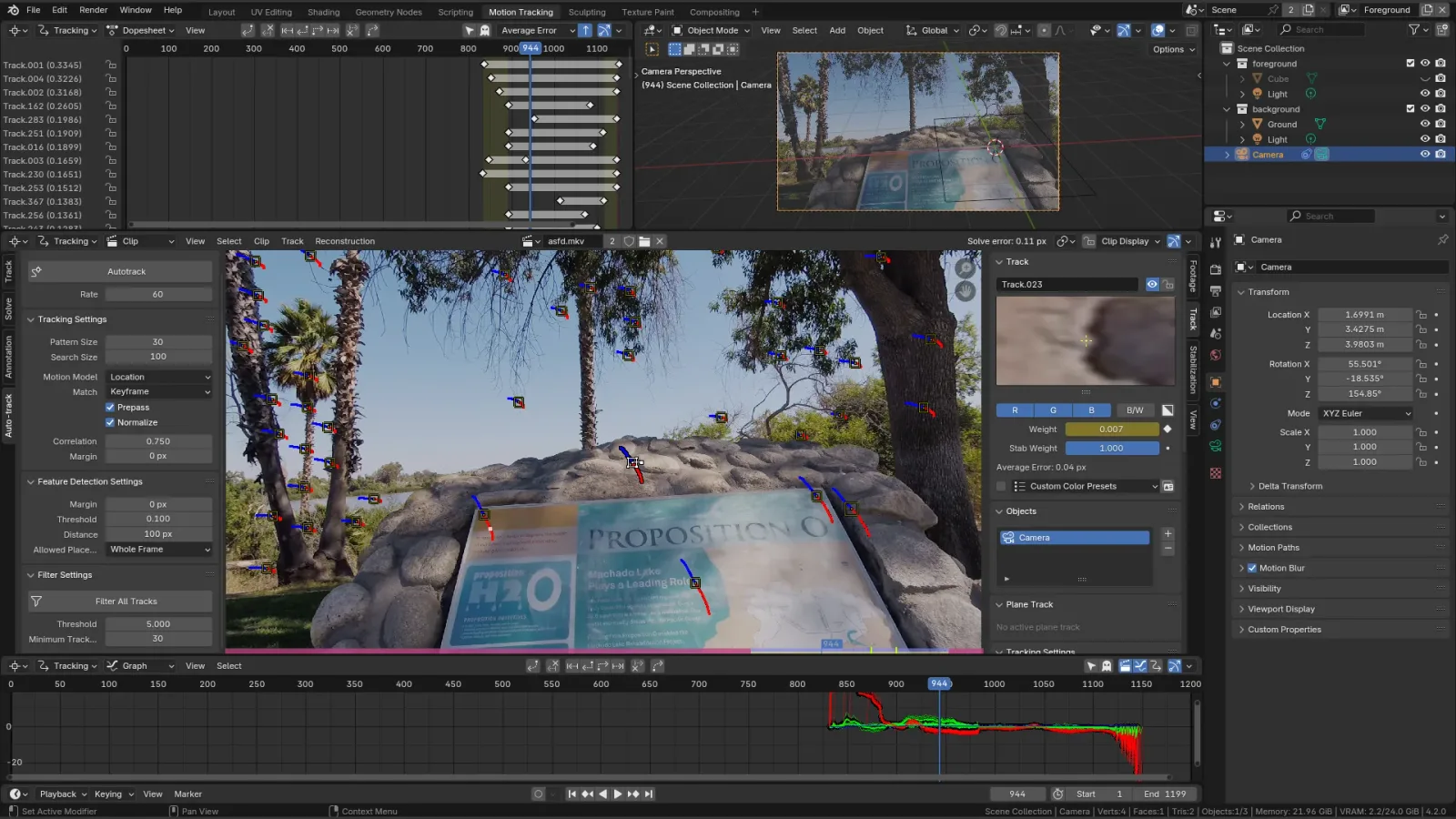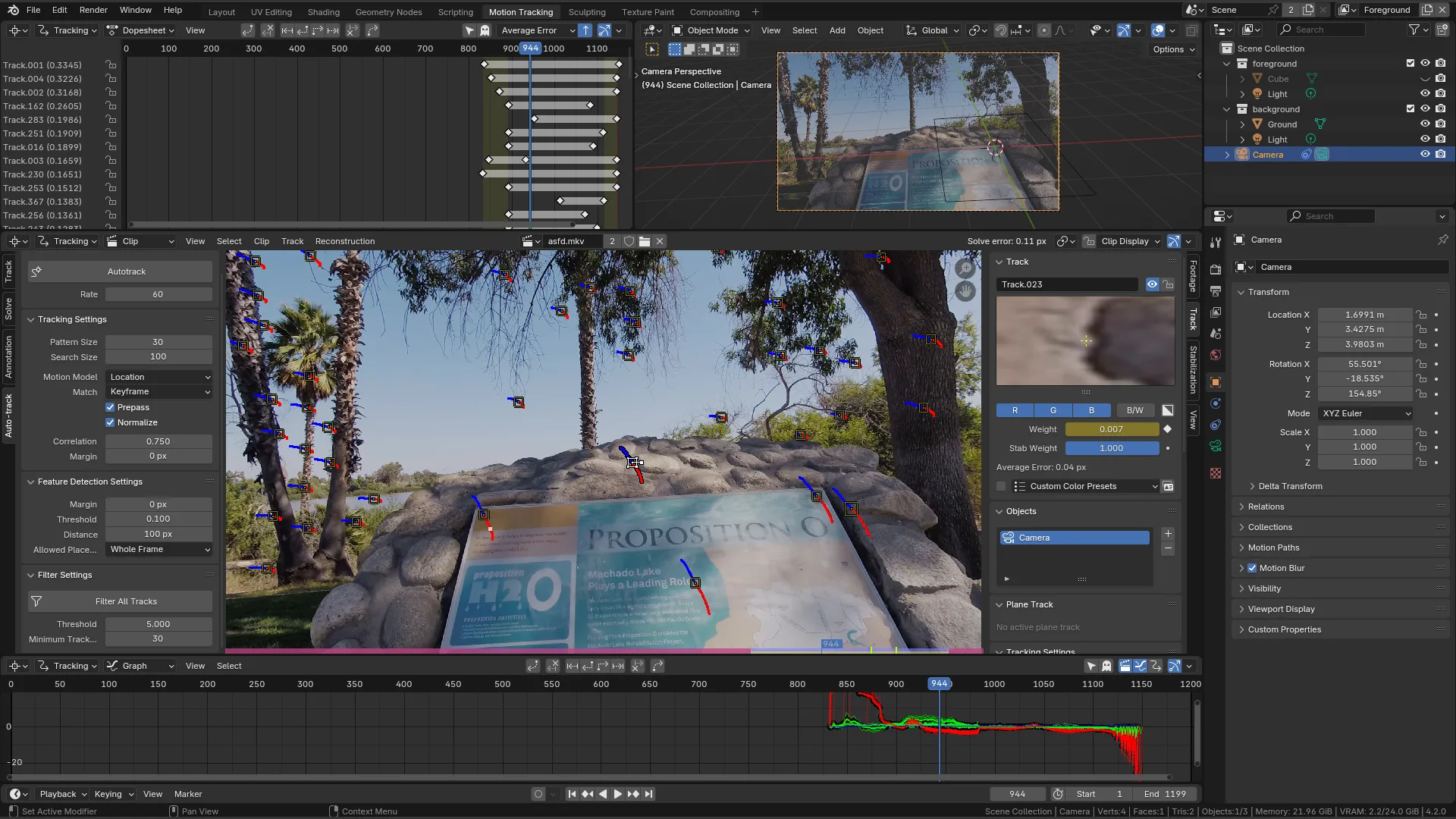
Auto-tracking is a Blender add-on by mcd1992 that automates feature detection followed by forward tracking in the Movie Clip Editor. It is intended for footage without tracking markers, reducing the need to place them by hand.
What the add-on automates
Auto-tracking adds a toolbar in the tracking viewport. Its described workflow runs Blender's feature detection and then tracks forward. Afterward, Blender's built-in tools or other extensions can help remove or reweight poor tracks. The listing describes tracking-point generation; it does not describe a camera-solving function.
Find the toolbar in the Movie Clip Editor under Tracking > Clip > Toolbar. The Blender Extensions listing has the download and current product details.
Compatibility and license
The official catalog lists version 1.0.0, a minimum Blender version of 4.2.0, and the GNU GPL version 2.0 or later. The minimum version does not confirm behavior in every later Blender release.
Extension-page reviews disagree about Blender 5.1: one reports a freeze, while another reviewer says it seems to work and suggests adjusting the feature-detection threshold and distance for HD footage. That suggestion is not a confirmed fix. Check the extension page for current notes before relying on it in a 5.1 workflow. Blender's extension installation instructions cover installing an add-on from disk.